


AI incident management: How our AI agent handles security and quality workflows
Many quality teams avoid AI because of data security concerns, but the risk of manual errors is just as serious. In this webinar recap, see how Easy8’s AI agent helps teams stay compliant while automating repetitive tasks in quality and security workflows.
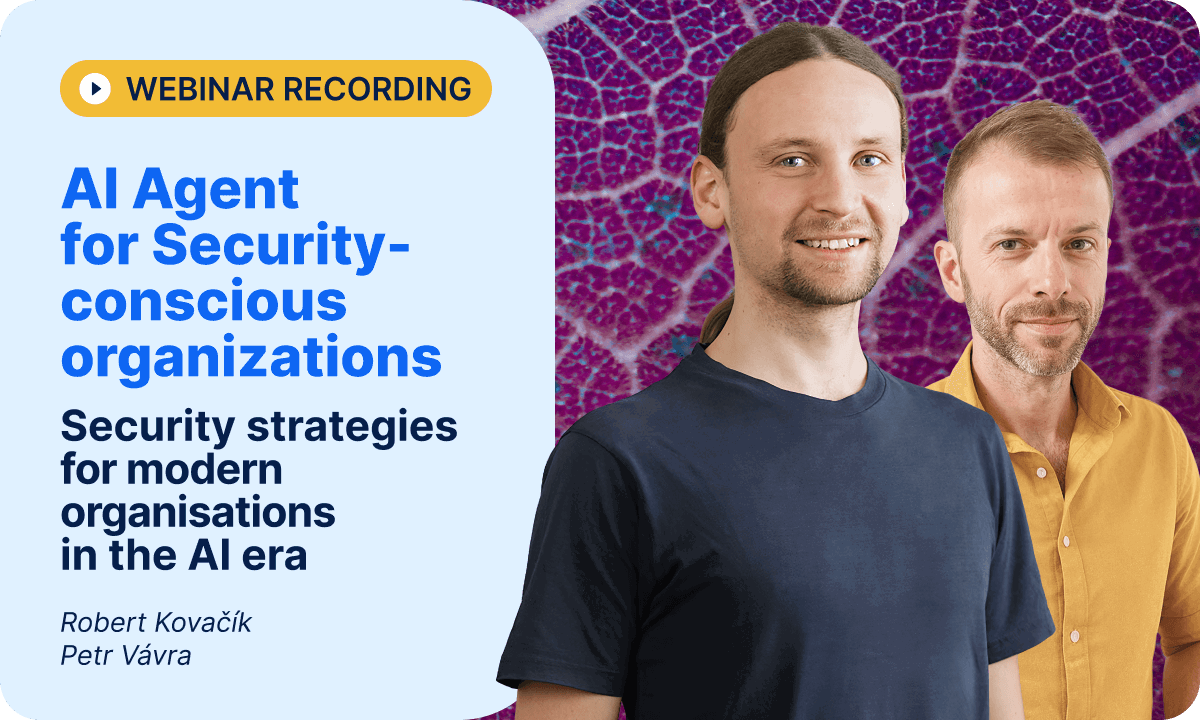
Table of contents
AI blocked by compliance fears
Automated security: AI built into workflows
1. AI agent automates routine checks
2. Built-in security and compliance
3. AI works within Easy8 environment
AI agent security: how to keep the agent itself safe
AI agents prepare, experts decide
TL;DR
Many companies fear using AI due to compliance risks, but Easy8’s built-in AI agent brings secure AI incident management to quality and security workflows. There are no extra tools needed.
AI blocked by compliance fears
Modern quality departments are under pressure. As shared by quality experts during our recent webinar, teams are drowning in repetitive tasks, security checks, and manual documentation. It’s not just a burden—it’s a risk.
Also, Deloitte found that 55% of companies avoid AI use cases because of concerns over data privacy and compliance.
“Data quality is key. Understanding what data is good data. Where is that data held? How is it secured? How is it permissable? All those things are key to making AI scalable.”
- Chief operations officer & chief of strategy for a financial services firm (Deloitte paper).
Automated security: AI built into workflows
In this recorded webinar, our experts show how our company already uses Easy8 not only for project management but also to log and analyse day-to-day operations, security incidents, and quality threats.
Anyway, here are 3 highlights from the webinar:
1. AI agent automates routine checks
Quality teams spend valuable time manually reviewing recurring security threats.
With Easy8 ’s AI agent, these incidents are automatically analysed, assigned, and enriched with steps to remedy—cutting down manual work and freeing up expert time for strategic decisions.
2. Built-in security and compliance
The AI agent runs on EU-hosted Azure or can be deployed fully on-premises. This ensures strict data privacy and compliance—essential for industries like defence, engineering, and manufacturing, where security isn’t optional.
3. AI works within Easy8 environment
The AI agent is not an external add-on. It lives inside your Easy8 setup, enhancing your current workflows. As one user put it, “We’re happy to be using Easy8 already! This is just a perfect extension.”
AI agent security: how to keep the agent itself safe
An AI agent that handles security incidents must be secure itself. Easy8’s AI agent runs on EU-hosted Azure or fully on-premises, so sensitive incident data never leaves your controlled environment. It receives only the data it needs to analyse an incident, nothing more.
And the final call always stays with people: the agent prepares the analysis, remediation steps and risk assessment, while your quality and security experts review and approve every decision.
AI agents prepare, experts decide
In the webinar, you can see how Easy8’s AI agents connect with existing monitoring tools and automatically create structured tasks in the system. The AI agent analyses the incident, adds recommended steps to fix it, and generates a risk analysis.
It even launches a post-incident review task for audits or internal learnings—all in one click.
The AI doesn't replace experts. Instead, it prepares everything so that quality and security professionals can focus on decisions, not data entry. It can even suggest documentation updates based on outdated entries found in the wiki.
Watch the full webinar recording and watch the other webinars focused on AI agents for support teams, sales, and specialised for project management and daily work.

Frequently asked questions
What is the purpose of an air gap in cybersecurity?
An air gap serves to physically isolate a computer or network from the internet and other untrusted networks, so that sensitive systems have no direct connection an attacker could reach through. The purpose is to create a barrier that remote threats like hackers, malware, and network-based intrusions cannot cross, because there is literally no link to exploit.
What is the difference between automation workflow and AI agent?
The key difference between an automation workflow and an AI agent lies in their structure and autonomy.
- Automation workflow is a structured and predefined sequence of steps designed to handle specific, usually repetitive tasks. These workflows follow explicit rules laid out by a developer: "if X happens, then do Y." Workflows are predictable, linear, and operate within fixed boundaries without deviation. They are excellent for consistent, well-mapped processes where control and reliability are priorities.
- AI agent, on the other hand, is an autonomous system that is goal-oriented and capable of making decisions independently. Instead of following a fixed sequence, AI agents analyze their environment, plan their own steps to reach goals, adapt to new information, and handle complex or unforeseen situations dynamically. They choose their own actions, can learn over time, and operate flexibly with minimal human intervention.
What are n8n AI agents?
n8n AI agents are autonomous, intelligent workflows that leverage large language models (LLMs) and integrated tools to perform complex tasks without predefined, rigid rules.
They act as decision-making entities within n8n, capable of interpreting user intents, planning multi-step actions, and executing them through connected services and APIs. By embedding AI Agent nodes, n8n enables developers and non-developers alike to create adaptive systems that can, for instance, analyze data, generate content, manage appointments, and perform autonomous research.
These agents extend n8n’s traditional workflow automation by introducing reasoning engines, tool integrations, memory management, and real-time decision-making.
Related articles

AI agents for software development: 3 workflows we use with GitLab and n8n
Discover how AI agents can give your development team back precious hours for real coding. Watch the webinar recording to see the workflows designed in n8n. Or read through for a quick overview. Choice is yours.

Secure AI adoption: 5 hidden risks and how to fix them
AI is changing how we work, but shadow AI can introduce hidden risks when employees use AI tools without proper oversight. Before adopting AI at scale, discover the risks to sensitive data and how to stay secure, compliant and in control.
Secure AI adoption: 5 hidden risks and how to fix them
AI is changing how we work, but shadow AI can introduce hidden risks when employees use AI tools without proper oversight. Before adopting AI at scale, discover the risks to sensitive data and how to stay secure, compliant and in control.
