Explore Easy8 integrations
Here you find the best tools for synchronization or migrating data from third-party systems into Easy8.
Are you interested in how to integrate or migrate data from third-party systems to Easy8? Then ask us for consultation.

Easy8 n8n integration
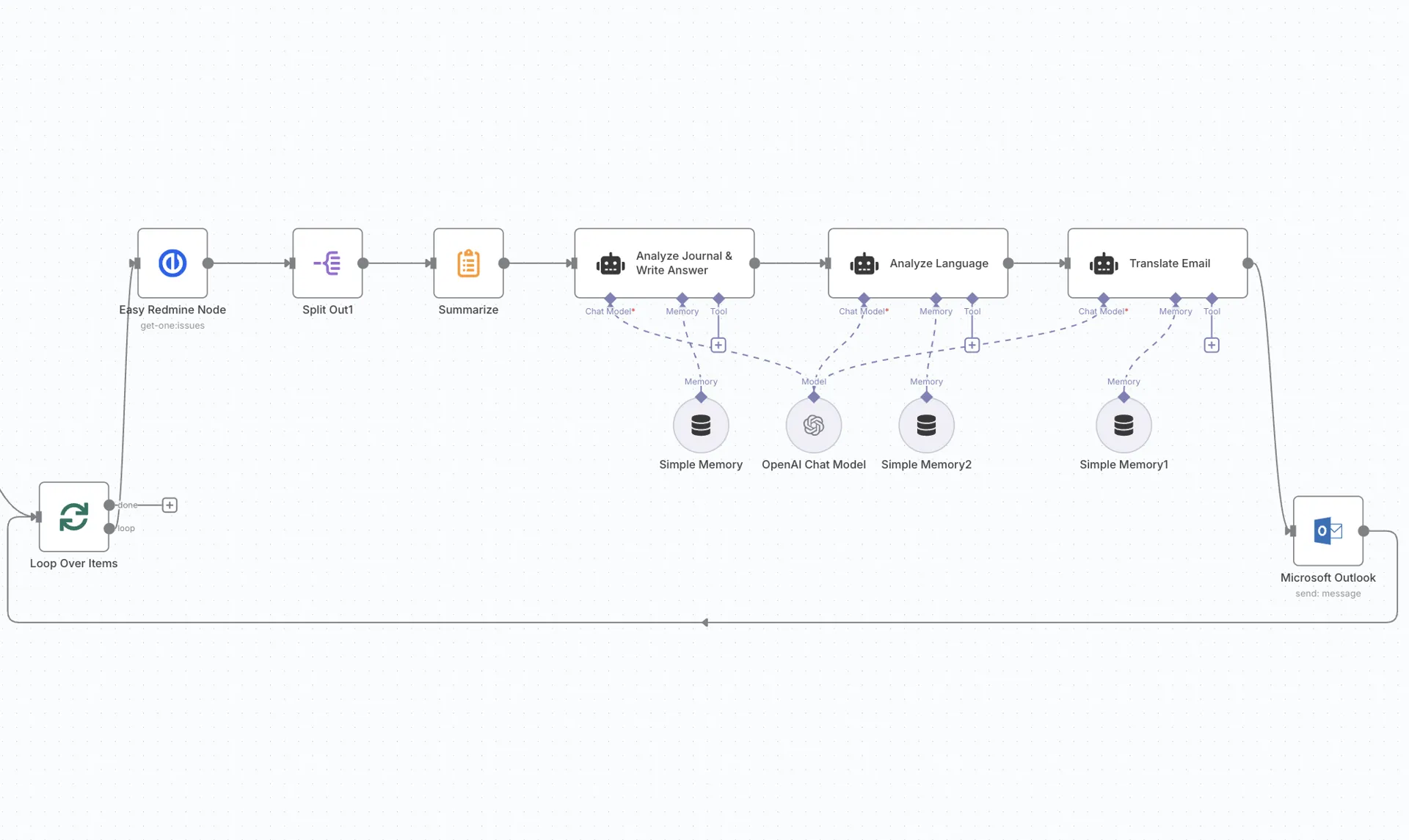
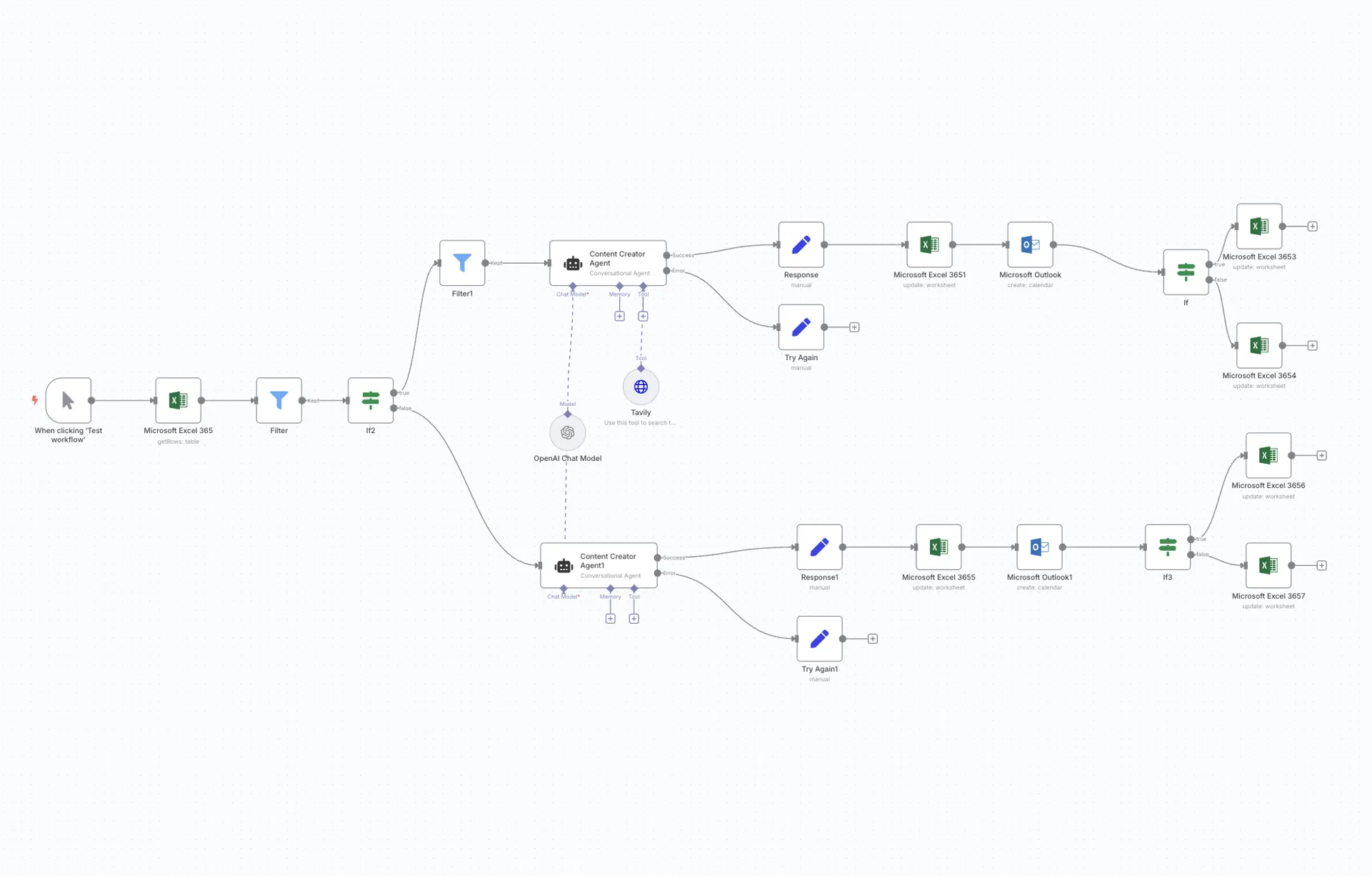
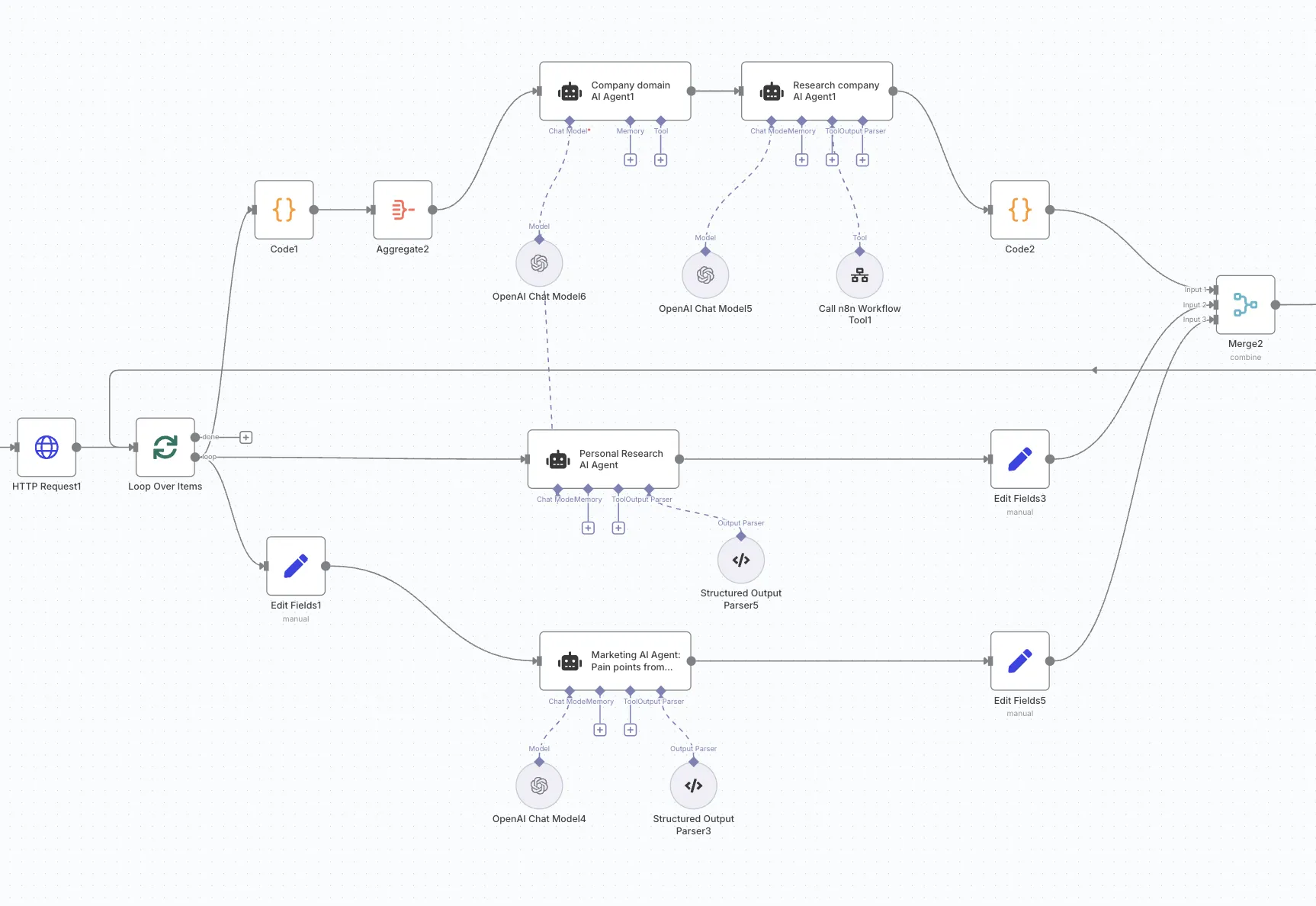
Connect Easy8 with 1,000+ other apps through powerful visual workflows in n8n. Automate your project workflows using Easy8 and n8n – a workflow automation platform that uniquely combines AI capabilities with business process automation, flexibility of code with the speed of no-code.
Gain full control over how your project & work management data flows across apps, services and tools.

Data import from Redmine
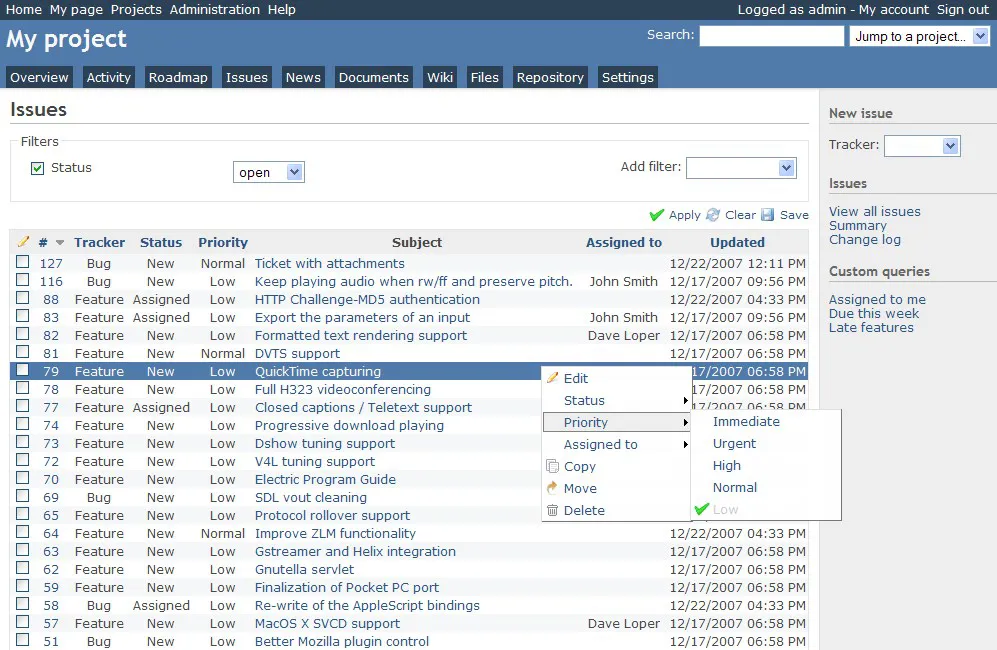
Easy8 is fully based on Redmine project management system. When you upgrade from Redmine to Easy8, it is very convenient to take a complete old database with information about all projects, tasks and other entities, and import it to our application.

Jira migration
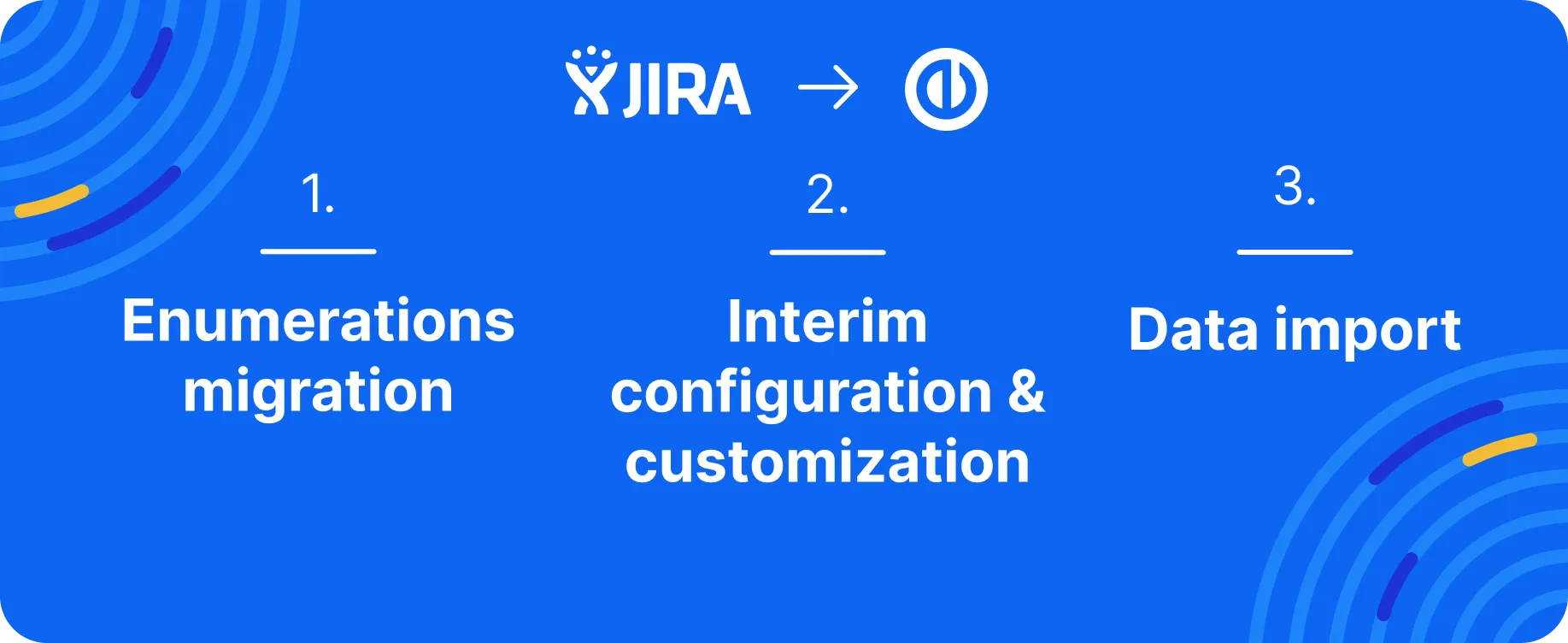
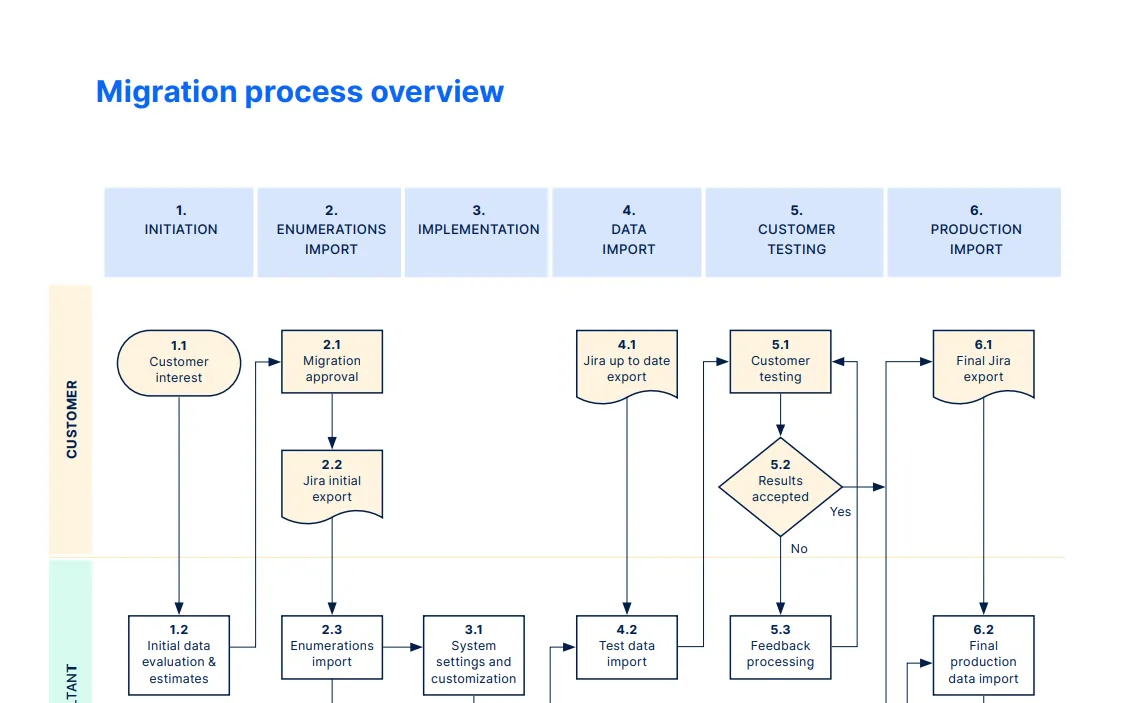
Migrate from Jira without worries and wasting time. You'll get a full-service thanks to our in-house Jira Migrator, where we transfer up to 90% of your data. Our team prepared the article about Jira migration process link here.

Data import from Microsoft Project
If you worked with Microsoft Project before an upgrade to Easy8, you likely have much data to be migrated. You can do this in a very simple way! This tool enables moving projects and tasks created in Microsoft Project into our application.

Data import from Microsoft Excel
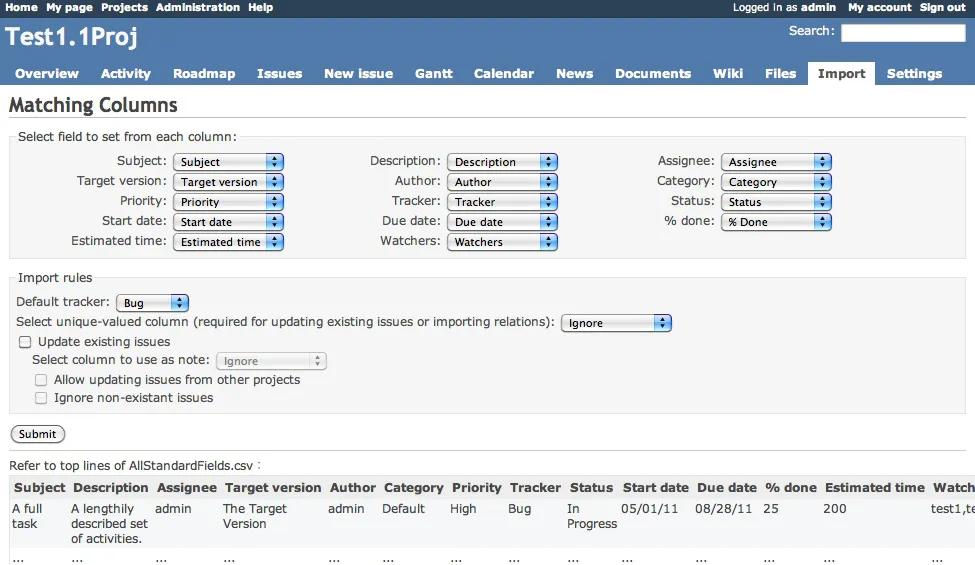
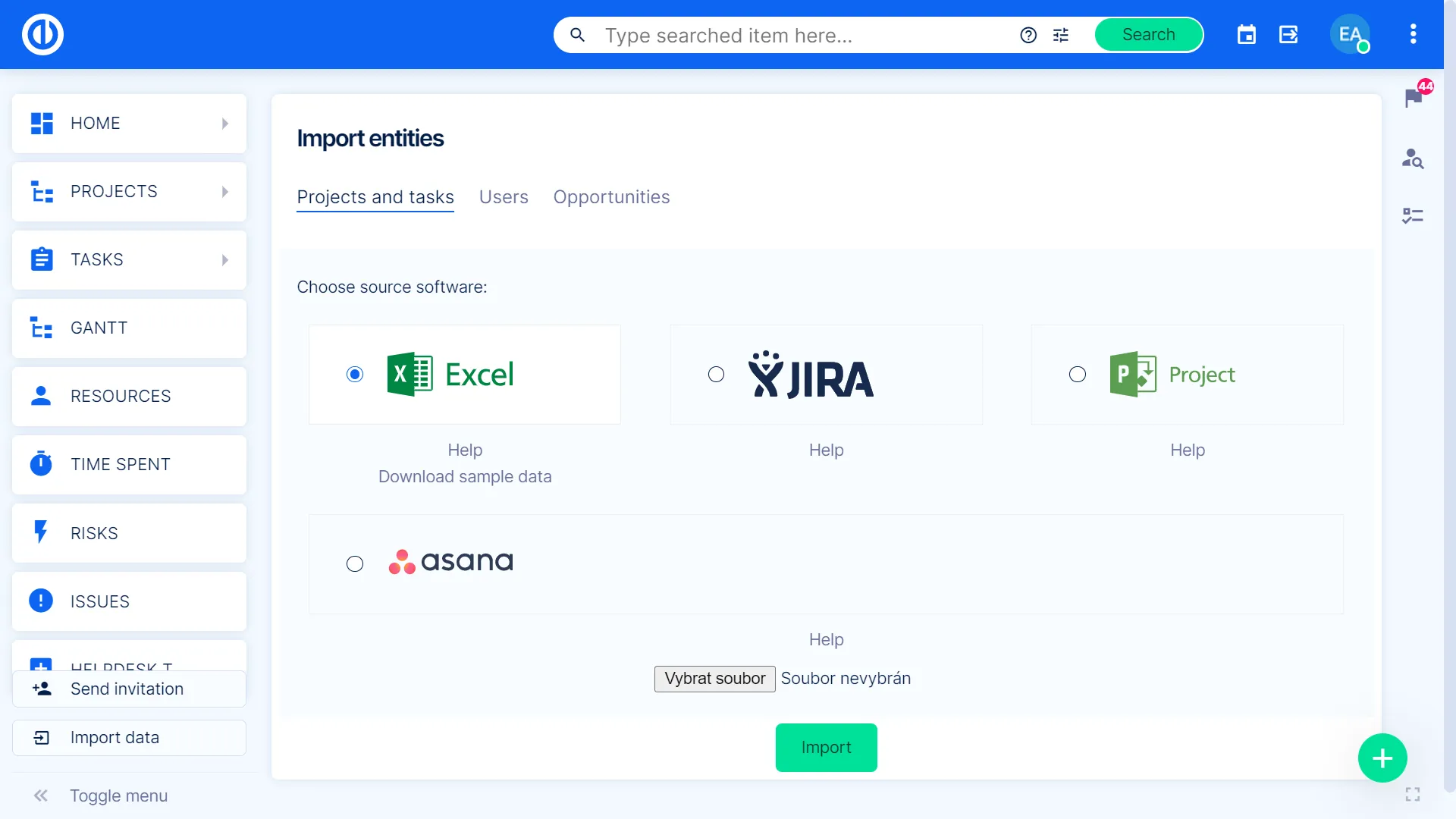
Move your data into Easy8 straight from a Microsoft Excel file. You may simply import entire projects, tasks and sub-tasks in just a single step, including automatic mapping imported data to existing attributes in Easy8.
Data import from Jira
Are you planning the transition from Jira to Easy8? We offer a Jira importer tool for migrating any data from your existing Jira project solution into Easy8. For insights on how Jira migration can be a stress-free experience, check out our blog here.

Data import from Asana
If you need to move your projects and tasks from Asana to Easy8, it is pretty simple with this importer. First, export the required data from Asana and, after that, upload the exported data file to our application. Execute a few easy import instructions.

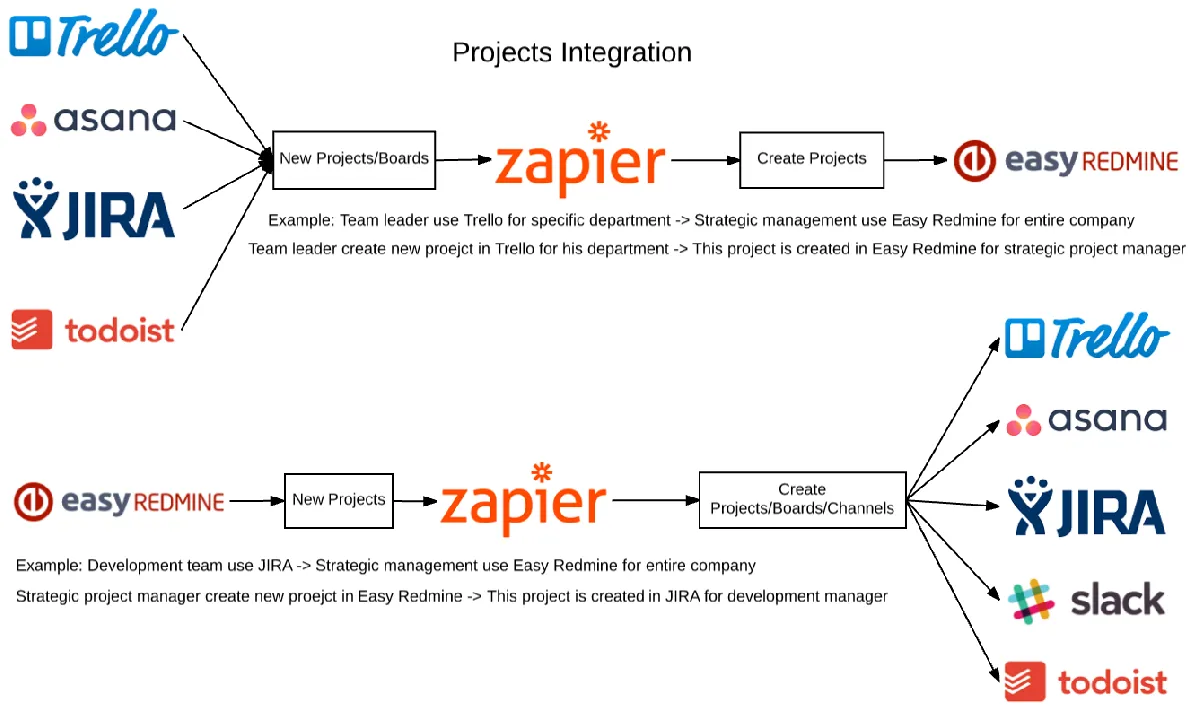
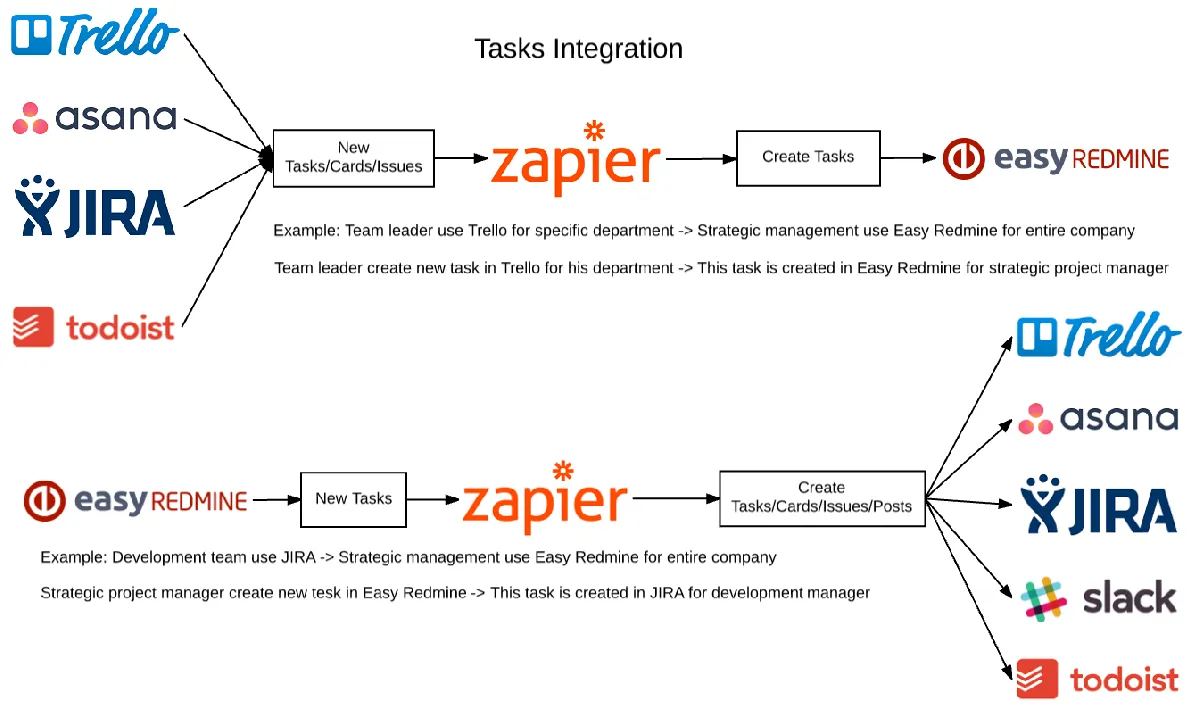
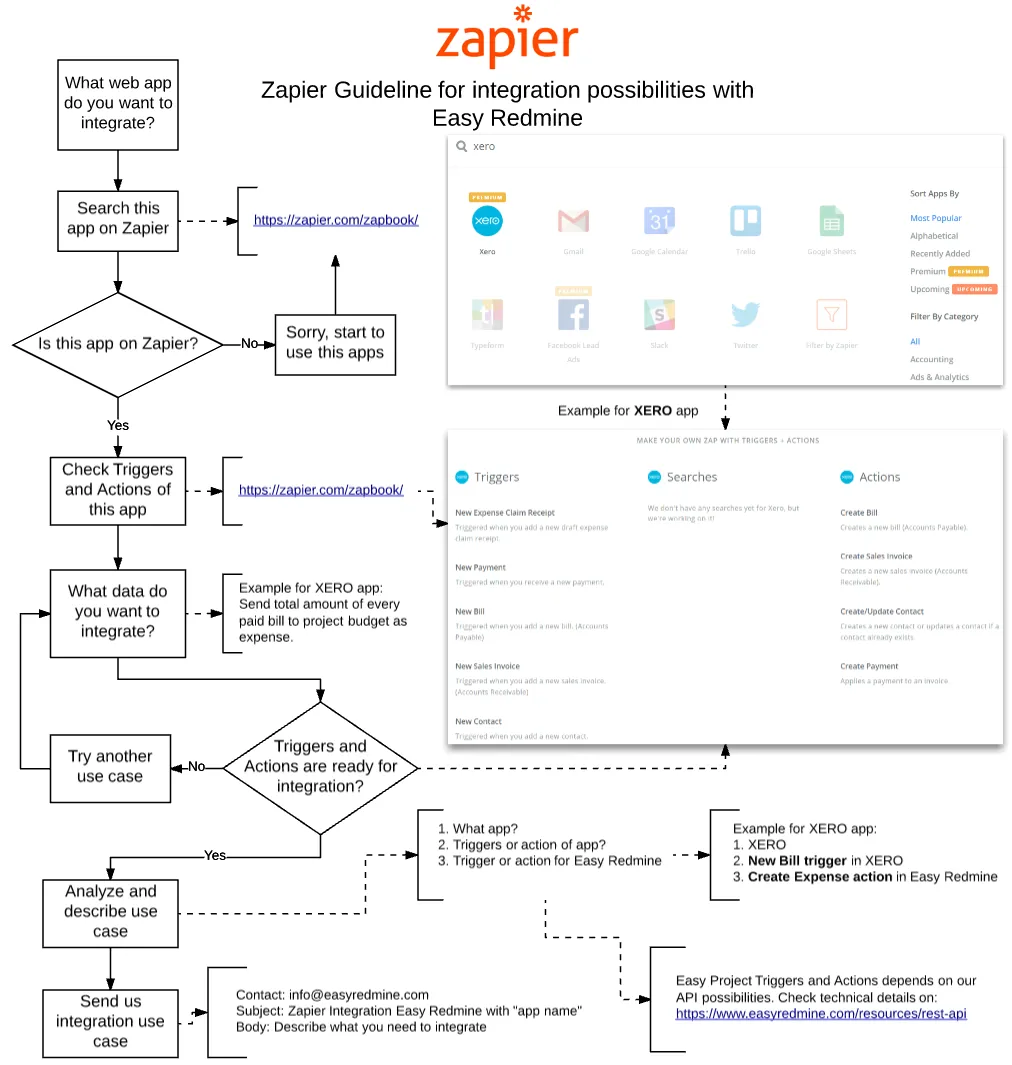
Redmine integration using Zapier
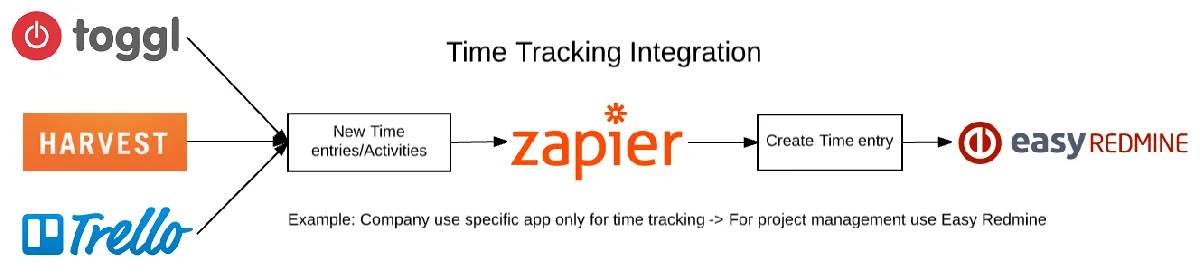
Are you interested in how to integrate Easy8 with other systems? Simply thanks to Zapier platform. Read more in this article.



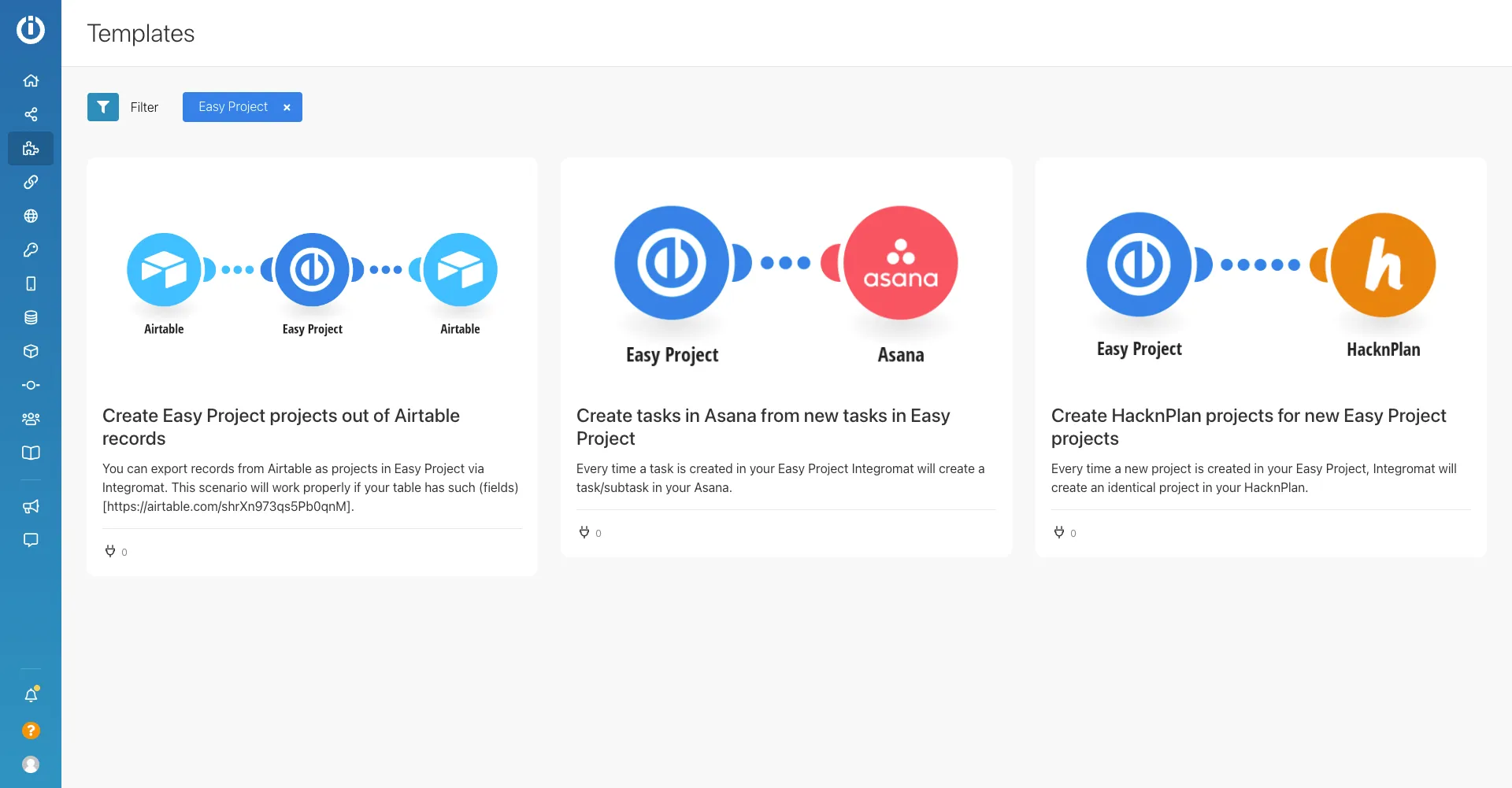
Redmine integration using Make.com
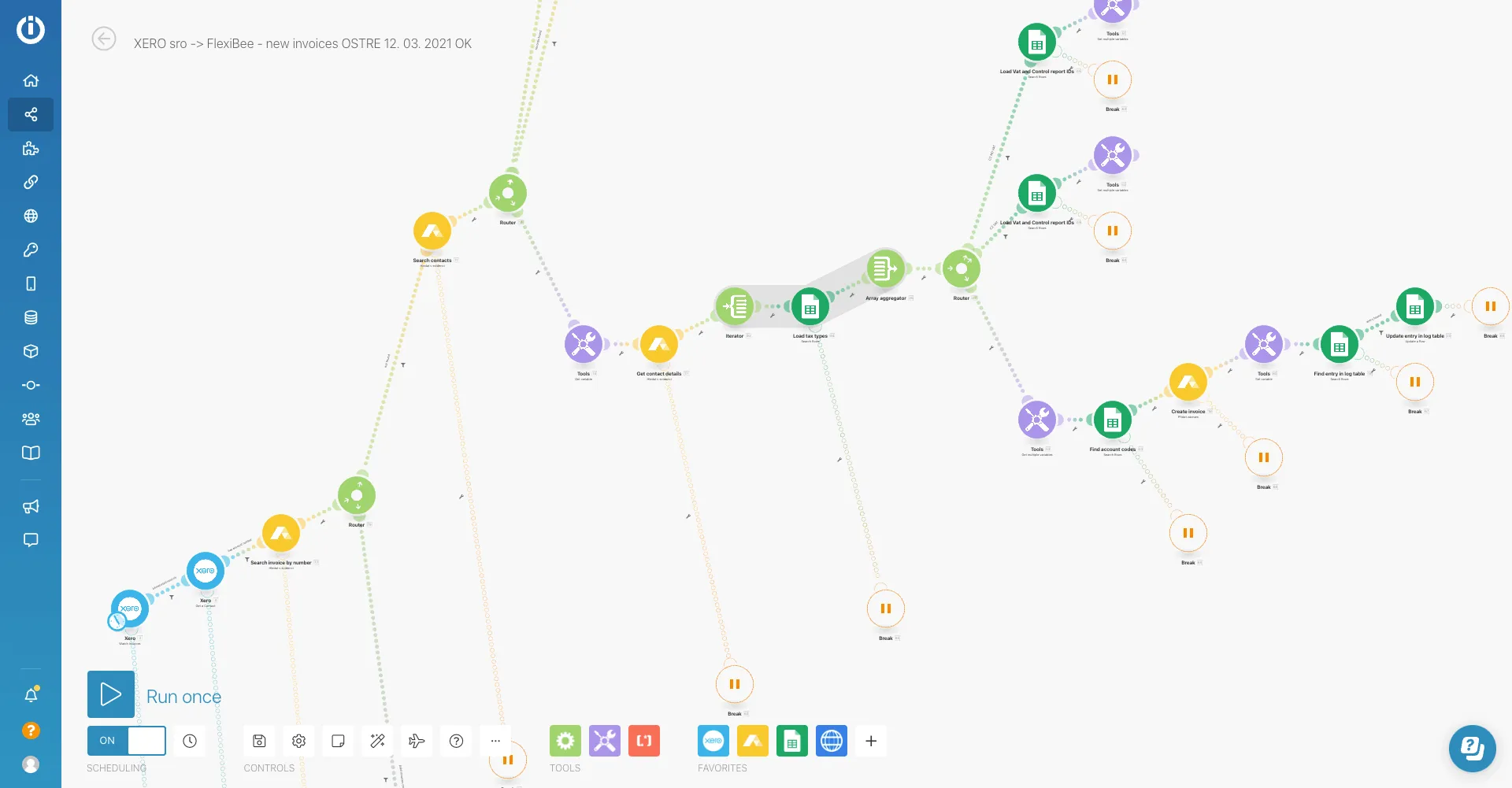
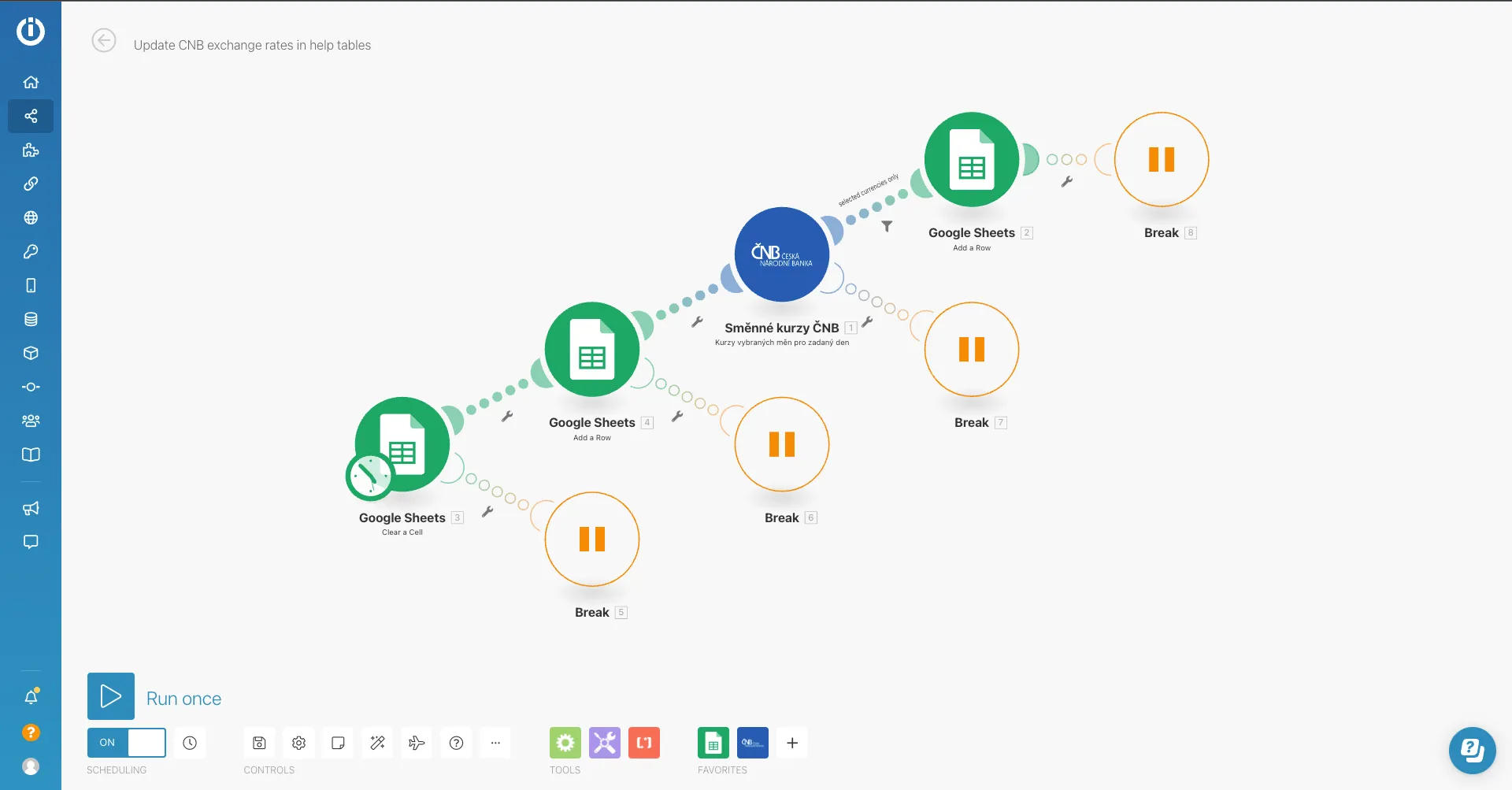
Integrate Easy8 with third-party systems using a no-code and visual workflow automation. We do it for you. It is pretty simple and you save time.

Data import in XML/CSV format
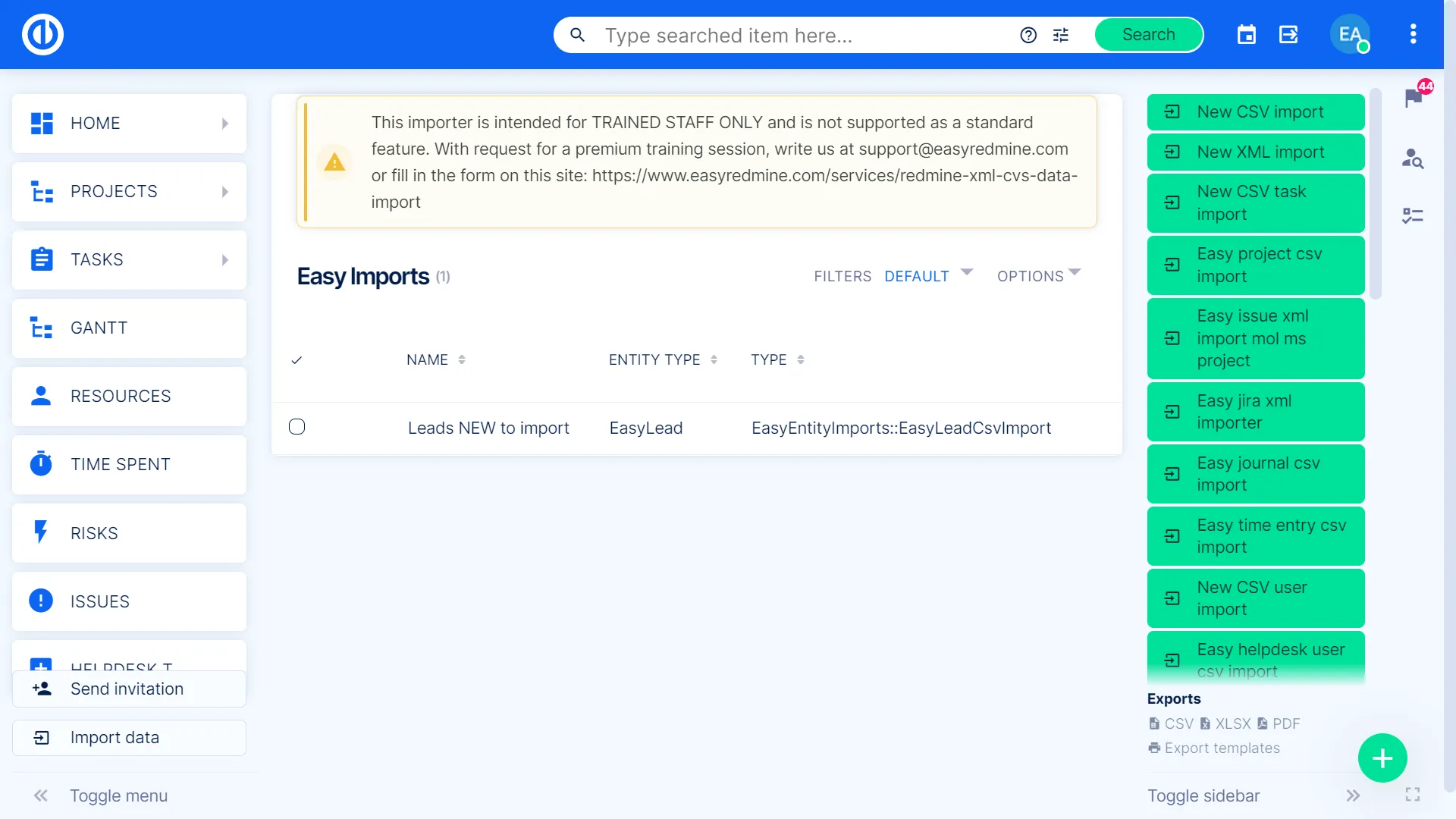
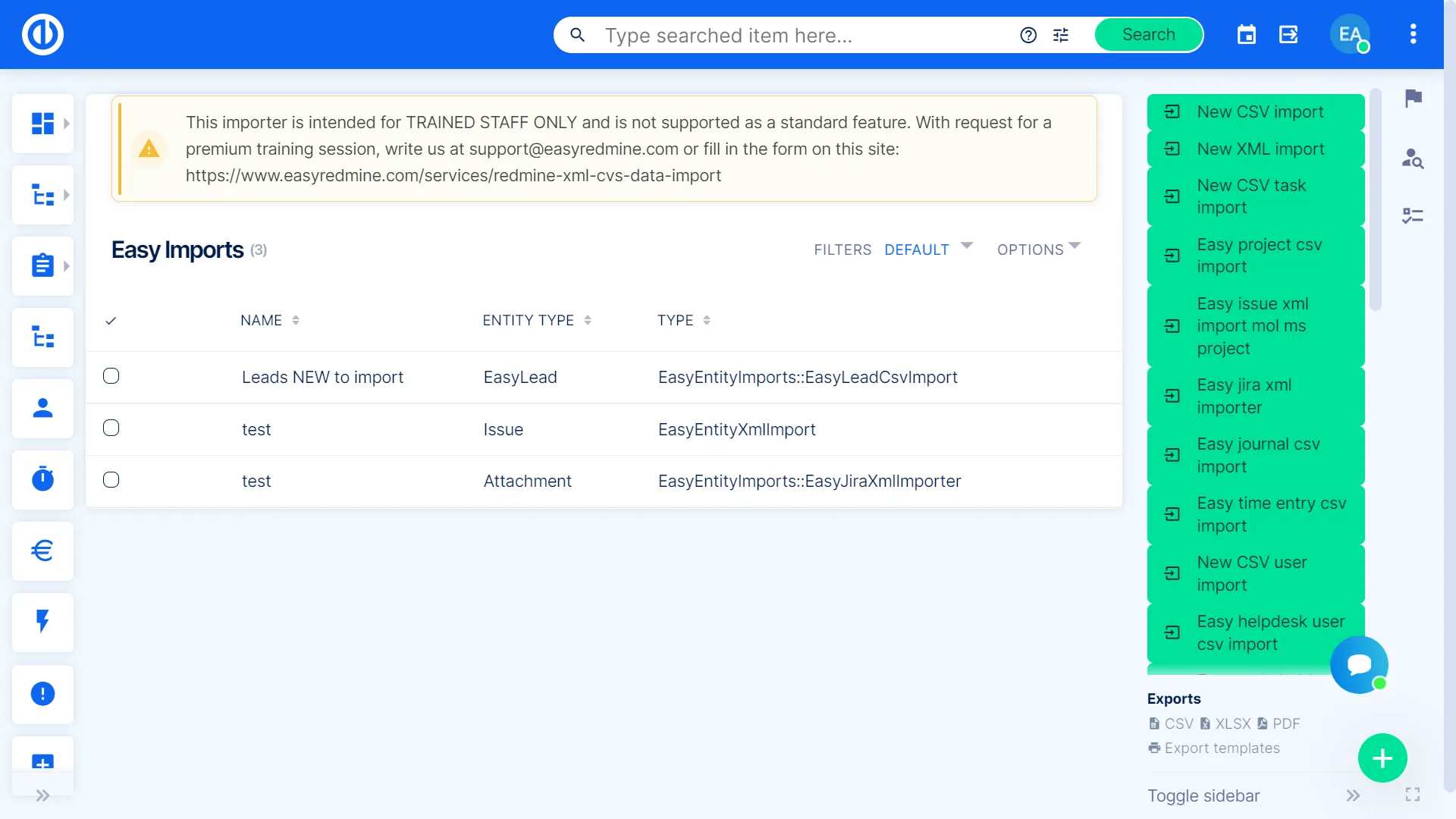
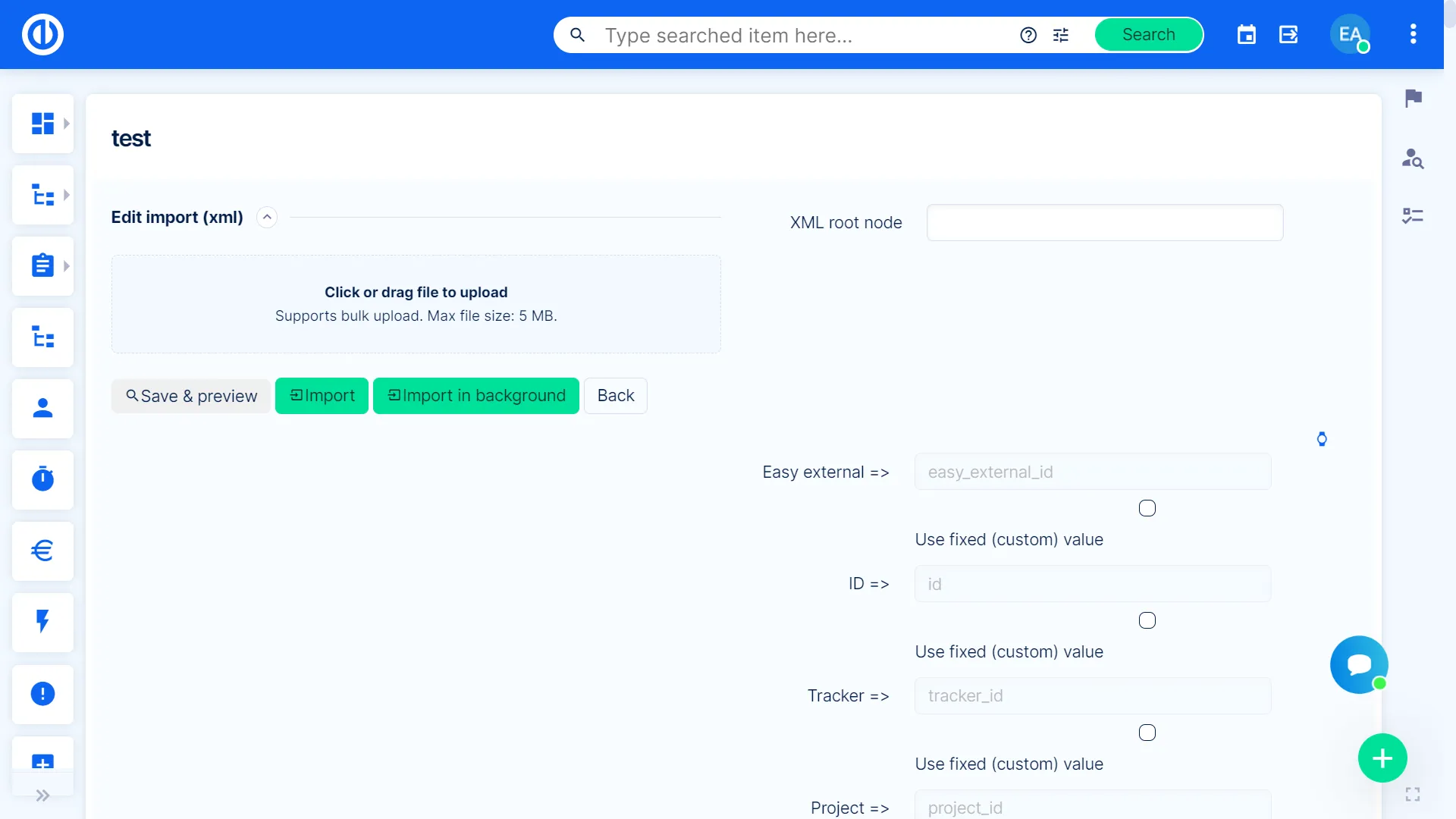
Forget about switching between apps when you need to open or edit data stored in various locations. From now on, you may have all the data in one app only. The XML/CSV importer allows you to transfer any existing data in a compatible format into Easy8.
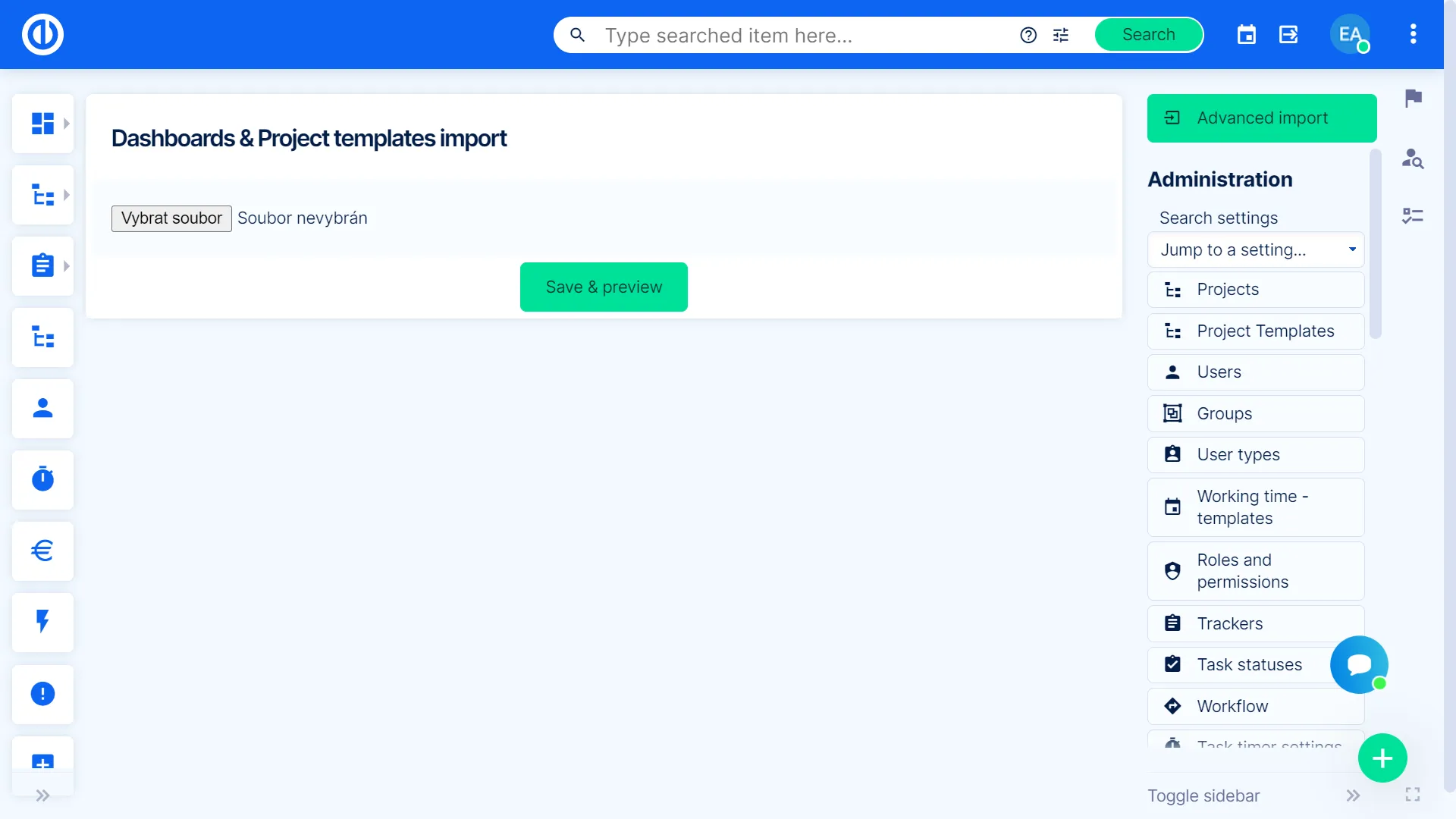

Redmine calendars and contacts synchronization
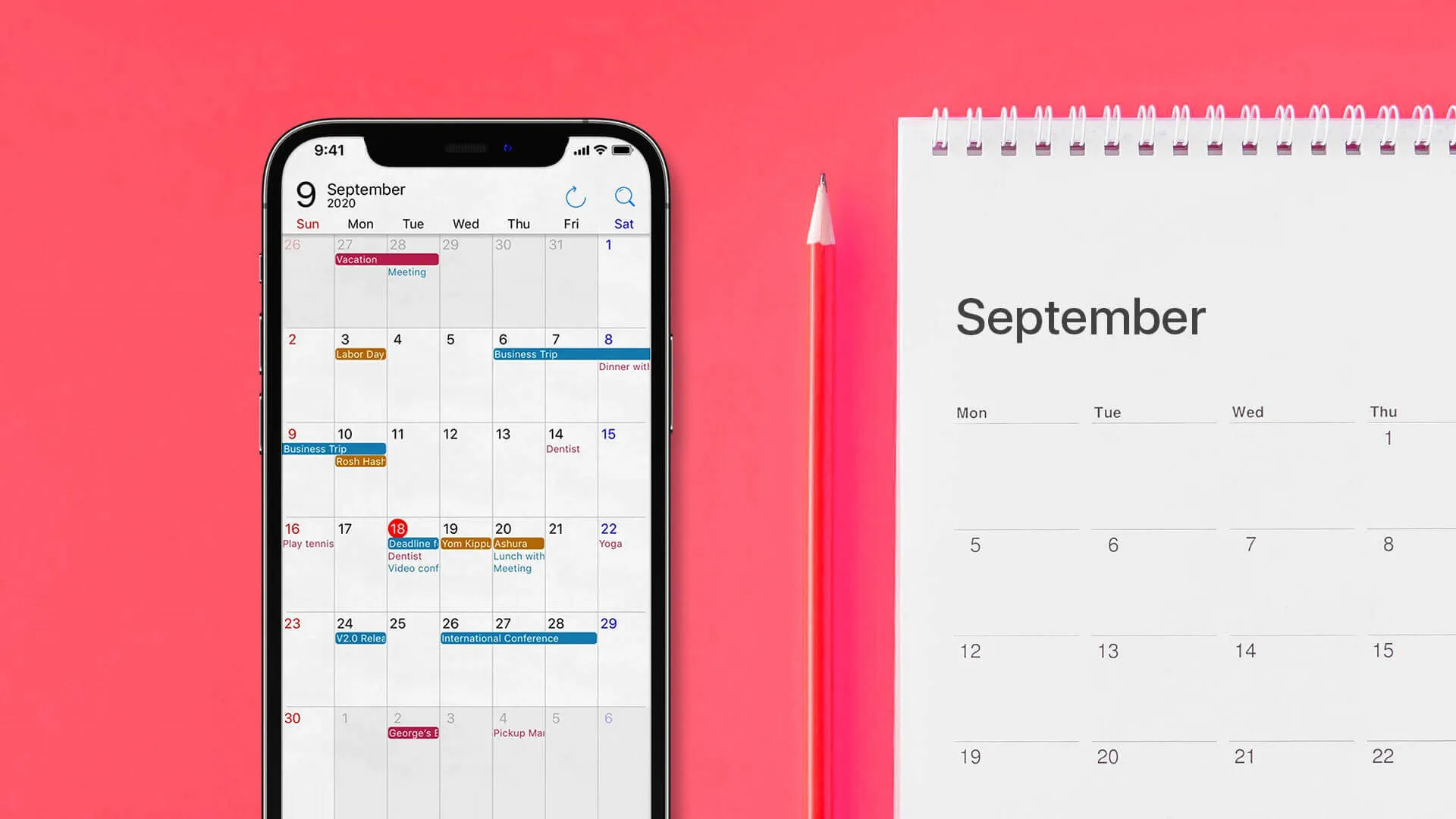
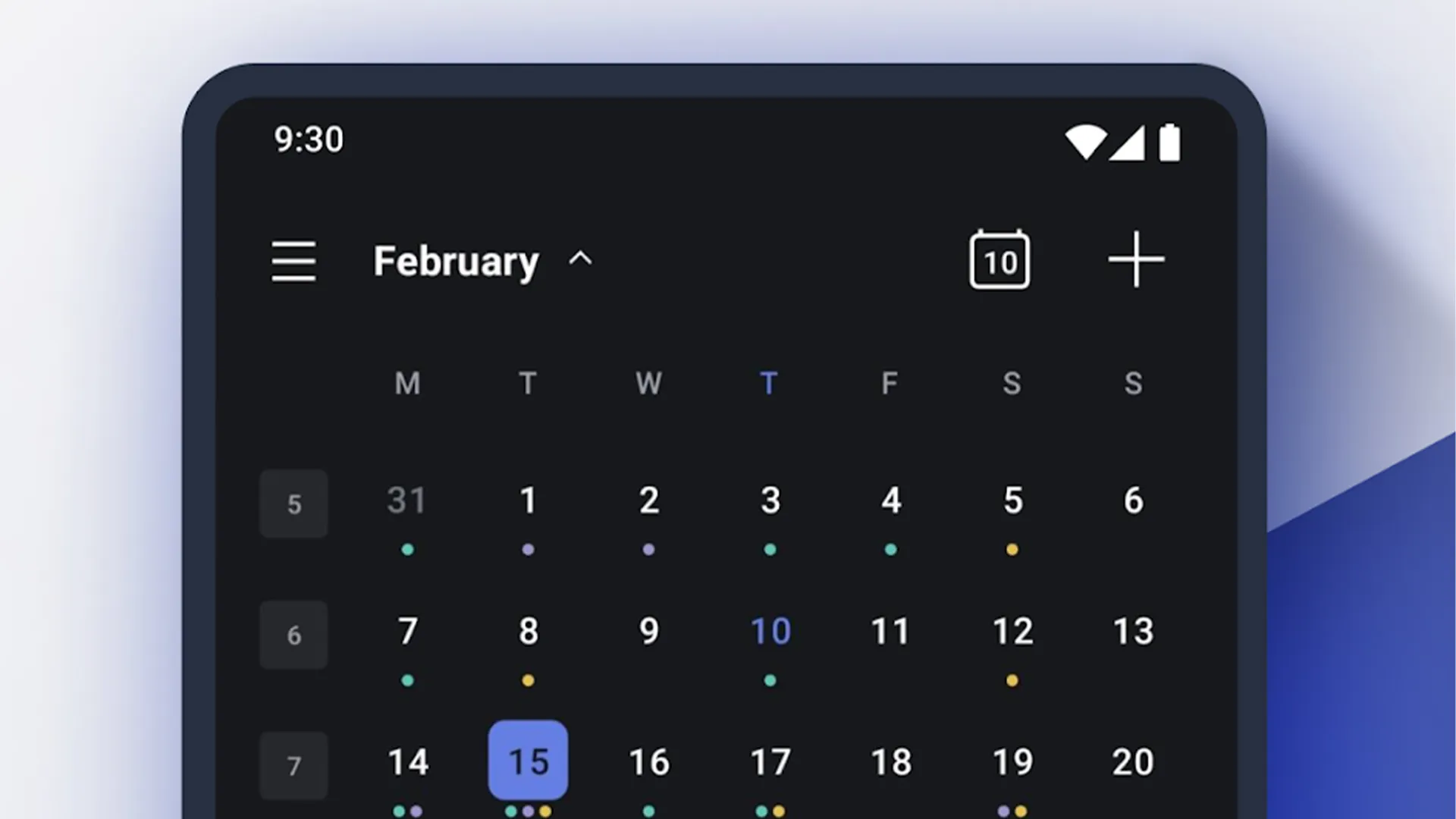
Quickly synchronize your calendars and contacts in Easy8 using any CalDAV or CardDAV compatible app, such as Microsoft Outlook, Mozilla Thunderbird, Apple iOS, and Google Android OS! Thanks to real-time bidirectional data synchronization, you do not waste time.
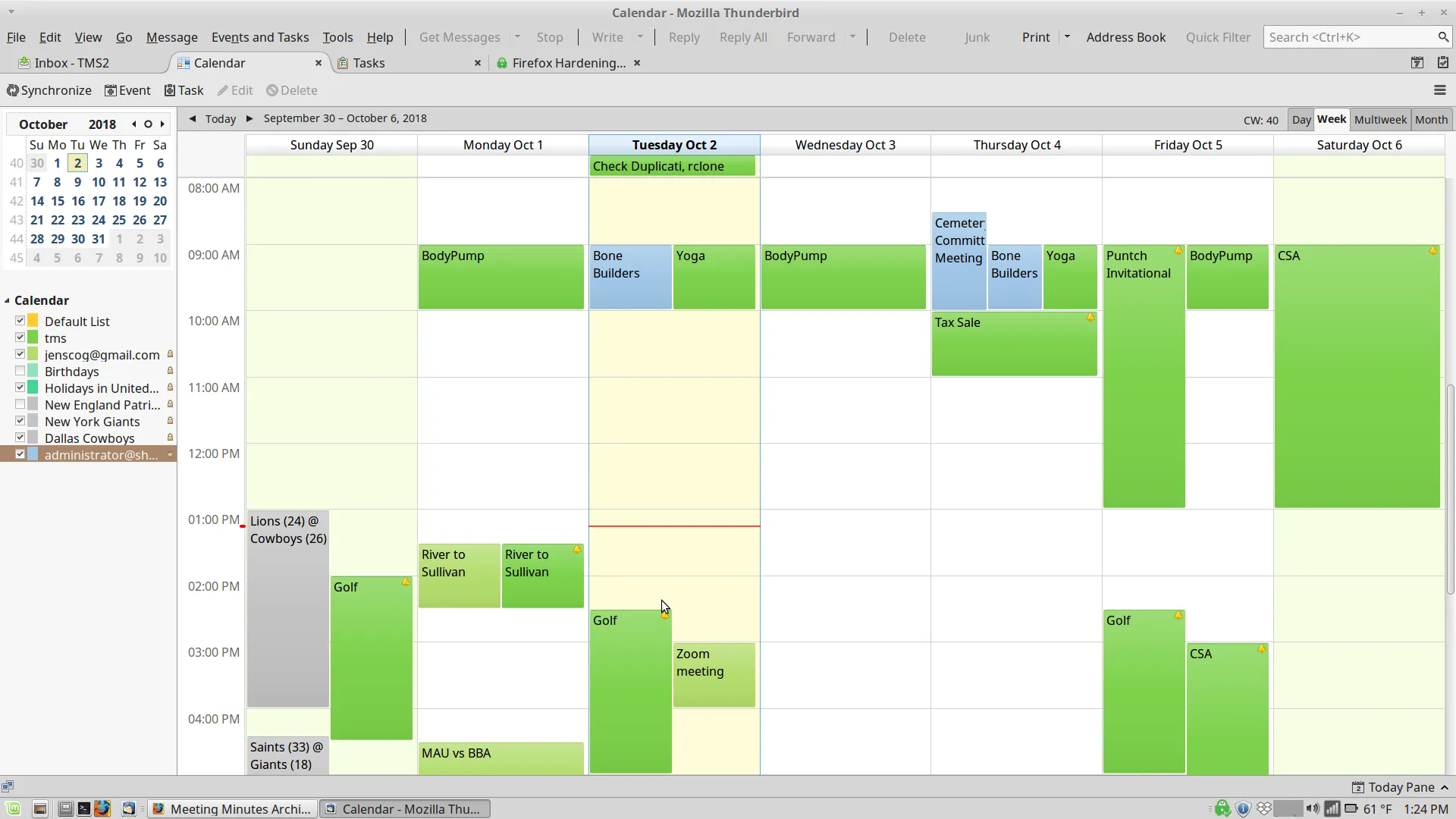

Outlook plugin
Try Easy8 for freeSync your Easy8 data with Microsoft Outlook - fast & easy. Save time thanks to two-way real-time synchronization of calendars, contacts, tasks, CRM cases, attendance records, and other types of data in real time.

Easy8 Hallo Welt! partnership
Our collaboration with Hallo Welt! GmbH brings you the Knowledge Base feature built on proven MediaWiki technology. Thanks to their BlueSpice enterprise wiki platform - trusted by over 1,000,000 users across 160+ countries - Easy8 delivers powerful knowledge management capabilities that help your technology teams document processes, share insights and maintain project knowledge in one central location.
This partnership combines Easy8's project management strength with Hallo Welt!'s open source wiki expertise.