


Release notes for version: 15.8.0
Help desk users improvements
To avoid reading the descriptions below, you can instead:
Workspaces
To allow more flexibility for the users, but also more efficient and structured administration of help desk users we are introducing Workspaces.
A workspace contains selected projects and task types allowed to be used by the help desk users. It also configures the dashboard of the users belonging to this workspace.
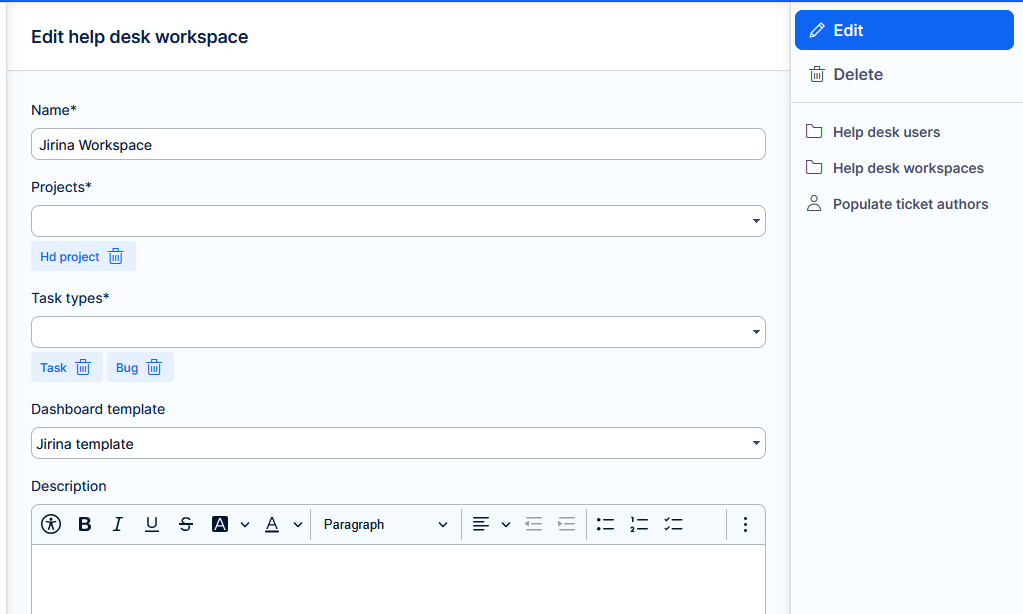
Workspace is required for every help desk user. After update, your existing help desk users will be assigned a workspace automatically generated based on their current setting.
Dashboard additions
Help desk user dashboard now offers more widgets:
- Trends
- Charts
- New task from template
- Workflow button
MFA login
Added second factor for Help desk users authentication. Setting must be enabled in Admin >> Plugins >> Help desk users - Edit.
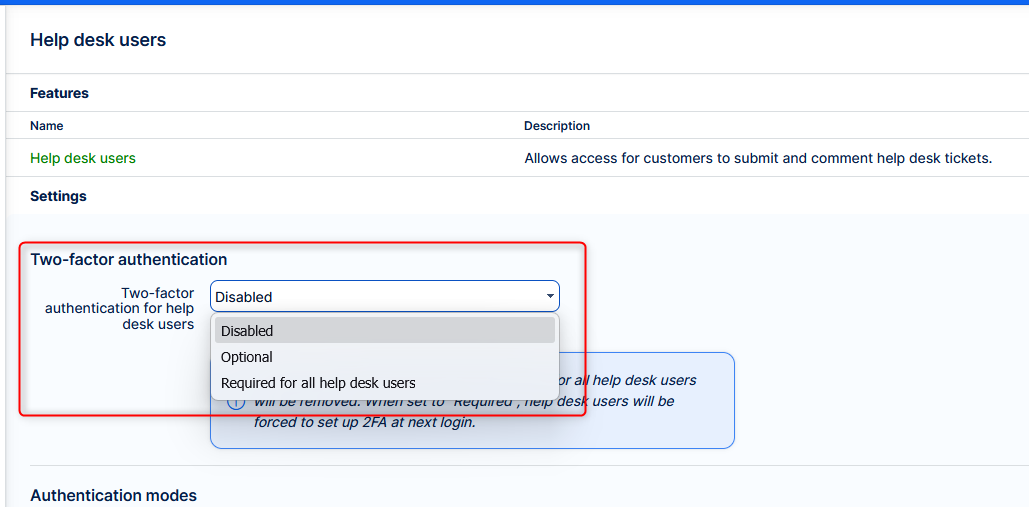
Functionality behaves just as with regular users.
How all this works together is nicely explain by our product owner in a short video.
Task from template as a dashboard widget
Added a new “Task from template” widget that lets users create a task from a selected template directly from dashboards, speeding up and standardizing task creation.
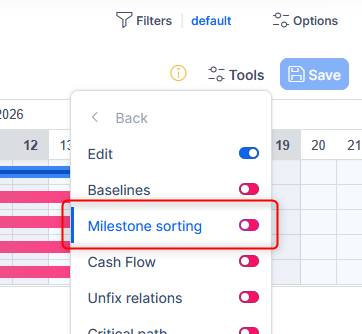
Adjustable milestones sorting in Gantt
Added an option in Gantt to sort milestones together with tasks by due date, so milestones appear alongside related tasks for clearer, time-based project views.
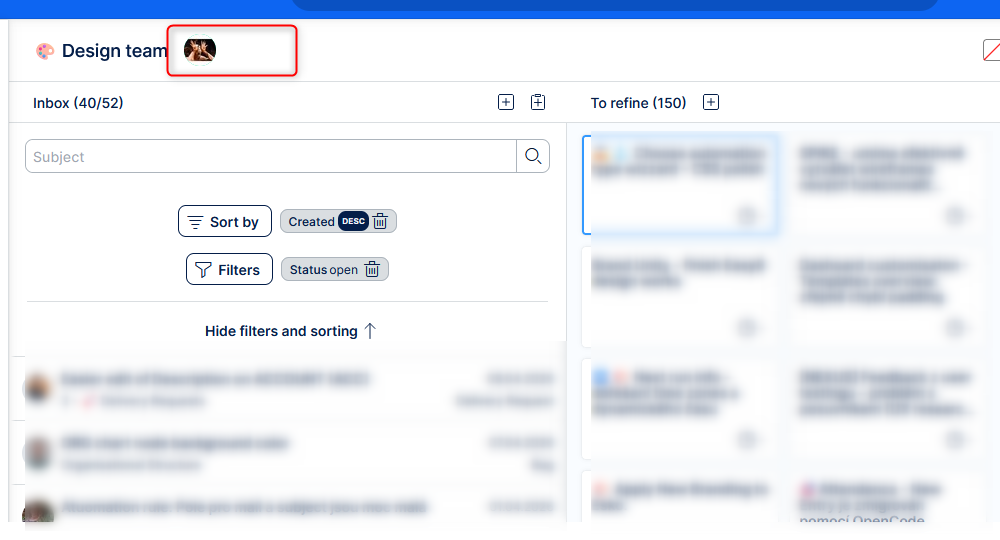
Scrum boards show live attendance
See who is currently viewing your board with real-time avatars and status indicators in the board header. This improves collaboration across Product Backlog, Sprint, and Sprint Overview boards.
Edited comments marked
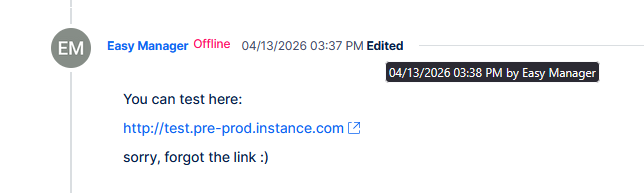
Task history now marks edited comments and mouse over shows the date and author of the last change.
*Not yet implemented in the quick task editor.
Budgets - Better calculation of planned personnel costs
Previously
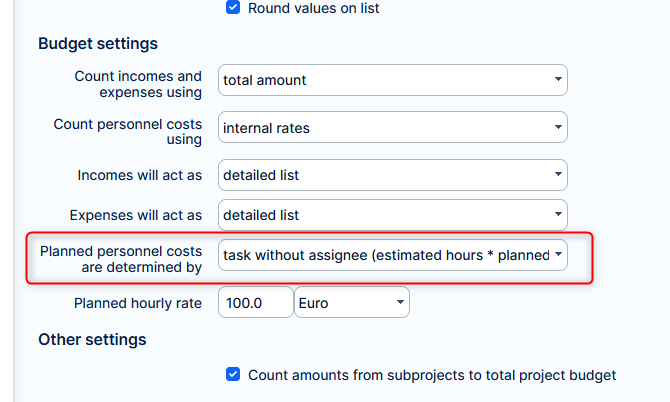
With the most precise existing setting, planned personnel costs for tasks assigned to group was always set to 0, because group does not have an hourly rate.
Now
With the same setting, planned personnel costs for tasks assigned to groups ara calculated by applying the default planned hourly rate from the setting.
Removed unfriendly setting
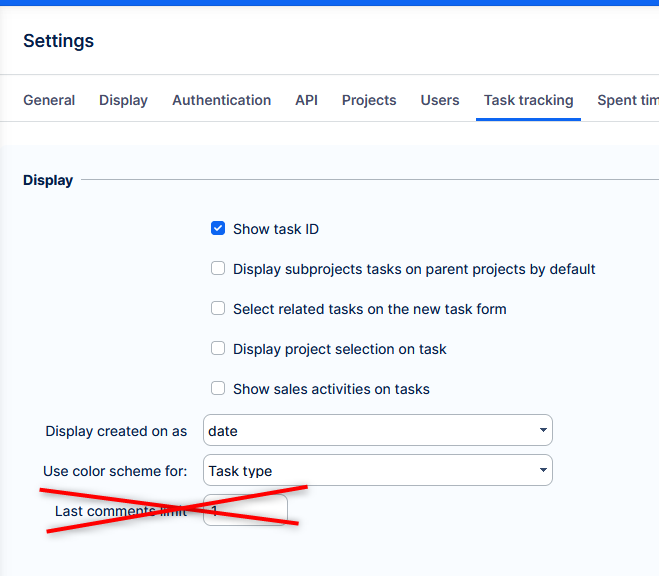
Removed option to custom set number of last comments shown on task list, now hardcoded to 1 (only the most recent comment). Allowing more comments resulted in worse readability rather than higher information value.
To view more comments from the task list, you can always open the quick task editor, which shows in a popup window.
Leaner codebase
For better performance, stability, and more flexible maintenance, a significant code refactoring was done. Exhaustive testing was carried out to ensure it brings no functional changes, as was never its intent. Application behaviour is not affected by this change, although in the short term some bugs may arise.
Technological stack
This section is important for Server solution, although with Docker, these requirements are updated automatically. Cloud users need not worry about any of this.
- OS: Debian 12 on amd64 architecture
- Redmine: upgradable from version 6.0.9
- Ruby: 4.0.2
- Bundler: 2.7.1+
- Rubygems: 3.7.x
- Database: Percona/MySQL 8.4
- redis-server: 8
- NodeJS: 24.13
- Docker engine: 29.1.5
- Docker compose: 5.0.1
Ruby and NodeJS are strictly mandatory, without these versions you will not be able to run Easy8.
Percona MySQL is strongly recommended, due to optimization and testing with only this version.
✅ Or, forget about the management of technological stack and use Docker deployment. It combines the security of on-premises solution with nearly the comfort of cloud solution.
Before every application upgrade, please carefully refer to all release notes between your existing version and the new version - there may be critical technical or functional changes explained.
To avoid sifting through too many release notes in the future, we recommend updating your application regularly. With Docker updating is very simple, and brings you advantages:
- Latest security fixes
- Latest bug fixes
- Fewer changes at a time - better digestible for your users
