


The best 8 air-gapped project management tools for 2026
If your work runs behind an air gap, most project management tools drop out before the evaluation even begins. We compared the eight strongest on-premise platforms that run fully offline, from licensing and deployment effort to security certifications: read the comparison and choose the one that fits your environment.

Table of contents
Why air-gapped deployment matters in 2026
How to validate for on-prem and air-gapped deployment
Common air-gap blockers
Top 8 air-gapped project management tools
1. Easy8
2. Plane
3. GitLab Self-Managed
4. Redmine
5. Tuleap
6. Azure DevOps Server
7. OpenProject
8. Taiga
How we validated
Jira Data Center end of life: Why it is not on this list
Easy8 Private WorkOps Platform: Your air-gapped project management tool
TL;DR
Air-gapped project management requires more than on-premises hosting. It needs offline licensing, updates, identity, security and AI, with Easy8 offering the broadest all-in-one feature set for organisations that need to keep sensitive work inside their own perimeter.
Why air-gapped deployment matters in 2026
An air-gapped system is one with no connection to the public internet and no connection to any network the organisation does not fully control. Or in a literal sense, the company isolates its network from the public internet by a gap of air with no connection.
Classified defence networks are the textbook case, and so are the control networks running power stations and factory floors, which is why the same requirement now reaches project management software: the programme data describing a critical system is often as sensitive as the system itself.
In July 2026, a blog post on Cisco noted that 'the intensification of regulatory pressures, such as the GDPR, NIS2 and the Digital Operational Resilience Act (DORA), reinforces the need for digital autonomy. Cisco concluded that a logically air-gapped deployment was necessary.
How to validate for on-prem and air-gapped deployment
When evaluating air-gapped PM tools, focus on:
- Deployment model: True on-premises with no mandatory internet calls at install or at runtime. An air gapped system has no route to the public internet and no route to any network the organisation does not fully control, so anything the software expects to reach has to live inside the perimeter.
- Identity and access: Integration with local LDAP, Active Directory or through SAML against your own identity provider, not a hosted one.
- Licensing and updates: Offline licence activation, and a documented process for patches and upgrades through removable media or an internal repository.
- Feature fit: Agile or classic project management, requirements and traceability, Gantt charts, reporting and knowledge management.
- Compliance and audit: Audit logs, role-based access control (permissions attached to roles rather than individuals), and data residency controls that line up with your regulations.
Common air-gap blockers
Self-hosting a tool is the easy part; the harder part is everything inside it that still expects to reach the internet, and these are the assumptions that break first once it cannot:
- Licence activation that phones home: Cloud licensing has become the default for commercial tools, and it assumes an instance that can reach the vendor daily.
- Installers that fetch dependencies: A package manager pulling libraries such as gems, npm modules or container images at install time will hang in an isolated network, whatever the install guide says.
- Update paths with no offline variant: Documented upgrades that run a package update command against a vendor repository are useless once the repository is unreachable.
- Hosted identity providers: Google and GitHub sign-in are dead on arrival, and only LDAP, Active Directory or SAML against an internal service will work.
- Default outbound calls: Version checks, telemetry jobs, gravatars and content delivery networks all fail silently or slowly, and each one has to be found and switched off.
- Missing audit logs: Several tools produce an activity feed rather than an audit trail, which is not the same thing when an auditor asks who changed a permission and when.
- AI features that leave the perimeter: An application running on your server can still send prompts to a hosted model, and in an air-gapped environment that call simply fails.
Top 8 air-gapped project management tools
1. Easy8
Easy8 is a European Private WorkOps Platform built on open-source Redmine, covering delivery, requirements, resources, finance and service desk in a single system.
Best for: regulated teams that would rather run one platform for delivery, requirements, resources and service desk inside their own perimeter than integrate six.
Air-gapped deployment: Easy8 can be deployed in a fully isolated, air-gapped environment with no internet or external network connectivity. Running Easy8 locally inside an organisation’s own secure infrastructure (typically using Docker or a pre-configured virtual machine) gives teams complete control over their data, storage, access, and system operations. Existing data can be migrated using SQL and file dumps or standard XML/CSV imports, while the local installation helps ensure data sovereignty and alignment with internal IT security policies.
Licensing and updates: a perpetual server licence includes the installable package with its source code, and the offline update cycle is delivered as part of the deployment service.
Bottom line: the broadest feature set available behind an air gap, including Easy AI running locally with no internet connection, if you are comfortable buying the deployment together with the software.
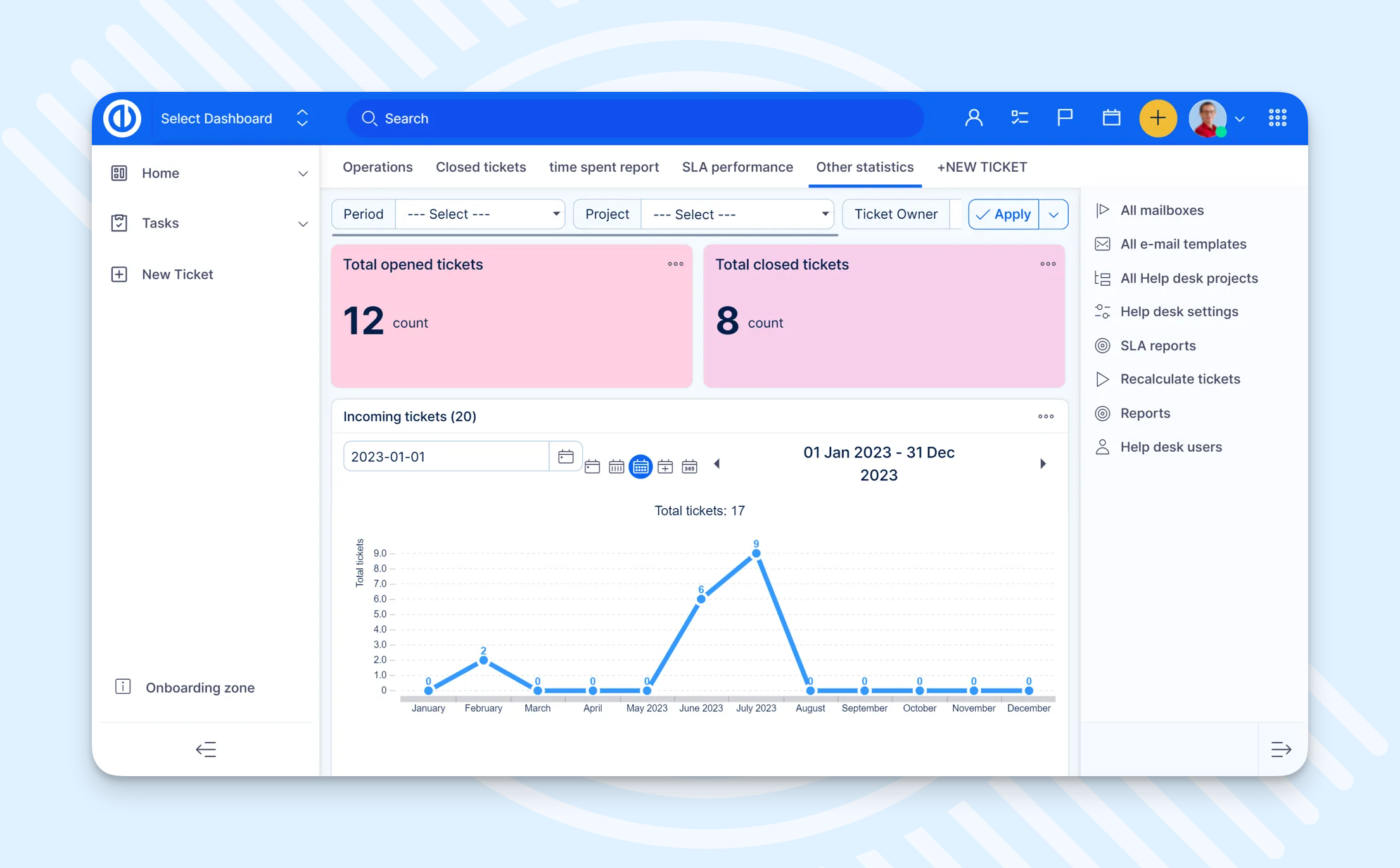
Easy8 Private WorkOps Platform dashboard
2. Plane
Plane is an open-source project management and issue tracker that now sells itself around projects, wiki and AI agents rather than engineering alone. It ships as a free Community edition plus cloud, commercial self-hosted and air-gapped editions.
Best for: engineering teams that want a modern issue tracker from a vendor that has already turned the offline case into a product.
Air-gapped deployment: a separate Airgapped Edition with install guides for Docker and Kubernetes and a script to mirror container images into your own registry, gated to Enterprise Grid customers on a minimum of 100 seats.
Licensing and updates: an offline licence file you download from the vendor portal and upload to the workspace, with a documented offline upgrade path.
The catch: the licence file is version-pinned and reissued at every upgrade, LDAP and audit logs sit in the Enterprise Grid tier, and the air-gapped page promises ITAR and FedRAMP High compliance while the company's own certification post lists only SOC 2 Type II, ISO 27001, GDPR and HIPAA.
Bottom line: the cleanest offline mechanics in this list, resting on the thinnest documented evidence of requirements traceability.
3. GitLab Self-Managed
GitLab Self-Managed is the self-hosted deployment of GitLab's DevSecOps platform, installed on your own infrastructure on-premises or in your own cloud account, combining source control, CI/CD pipelines and issue planning on one platform.
Best for: DevSecOps teams that need repositories, pipelines and planning inside the same isolated environment.
Air-gapped deployment: the deepest offline documentation of any vendor here, down to disabling version check, service ping and runner version management, and repointing the NTP source.
Licensing and updates: updates mean pulling packages on an internet-connected machine of the same OS and carrying them in, by internal mirror or on physical media, and standard activation requires internet access while an offline licence is approval-only with a monthly usage report sent by hand.
The catch: requirements management is Ultimate only and mid-migration to work items, and GitLab's FedRAMP authorisation covers its own managed government service rather than your instance.
Bottom line: an obvious choice if GitLab already runs in the enclave, and a commercial negotiation rather than a download if it does not.
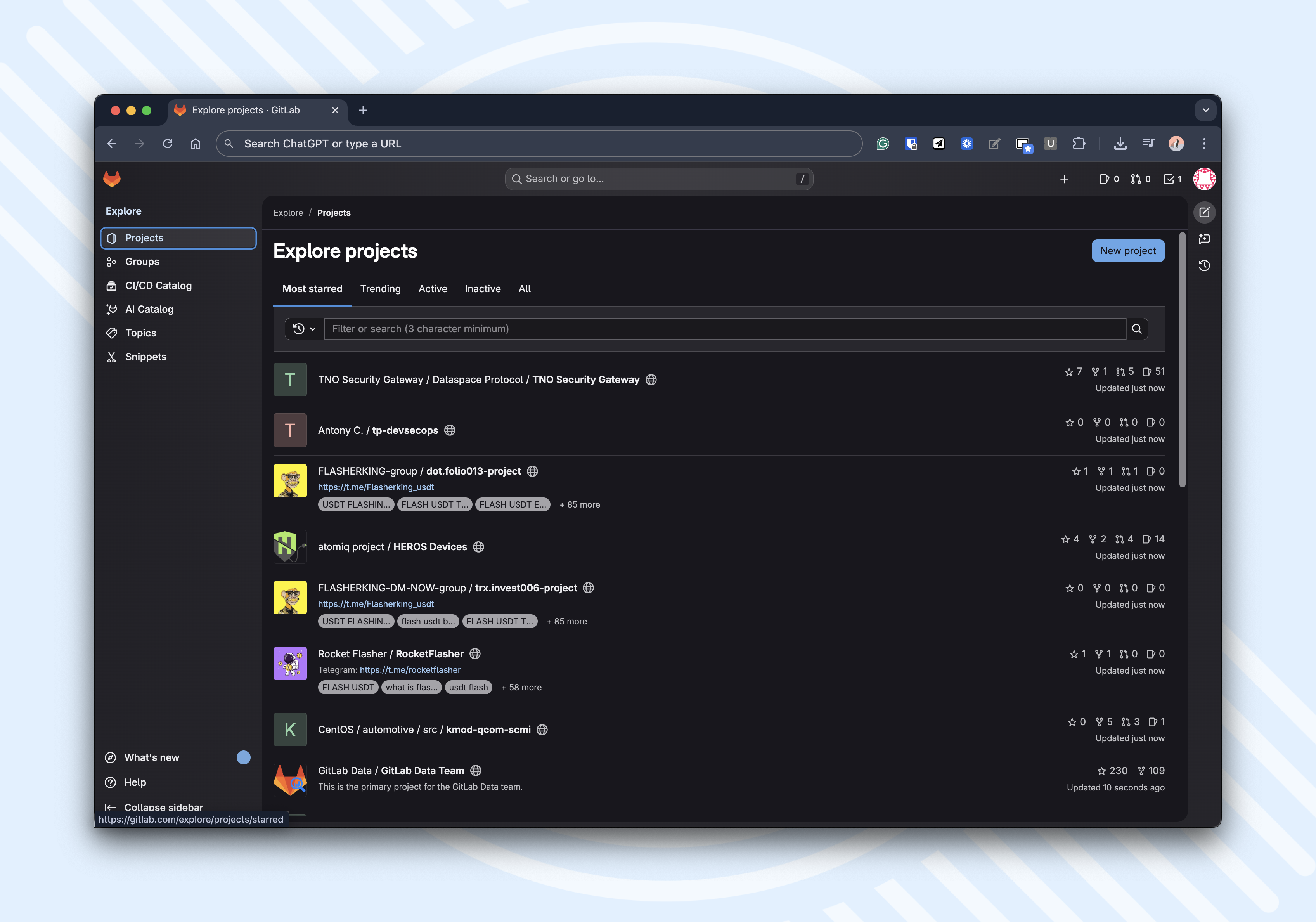
GitLab interface
4. Redmine
Redmine is a long-established open-source issue tracker and project management tool written in Ruby on Rails, extended almost entirely through community plugins.
Best for: small isolated teams that want no vendor relationship to manage at all.
Air-gapped deployment: redmine.org publishes no air-gapped installation documentation, though the Docker Official Images, maintained by the Docker community rather than by the Redmine project, carry pinned version tags that make transfer workable in practice.
Licensing and updates: GPL v2 with nothing to activate ever, and no documented offline update process, so you build your own from pinned images or internal mirrors.
The catch: the documented install fetches dependencies and the container re-checks them at every start, and agile boards, SAML or OIDC single sign-on and budgets are all plugins that pull more dependencies with them.
Bottom line: the lowest licensing friction in this list, paid for with the highest integration effort.
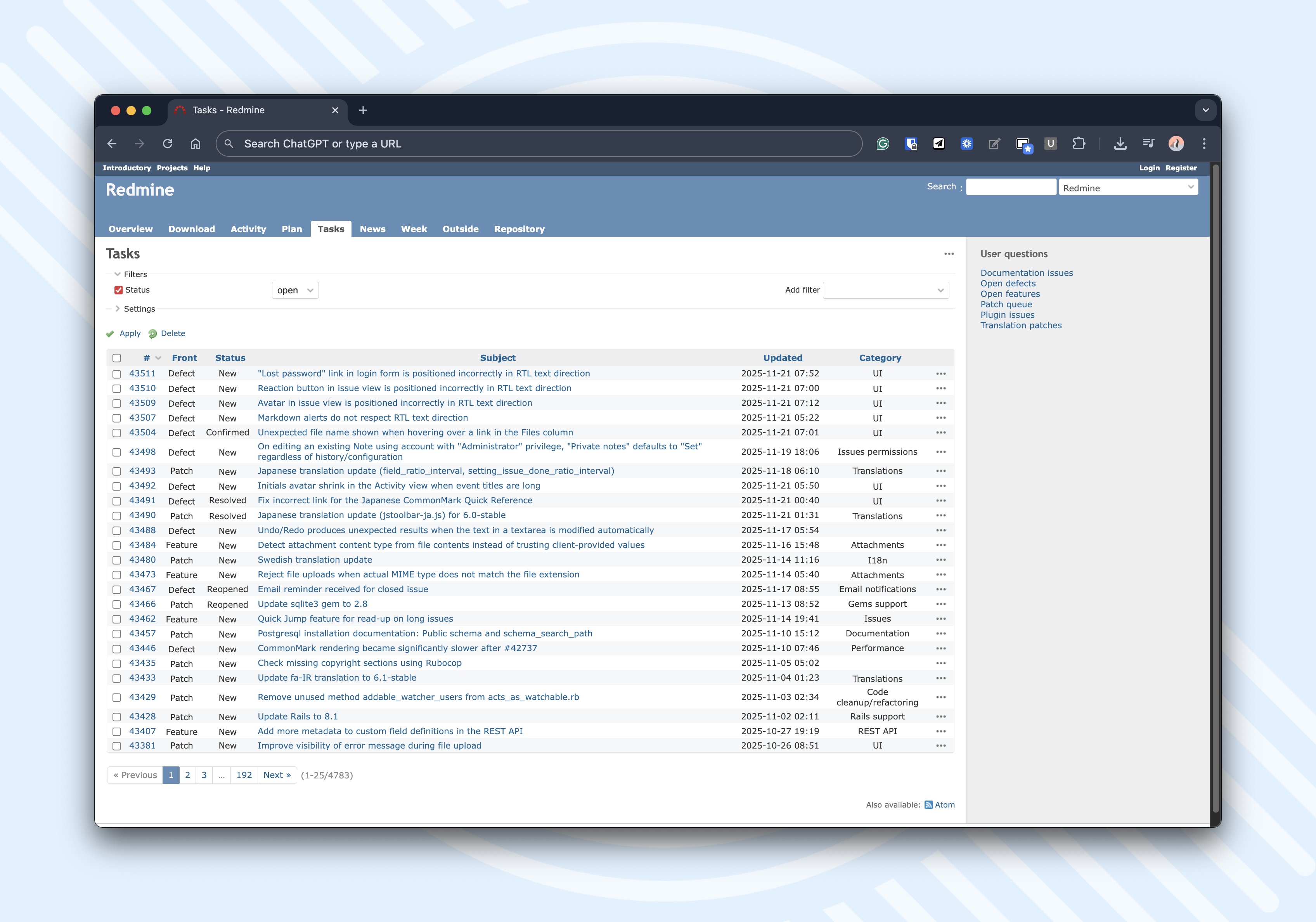
Redmine tasks dashboard
5. Tuleap
Tuleap is a French open-source application lifecycle management suite from Enalean, built around trackers, requirements and test management for regulated engineering programmes.
Best for: requirements and test traceability on programmes answering to aerospace and defence standards.
Air-gapped deployment: the vendor's aerospace and defence page answers the offline question with "Yes. Tuleap can operate fully offline", while the install requirements page states the server will need an internet connection as it will download external packages.
Licensing and updates: there is no licence key to activate, but entitlement runs through a credentialed package repository and the documented upgrade is online only.
The catch: roadmap and Gantt, baselines, test management, time tracking and program management are all Enterprise modules, so the community edition keeps trackers and the document manager but loses most of the traceability set that attracts defence buyers in the first place.
Bottom line: the strongest defence credentials and the weakest air-gap documentation, so make the offline runbook a contractual deliverable before you sign.
6. Azure DevOps Server
Azure DevOps Server is Microsoft's on-premises release of Azure DevOps, running Boards, Repos, Pipelines, Test Plans and Artifacts on your own Windows Server and SQL Server. Since December 2025 it has dropped the year from its name and ships as one continuously updated version.
Best for: organisations already standardised on Active Directory and SQL Server, with Microsoft licensing in place.
Air-gapped deployment: installs and runs offline by architecture, with no air-gap installation guide and no offline feature matrix, though Microsoft does document TLS hardening and a manual download-and-upload route for free Marketplace extensions. Paid extensions cannot be installed offline at all.
Licensing and updates: the cleanest offline story here, since Microsoft states the product uses no product key to verify the licence, and patches arrive as downloadable installers.
The catch: Microsoft states that auditing is not available for on-premises deployments, and the only workaround it offers runs through the cloud service, since the audit stream has to originate from an Azure DevOps Services instance.
Bottom line: strong planning depth and unbeatable offline licensing, ruled out wherever accreditation requires an application-level audit trail.
7. OpenProject
OpenProject is a German open-source project management application covering classic, agile and hybrid planning, offered as a free Community edition and a paid Enterprise edition.
Best for: classic project management with Gantt charts and budgets, backed by real European public-sector adoption.
Air-gapped deployment: an offline and air-gapped section in the Docker install docs, using the same image transfer for upgrades as for the install.
Licensing and updates: GPL v3 throughout, including the Enterprise add-ons, with an Enterprise token verified locally instead of against a licence server.
The catch: there is no admin-facing audit log, only work package journals, activity streams and application-level logs you ship to your own stack, and the security badge and Gravatar avatars both call out until you switch them off in administration.
Bottom line: the most honest documentation in this list and the safest open-source pick, provided you do not need dedicated test management or a requirements traceability matrix.
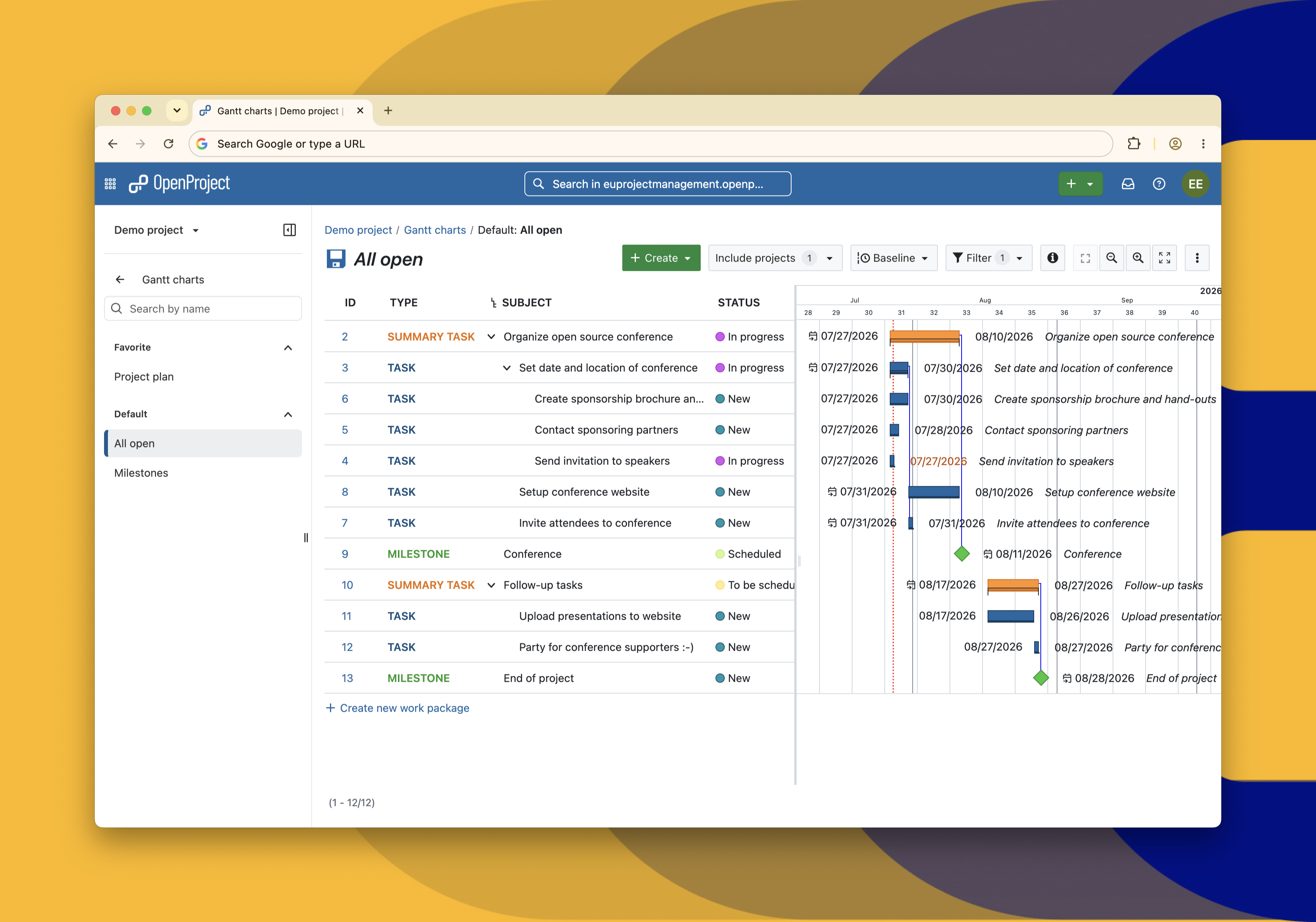
OpenProject Gantt chart
8. Taiga
Taiga is an open-source agile project management tool focused on Scrum and Kanban boards for small product teams.
Best for: agile teams prepared to package and maintain the stack themselves.
Air-gapped deployment: no offline documentation, Taiga supports Docker-based self-hosting but does not publish a complete offline/air-gapped installation procedure; you must stage images, code, and dependencies yourself.
Licensing and updates: Mozilla Public License 2.0 with nothing to activate, and no vendor-provided, turnkey “offline update package” workflow documented specifically for air-gapped.
The catch: it lacks ALM-style requirements-to-tests traceability and Gantt-based timeline traceability.
Bottom line: viable only if a simple agile board is genuinely all you need behind the air gap, and the team has said its development focus moved to a successor product.
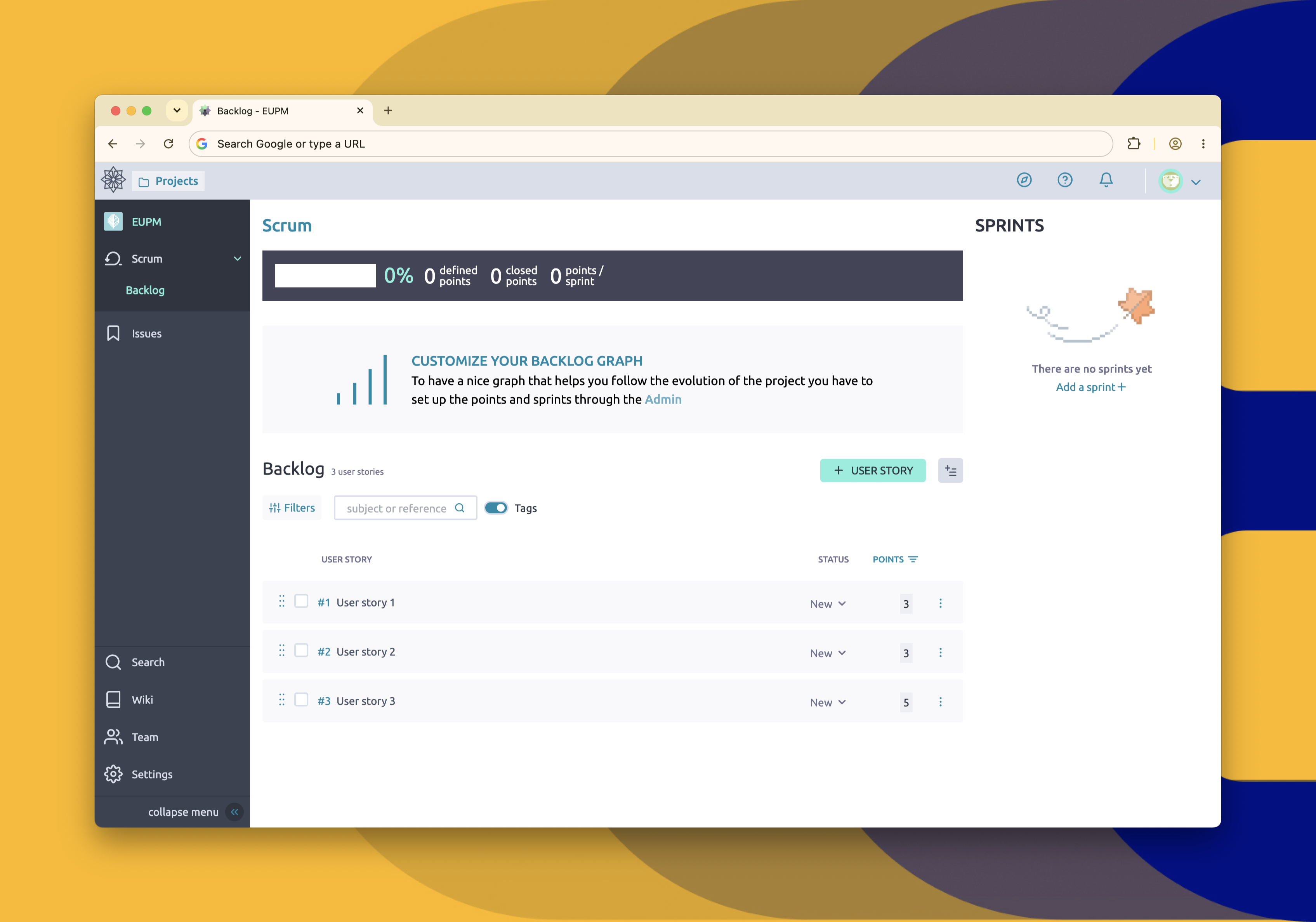
Taiga interface
How we validated
Five criteria mentioned above were applied identically to every tool.
Yes (green icon) means the vendor documents it. Partial (yellow icon) means it works with caveats, an edition upgrade, or an undocumented workaround. No (purple icon) means the vendor states it is unavailable, or nothing supports it.
|
Easy8 |
Plane |
GitLab Self-Managed |
OpenProject |
Tuleap |
Azure DevOps Server |
Redmine |
Taiga |
|
|---|---|---|---|---|---|---|---|---|
| Deployment model |  |
|
|
|
 |
|
|
 |
| Identity and access | |
|
|
|
|
|
|
|
| Licensing and updates | |
|
|
|
|
|
|
|
| Feature fit | |
|
|
|
|
|
|
|
| Compliance and audit | |
|
|
|
|
|
|
|







Jira Data Center end of life: Why it is not on this list
Jira Data Center genuinely works behind an air gap, with an on-premises install against your own database and Active Directory authentication, which is why most teams reading this are running it today.
Atlassian has set 30 March 2028 as the last date to renew Data Center licences and 28 March 2029 as complete end of life, when support, downloads and renewals stop and the products switch to read-only. An air gap cannot fix a commercial deadline, so it has no place in a shortlist meant to outlast 2029.
Easy8 Private WorkOps Platform: Your air-gapped project management tool
If your programme runs inside its own perimeter and you would rather manage one platform than six, start with the on-premises and air-gapped deployment options, then contact our sales team to scope the air-gapped installation, the licence route and the offline update procedure with people who have done it before.
If you want to dig deeper into deployment methods and data security, register for our upcoming webinar, 'Different shades of on-premises: Air-gapped, self-hosted and managed servers explained', which will be hosted by our experts on 29 October at 2 p.m.

Frequently asked questions
What does DORA stand for?
DORA stands for the Digital Operational Resilience Act.It is a European Union (EU) regulation designed to ensure the financial sector can withstand, respond to, and recover from severe information and communication technology (ICT) disruptions and cyberattacks.
Can open-source project management tools run air-gapped?
Usually yes on licensing, and often awkwardly on installation. There is no key to activate, which removes the hardest problem.
What remains is dependency fetching: package managers, container registries and plugin ecosystems all expect a network, so you need an internal mirror or a pinned image you can carry in on media.
Is on-premises the same as air-gapped?
No, and the difference is the point. On-premise means the software runs on infrastructure you control. Air-gapped means that infrastructure has no physical or logical connection to the internet or any unsecured network.
Most on-premises tools still assume a connection for licensing, updates or avatars, so an air gap is a stricter requirement that has to be tested rather than assumed.
Does air-gapped mean no internet?
Mostly yes, but it means more than that. Air-gapped means a system is physically isolated from all untrusted networks, which includes the public internet but also any other network the organization does not fully control.
So no internet is part of it, but a truly air-gapped machine also has no link to the regular corporate network, Wi-Fi, Bluetooth, or any other outside connection.
What is the purpose of an air gap in cybersecurity?
An air gap serves to physically isolate a computer or network from the internet and other untrusted networks, so that sensitive systems have no direct connection an attacker could reach through. The purpose is to create a barrier that remote threats like hackers, malware, and network-based intrusions cannot cross, because there is literally no link to exploit.
What does air-gapped mean?
An air-gapped system is a computer or network that's physically isolated from the internet and other unsecured networks, with no direct connection to the outside world. This isolation is a security measure meant to protect sensitive data or critical systems from remote attacks.
Related articles

Atlassian Isolated Cloud in 2026: Why US law still reaches your EU data
Isolated but not immune? With Atlassian phasing out Data Center and embracing the cloud, not even their 'Isolated Cloud' can shield regulated teams from US laws such as the CLOUD Act. What can you do about it? Read on to find out.

AI incident management: How our AI agent handles security and quality workflows
Many quality teams avoid AI because of data security concerns, but the risk of manual errors is just as serious. In this webinar recap, see how Easy8’s AI agent helps teams stay compliant while automating repetitive tasks in quality and security workflows.

Overview of cybersecurity in Easy8
Easy8 Group, demonstrates its commitment to the security of its products, processes, and overall ISMS in various ways. Read on to find resources relevant to your concerns.
