


n8n and AI workflows for product teams: 2 real use cases
Discover how integrating AI and automation into your product lifecycle can eliminate manual friction and accelerate value delivery. Explore "WorkOps", a framework inspired by DevOps, to unify teams, data, and processes through continuous loops of improvement.
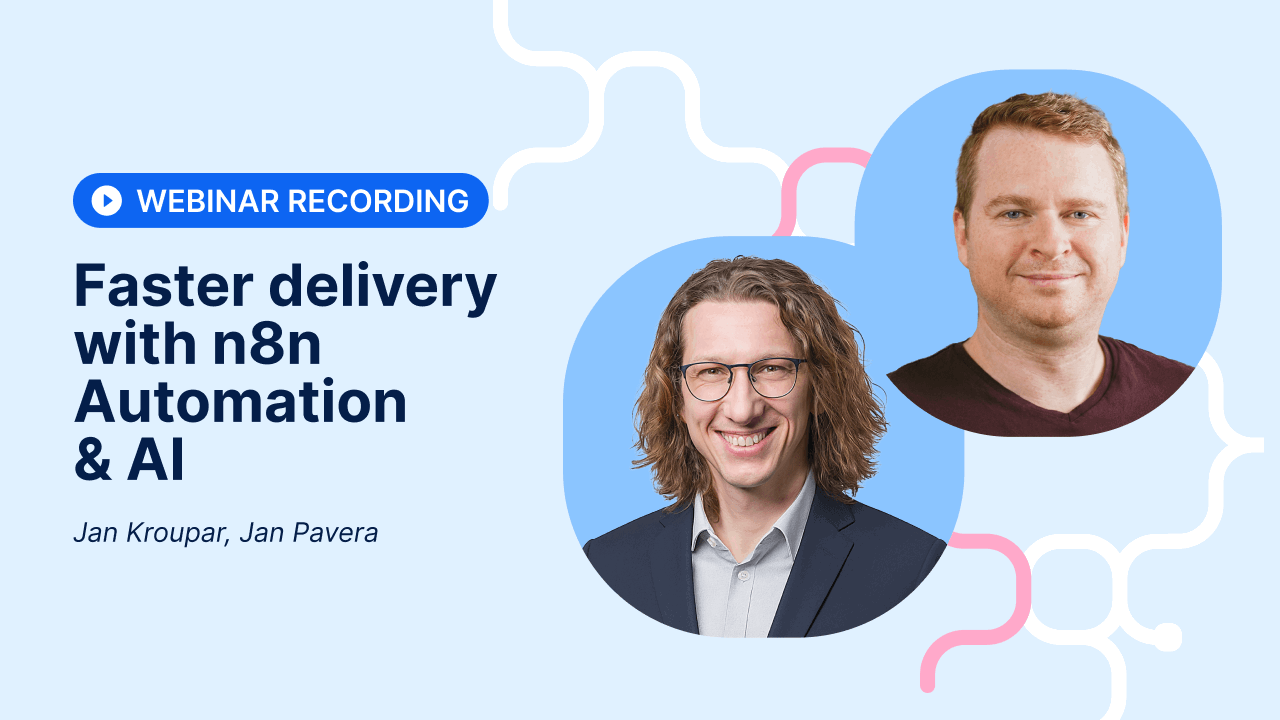
Table of contents
Product teams still wasting time on manual work
1. Processing client feedback automatically
2. Handover clarity and sprint summaries
How to start with WorkOps framework
What about security?
TL;DR
Easy8's product team shares two real automation workflows built on n8n and AI that cut manual work and speed up delivery cycles.
Product teams still wasting time on manual work
Fragmented tools, repetitive tasks, and outdated data slow down even experienced teams. Sounds familiar?
Learn how to transform client feedback into actionable insights and automate sprint summaries using tools like Easy8 and AI agents.
Our product owners Jan Pavera and Jan Kroupar provided a hands-on demonstration of practical workflows that bridge the gap between operations and development, ensuring your stakeholders stay informed without the manual overhead.
Curious? Here are two use cases:
1. Processing client feedback automatically
Support operators click a single button on a ticket in Easy8 platform. An n8n workflow fetches the conversation, runs an AI agent, and creates a structured insight in Productboard, linked back to the original ticket. All of this is happening in the 'Ops' phase, which is where the work is actually executed.
For client calls, Leexi transcripts are processed daily without any manual trigger. A weekly agent then maps all new insights to existing product features and sends the Product Owner a report, replacing two to three hours of manual work.
This helps to prioritise and react more quickly to customer feedback.
2. Handover clarity and sprint summaries
Before a sprint closes, Product Backlog Items are standardised using the AI Write Assistant in Easy8 (nowadays, also Aura). A custom prompt converts long descriptions into a consistent need, problem, and acceptance criteria format.
When the sprint closes, an n8n workflow reads completed items, understands the source task context, and posts an automated update comment. Stakeholders are notified instantly, with no chasing required.
How to start with WorkOps framework
To move from manual friction to improved efficiency, you can adopt the WorkOps framework by identifying your team's biggest bottlenecks and implementing one small, automated loop at a time.
How to do so?
- Pick one value stream and spend 30 minutes on a friction audit
- Define a standardised request form for automation ideas
- Find one quick win and measure cycle time before and after
- Use a single source of truth for all data
What about security?
Send only the minimum data needed to the AI. Use Azure OpenAI for a private cloud option, or run open-source models like Mistral fully on-premises alongside a self-hosted n8n instance for complete data control.
Watch the full webinar recording to see every workflow demonstrated live!
Register for our upcoming webinars to learn how to adopt smart AI, distinguish between 'good' and 'bad' AI, and stay in control of your data.

Frequently asked questions
How do workflow automations work securely in practice with tools like n8n and AI?
Secure workflow automation works by keeping your integration layer on your own server, anonymising sensitive data before it is passed to an AI model, and ensuring that API keys, logs, and audit trails never leave your controlled environment.
How does Easy8 support WorkOps with AI agents and workflow automation?
Easy8 integrates AI agents and n8n-powered workflow automation directly into its project management platform, letting teams automate handovers, surface insights and act on data without switching tools. This makes WorkOps in action practical for IT, construction, manufacturing and other industries out of the box.
Do we need to abandon our existing tools to implement WorkOps?
Absolutely not. WorkOps acts as an intelligent orchestration layer above your existing tools, making them work together more effectively. Whether you use Jira, Easy8, Microsoft Teams, SAP or Hubspot, WorkOps enhances rather than replaces your tech stack.
Is WorkOps just another project management methodology?
No, WorkOps isn’t just another project management methodology. It’s a framework. Imagine an ecosystem of work that blends both work and operations into a single framework. Instead of separating project delivery from day-to-day operations, WorkOps unifies them, enabling methodologies like Agile and Waterfall to coexist and ensuring continuous flow across the entire organisation.
What is the difference between automation workflow and AI agent?
The key difference between an automation workflow and an AI agent lies in their structure and autonomy.
- Automation workflow is a structured and predefined sequence of steps designed to handle specific, usually repetitive tasks. These workflows follow explicit rules laid out by a developer: "if X happens, then do Y." Workflows are predictable, linear, and operate within fixed boundaries without deviation. They are excellent for consistent, well-mapped processes where control and reliability are priorities.
- AI agent, on the other hand, is an autonomous system that is goal-oriented and capable of making decisions independently. Instead of following a fixed sequence, AI agents analyze their environment, plan their own steps to reach goals, adapt to new information, and handle complex or unforeseen situations dynamically. They choose their own actions, can learn over time, and operate flexibly with minimal human intervention.
What are n8n AI agents?
n8n AI agents are autonomous, intelligent workflows that leverage large language models (LLMs) and integrated tools to perform complex tasks without predefined, rigid rules.
They act as decision-making entities within n8n, capable of interpreting user intents, planning multi-step actions, and executing them through connected services and APIs. By embedding AI Agent nodes, n8n enables developers and non-developers alike to create adaptive systems that can, for instance, analyze data, generate content, manage appointments, and perform autonomous research.
These agents extend n8n’s traditional workflow automation by introducing reasoning engines, tool integrations, memory management, and real-time decision-making.
Can I run n8n locally?
Yes, you can run n8n locally on your machine.
Choose the method that fits your workflow and environment. If you need portability or plan to scale to multiple servers later, Docker is often the easiest path. If you just want a quick start with minimal setup, the npm method or Desktop App will get you running in minutes.
Related articles

Tool sprawl: Stop being the human bridge between your apps
Too many tools, fragmented data, and frustrated teams? WorkOps is a modern framework that helps you orchestrate your existing tech stack instead of replacing it. Here's how to get started and get rid of tool sprawl.

From DevOps to WorkOps: The evolution of the modern model of work
WorkOps is to technology project delivery what DevOps was to software development—bringing project, work, and service management into one integrated flow. Do you want to break this idea down? Continue reading...

AI adoption survey 2025 by Easy8: Real insights to AI maturity
Our 2025 AI adoption maturity survey cuts through the hype to show what’s really happening with AI in organisations: plenty of experimentation, little coordination, and growing security risks from unmanaged public-cloud tools. See how your organisation compares! And where the biggest gaps in AI maturity still are.
