What is the best Jira alternative?
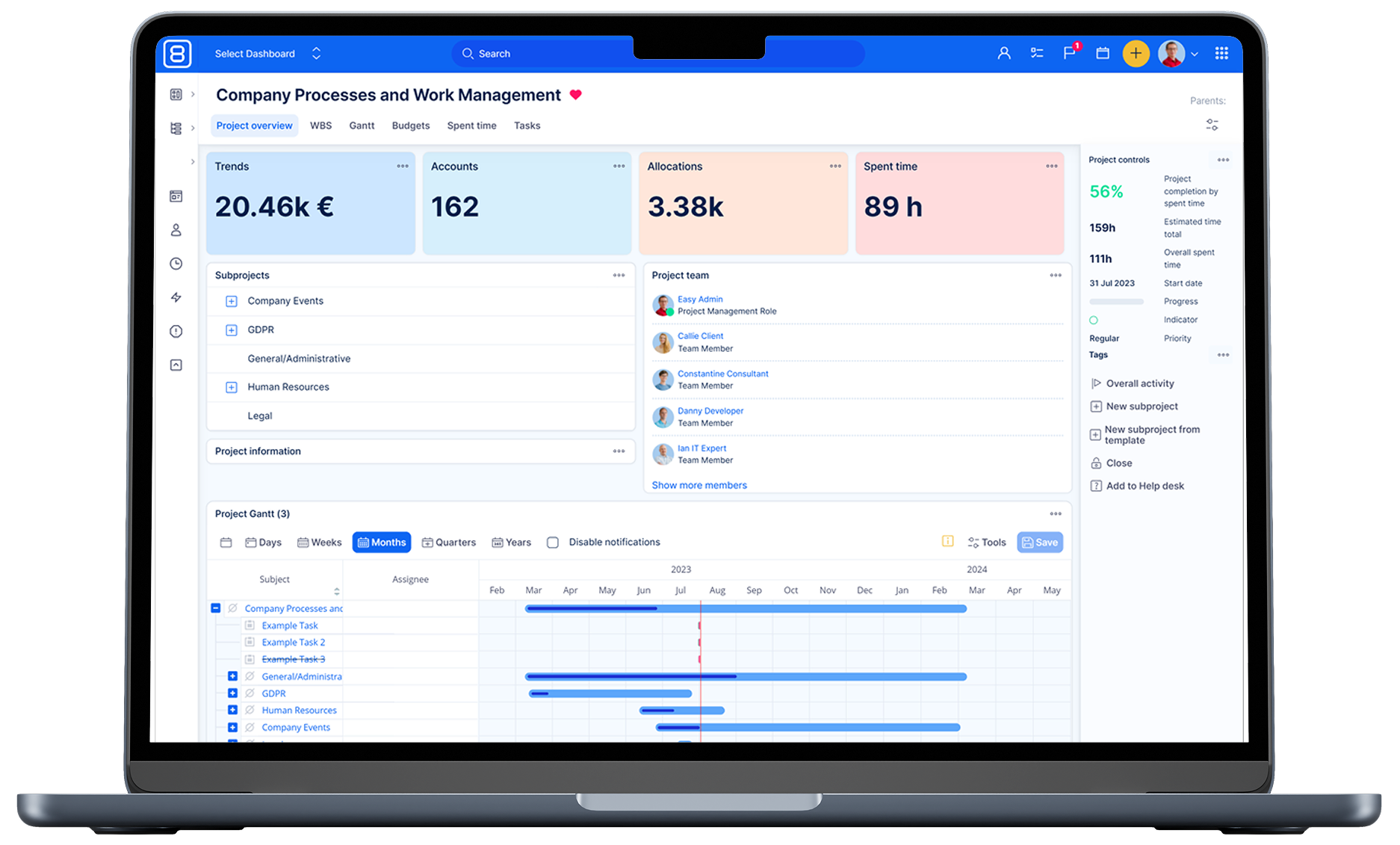
Many teams seek alternatives due to Jira's complexity, cost, or specific feature needs. Several tools offer compelling options, each with unique strengths suited for different kinds of teams and workflows. Among them is Easy8, which provides open source solutions to 25+ team members.
Organizations considering switching from Jira may find Easy8 particularly appealing due to its hybrid project management capabilities, extensive feature set, greater data control, and lower operational costs—all crucial factors for modern, security-conscious, and cost-sensitive teams.
Related content
How to migrate Jira database?
Migrating from Jira to another platform can be a complex process, and it typically involves several key steps:
- Assessment and planning: Before starting the migration, it's crucial to assess the current Jira setup, including the number of projects, custom fields, workflows, and any integrations or add-ons in use. This helps in planning the migration strategy and identifying potential challenges.
- Data export: The next step is to export data from Jira. This can be done using Jira's built-in export tools, such as exporting issues to a CSV file. The export should include all necessary data like issues, attachments, and user information.
- Data mapping and transformation: Once the data is exported, it needs to be mapped to the new platform's data structure. This may involve transforming the data to fit the new system's requirements, such as converting custom fields or workflows to the new format.
- Migration tools: Depending on the target platform, there may be specific migration tools available to facilitate the process. For example, if migrating to a cloud-based system, there might be cloud migration assistants or third-party tools that can help automate parts of the migration.
- Testing: Before performing the final migration, it's important to test the process in a staging environment. This helps identify any issues that might arise during the actual migration and allows for adjustments to be made.
- Execution: After successful testing, the migration can be executed. This involves importing the transformed data into the new platform and ensuring that all data is correctly mapped and accessible.
- Validation and cleanup: Post-migration, it's essential to validate that all data has been migrated correctly and that the new system is functioning as expected. This includes checking for any missing data, broken links, or issues with workflows. Any necessary cleanup should be performed at this stage.
- Training and support: Finally, provide training and support to users to help them transition to the new platform. This ensures that they are comfortable with the new system and can use it effectively.
Each migration is unique, and the specific steps may vary depending on the complexity of the Jira setup and the target platform. It's often recommended to work with experienced professionals or solution partners to ensure a smooth migration process.
What are the disadvantages of using Jira?
Jira’s flexibility and depth come with a steep learning curve and significant administrative overhead, as teams must master complex configurations and dedicate resources to ongoing maintenance. Large instances can suffer performance bottlenecks and require disruptive re-indexing, while licensing and add-on costs quickly escalate.
Over-customisation risks process fragmentation and upgrade headaches, and native reporting tools are limited without additional plugins or BI integrations. Finally, the crowded UI and integration complexity can hinder adoption and create data silos if not carefully managed.
What is the difference between Jira and Redmine?
Jira is a proprietary, enterprise-grade issue tracking and agile project management platform developed by Atlassian, featuring built-in Scrum and Kanban boards, advanced reporting, and seamless integration with the wider Atlassian ecosystem under commercial licensing.
Redmine is a free, open-source, Ruby on Rails–based project management and issue-tracking tool emphasizing self-hosting flexibility, hierarchical projects, built-in Gantt charts and calendars, and extensibility through community-driven plugins.
As a result, organizations seeking polished UX, enterprise support, and rich analytics tend to choose Jira despite licensing costs, while teams prioritizing customizability, budget-friendliness, and open-source control often opt for Redmine.
How to move Jira from one server to another?
With our service, you can effortlessly migrate your project data, including tasks, issues, users, and configurations, while minimizing downtime and ensuring data integrity. Our expert team handles every step of the process, from extracting data from your Jira instance to meticulously mapping and importing it into Easy8.