


Introduction
Easy8 offers different types of dashboards to help users focus on the right data. Each type is designed for a specific role or use case. Knowing these dashboard types helps you use the tool better and manage projects more efficiently.
Target Audience
- User
- Administrator
Understanding Dashboard Types
Definition
In Easy8, a dashboard is a visual page showing real-time data using widgets. There are several types of dashboards, each with its own purpose:
- My Dashboard
- Project Dashboard
- Feature Dashboard
- Custom Dashboard
Each type is used for a different focus — from personal tasks to team progress or department goals.
How It Works
My Dashboard
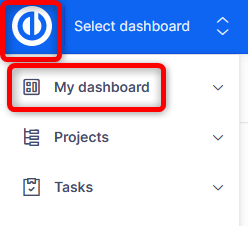
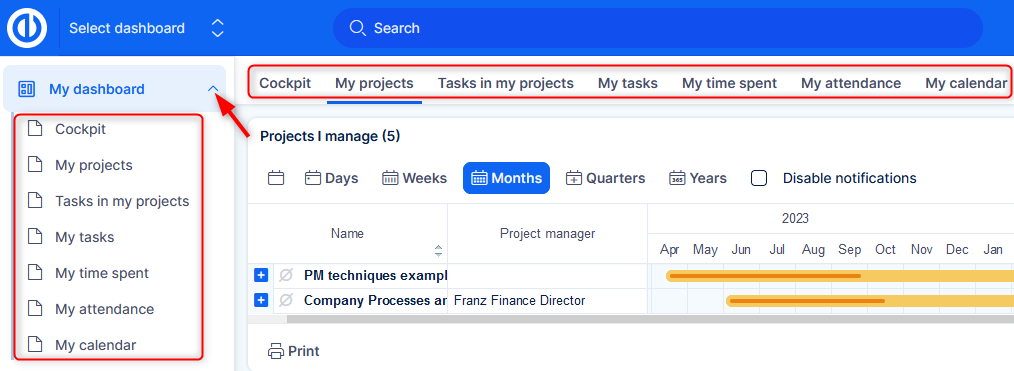
This dashboard is personal. It shows the user’s tasks, time tracking, calendar, and more. Each user can customize it based on their needs. It helps users stay organized and manage their workload.
If you have more tabs your dashboard, they are available as submenu.
Project Dashboard
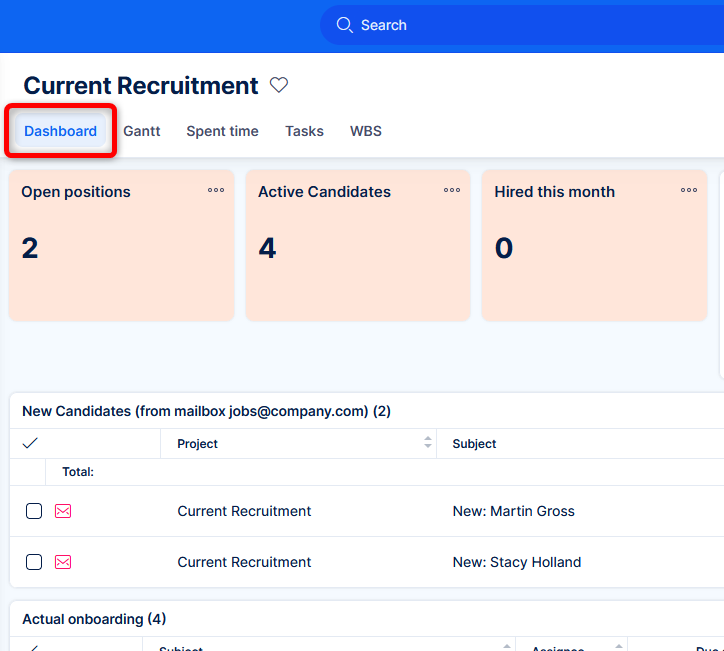
This dashboard is linked to a specific project. It shows project progress, open tasks, assigned team members, budgets, and deadlines. It's useful for project managers and teams working together on one project.
Feature Dashboard
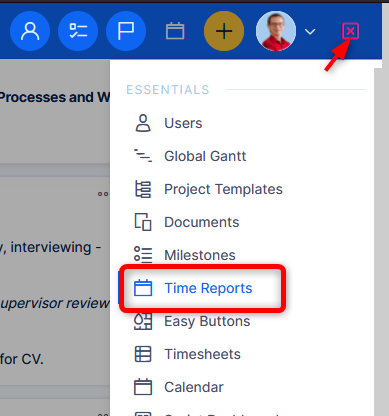
This dashboard focuses on a specific feature or module, such as finance or helpdesk. It collects data related to that feature and shows it in a clear visual way. It's ideal for specialized roles that focus on one area.
Custom Dashboard
Custom dashboards can be created by users or admins. These dashboards can combine widgets from many sources. They can be used for departments (like HR or Sales) or even as an overview for top management. They are fully customizable in layout and content.
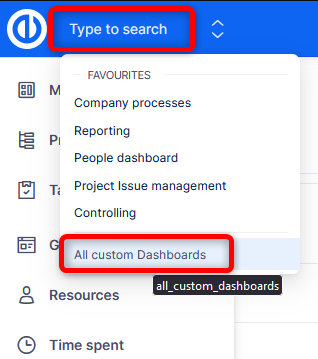
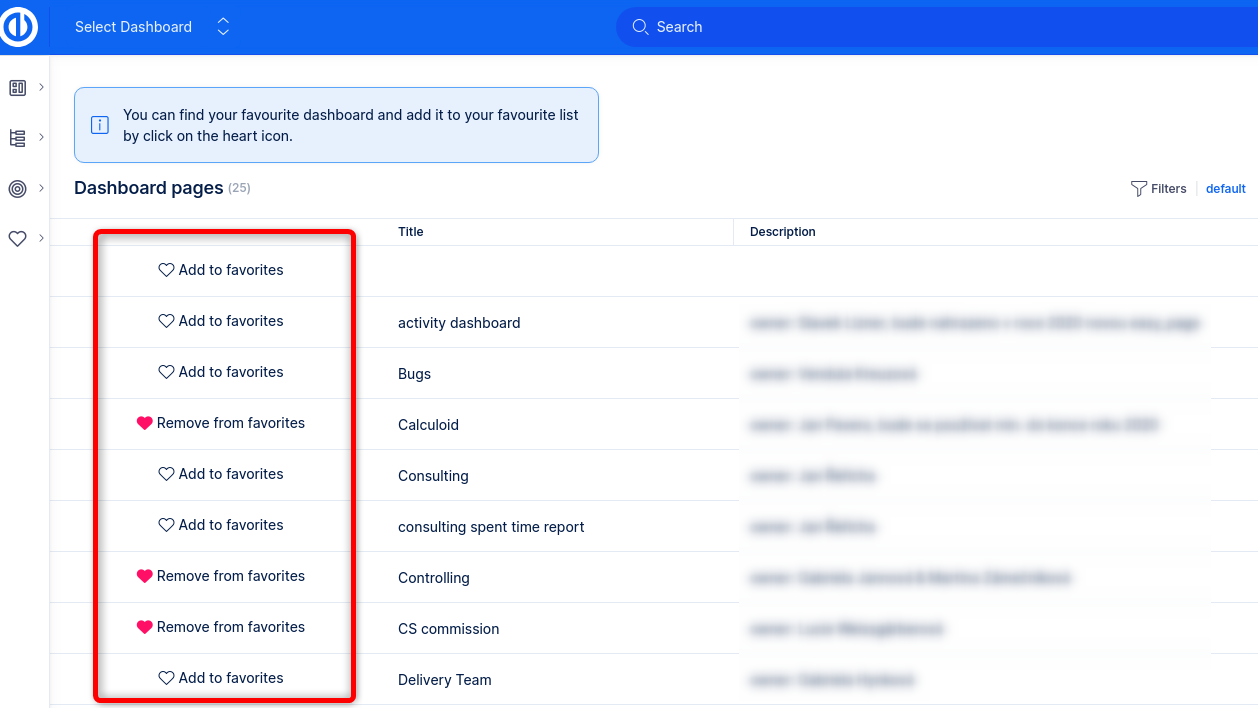
Users can switch between dashboards easily using the dashboard list. Dashboards can also be shared with others or set as default views. By clicking the hearth icon of a dashboard, it will appear prominently in your Jump to Dashboard selection in the top bar, so you can reach easily any time.
Examples
- A team lead might use a project dashboard to track task progress and team performance.
- A finance manager could use a feature dashboard to monitor project costs and budget use.
- An employee can use My Dashboard to manage their daily schedule and time reports.
Conclusion
Understanding the different dashboard types in Easy8 helps users pick the right one for their role. Whether it’s a personal dashboard, a project view, or a custom layout for a department, each dashboard type brings useful insights and improves work efficiency.
