


To-do List
How to use To-Do list
The To-Do list can be opened by clicking on this icon on the right.

This is how it looks opened.
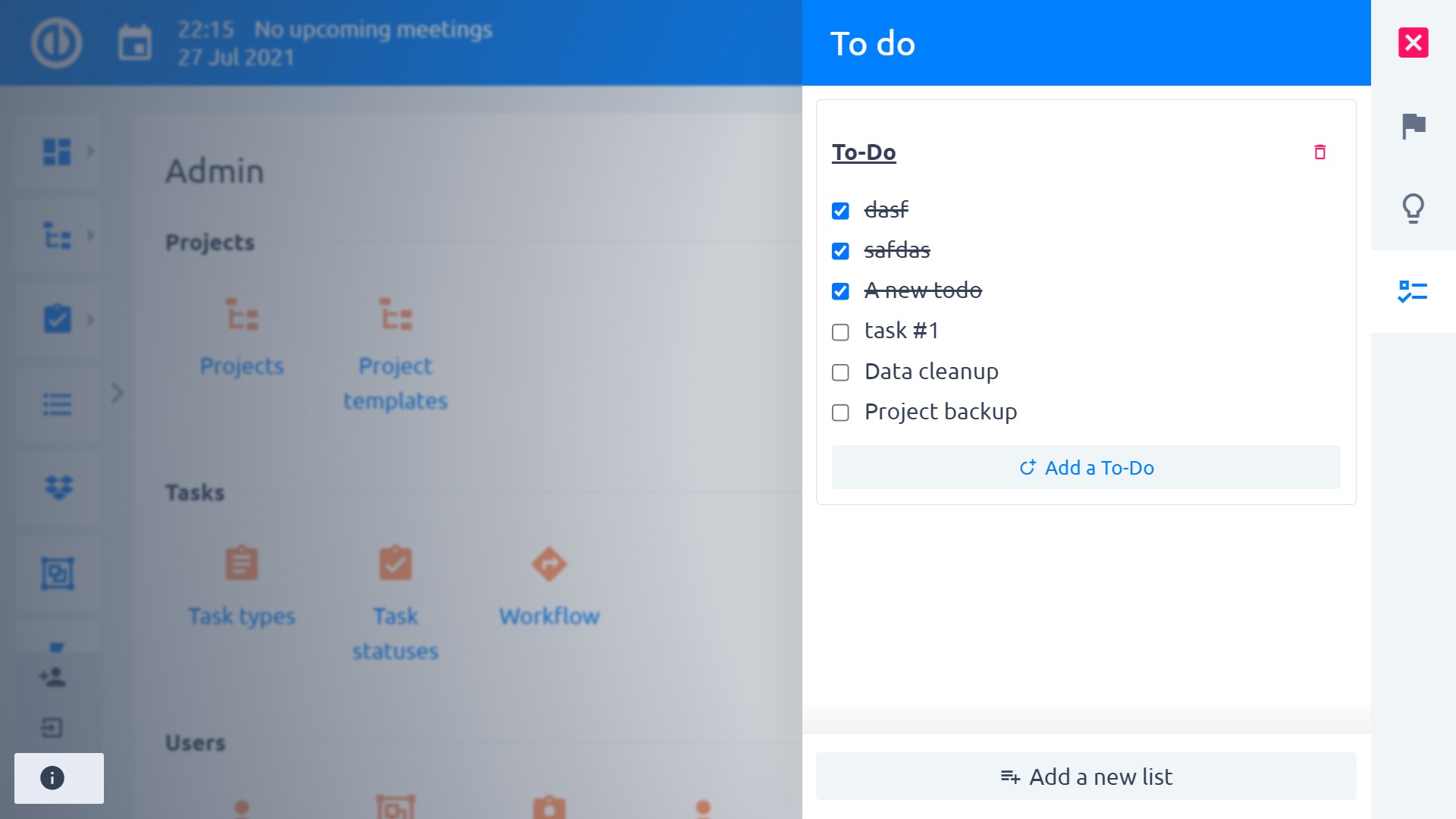
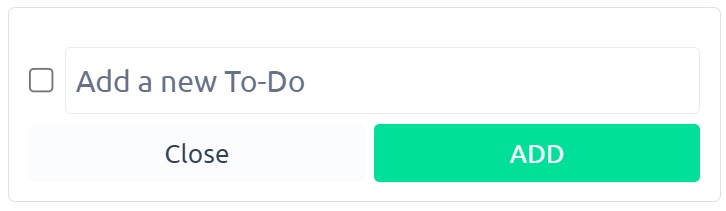
to add any To-do you can click on the Add a To-do
The To-Do list can be opened by clicking on this icon on the right.
This is how it looks opened.
to add any To-do you can click on the Add a To-do
