


Task statuses
To manage task statuses, go to Global menu >> Administration >> Task statuses
You will have the option to create a new status by clicking on the New status button.
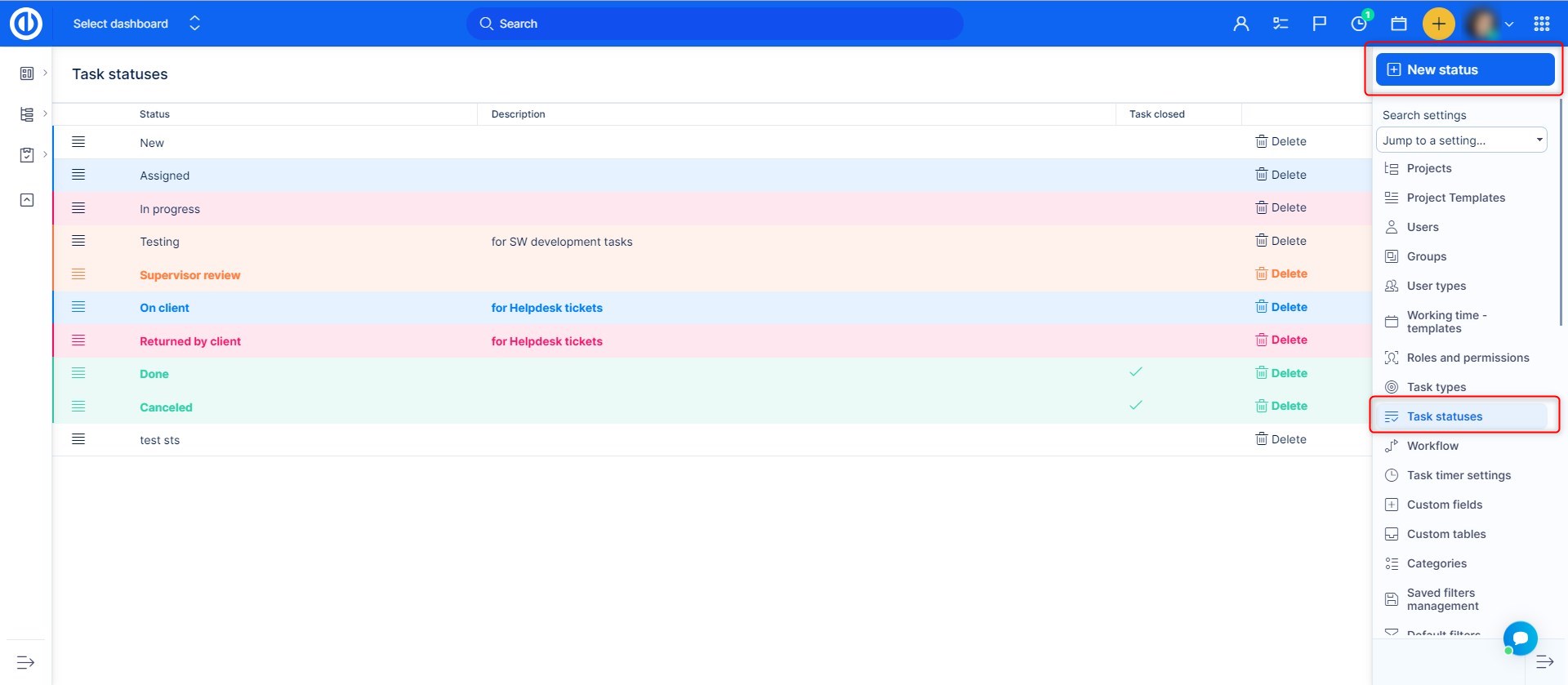
You will land on this page:
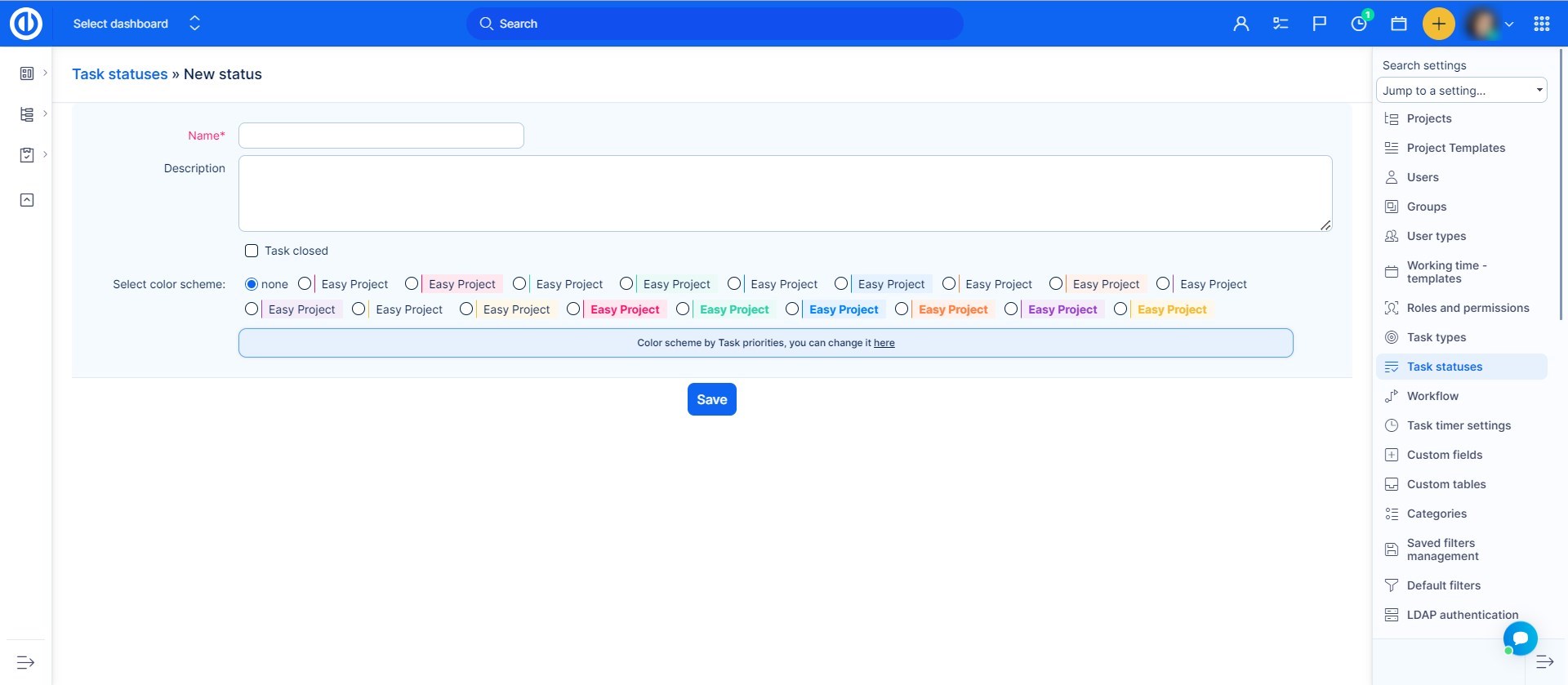
Here you fill in the name of the status, describe for example what it should be used for and you can choose whether will the task be closed by this status. And you can also set color scheme.
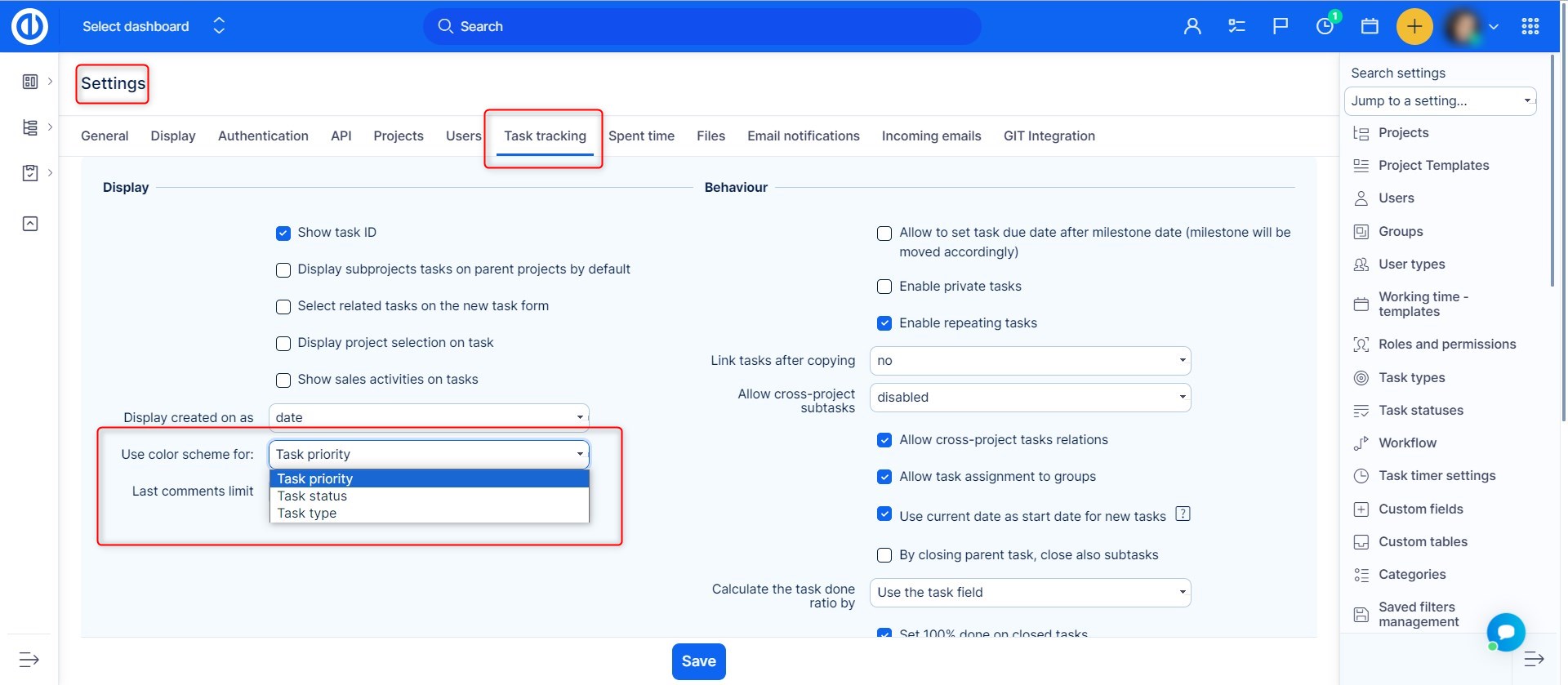
To make the color scheme by status work, you have to choose it in the settings.
To delete a status, simply click on the trash bin icon on the right.
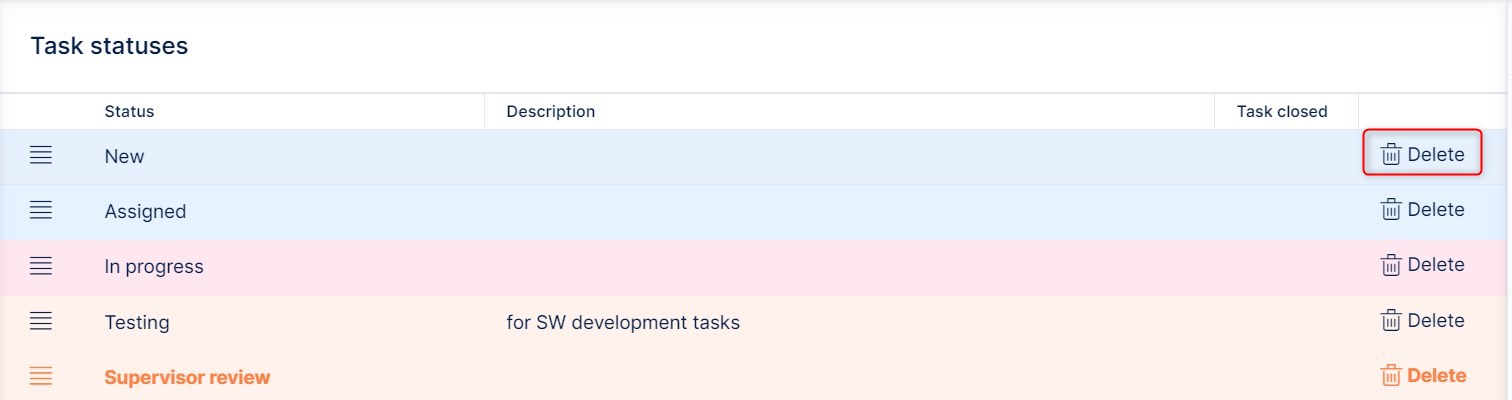
IMPORTANT: If you want to delete a status, make sure it is not used in an existing project, or even in a template. Used status cannot be deleted.
On the status list, you are able to also change the order of the statuses by dragging them by the icon on the left side up or down. Order of closed statuses is important regarding , for example, merging tasks, where the first closed status is used for closing one of the tasks.
