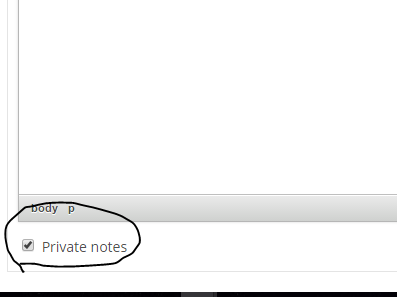
Private comments
How to use private comments
You can control who sees which comments in a task. With this feature, you can prevent for example your client to see internal communication.
Enable using private comments
To use and see private comments, you have to permit the user in roles and permissions. When a user has these permissions he will be able to set the comment as private.

Set private comments as default
All the comments added will be by default checked in as private. How to achieve this? Go to Administration » Settings » Task tracking. Here you will find this checkbox.
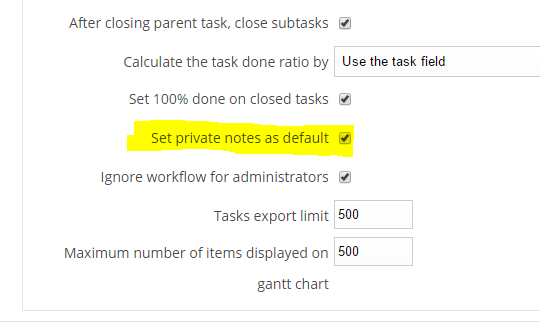
The checkbox will then be always prechecked.