


How to Use the Agile Resource Widget on Dashboards
Introduction
This guide explains how to add and use the Agile Resource widget on your Easy8 dashboard. The widget provides a quick overview of Agile project timelines and resource assignments without needing to open the full Agile Resource Management interface.
Target Audience
User
Prerequisites
- Access to Agile Resource Management
- Permission to customize your dashboard
- Agile projects already created and assigned
Steps to Use the Widget
Step 1: Open Your Dashboard
- Go to the Home page or any personal/project dashboard
Step 2: Add the Agile Resource Widget
- Click Customize to enter dashboard edit mode
- In the widget library, scroll to the Agile Resources section
- Choose one of the three available widget types:
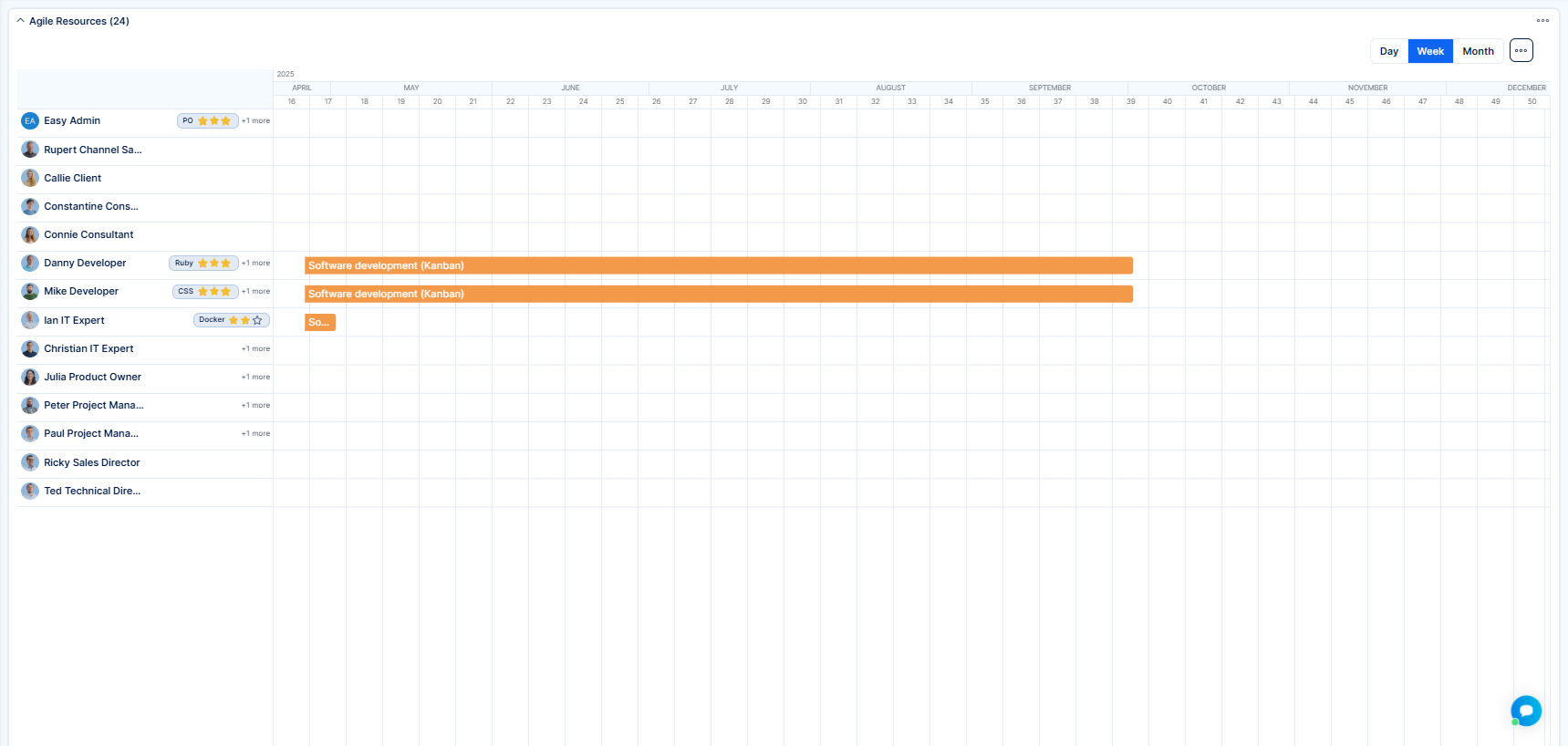
- Personal – Shows Agile resource assignments per user based on applied filters. It is not limited to the current user's assignments. You can apply filters like user name or status.
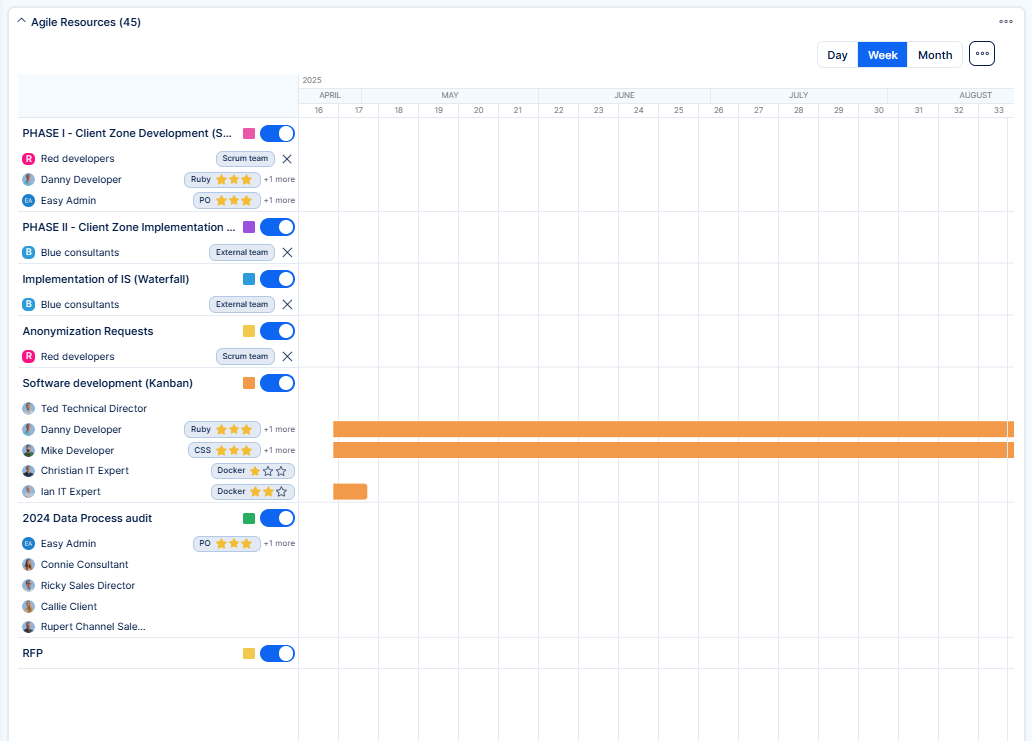
- Project – Displays timelines organized by projects. You can filter by project name or status.
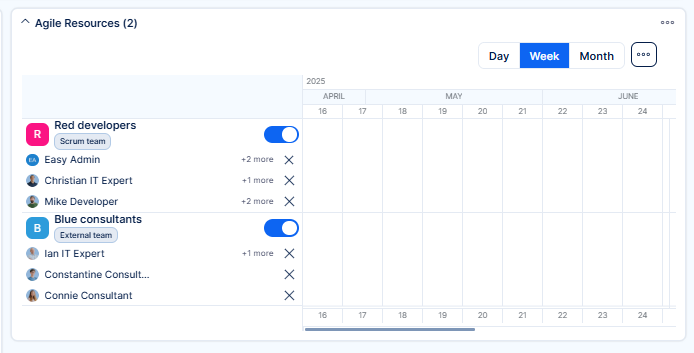
- Team – Shows team-level assignments and skill distributions. Filters may include team names or user properties.
- Personal – Shows Agile resource assignments per user based on applied filters. It is not limited to the current user's assignments. You can apply filters like user name or status.
- Click Add next to your chosen widget
- The widget will appear on your dashboard
Step 3: Use the Widget
- All widget types display simplified versions of the Agile timeline
- You can scroll across dates (Day / Week / Month view switch)
- Team and user names appear on the left, project/event bars on the right
- Hover to preview, click to explore in full Agile Resources
🛈 Note: These widgets are read-only. You cannot edit events directly from them.
Step 4: Adjust Widget Placement
- Drag the widget to reposition it
- Resize the dashboard layout for optimal visibility
Step 5: Remove or Replace the Widget
- Click Customize again to remove or adjust widgets
- You can also remove or edit the widget directly in live mode using the toolbar icons:
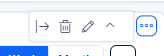
- Use the pencil icon to rename the widget or the trash bin to delete it instantly
Conclusion
The Agile Resource widget lets you track project timelines and team usage right from the dashboard. It is a convenient visual aid for ongoing Agile planning.
| How would you rate this article? | |||
|


