


How to download a ER package to perform install or update
To download your ER package, go to www.easyredmine.com and login to your Client zone.
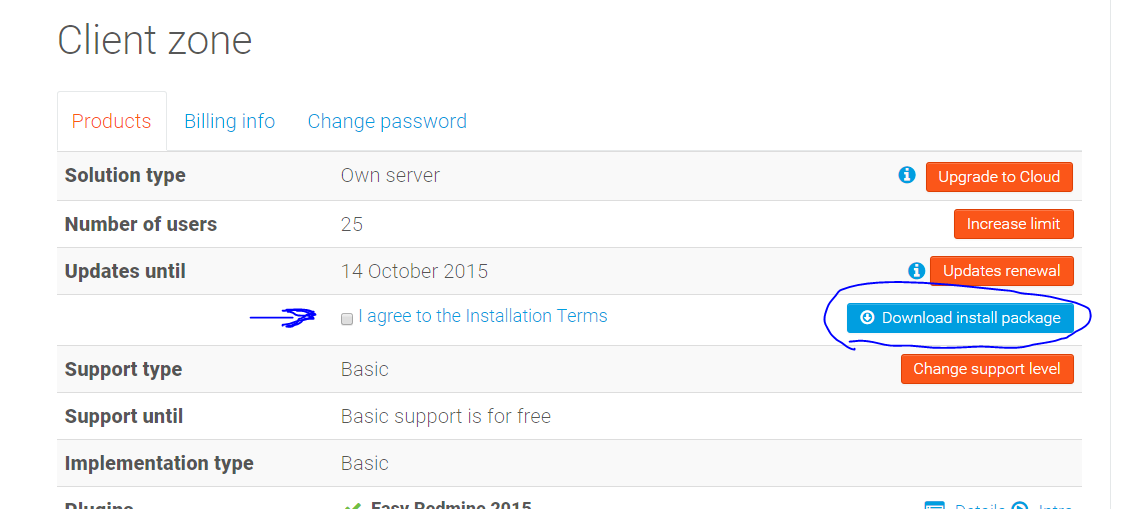
It can take few seconds until the package ensembles

After That, this message will pop up
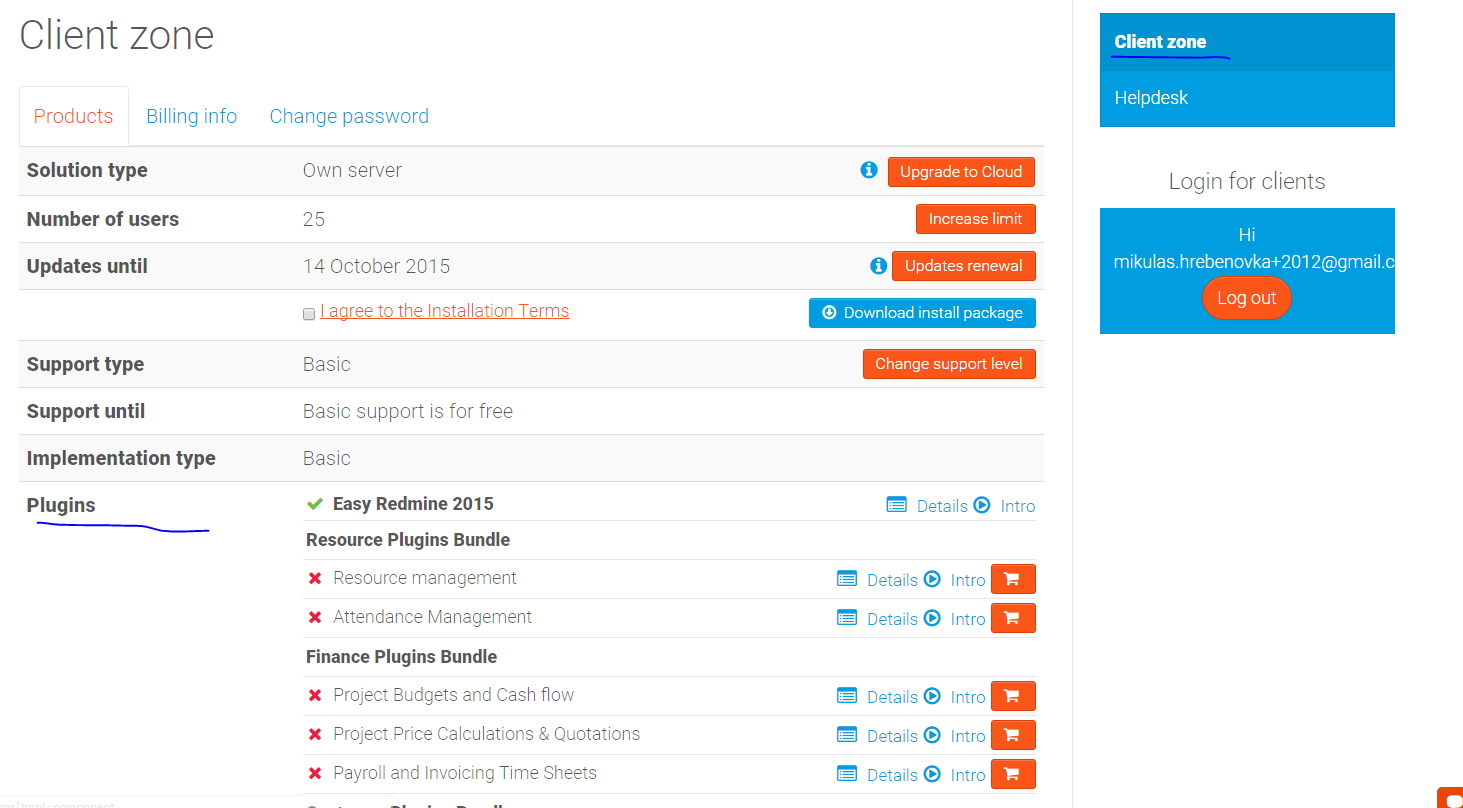
and a download will begin.
after the download is finished, you can continue with these instructions:
- for a brand new installation - https://www.easyredmine.com/resources/installation/235-easy-redmine-installation-from-scratch
- if you already have (Easy) Redmine running - https://www.easyredmine.com/resources/installation/234-redmine-upgrade-to-easy
