How to calculate project completion (% done ratio)
To see project completion (% done ratio) within an overview of a particular project, first you need to add project card widget using "Customize this page" button down on the Project dashboard.
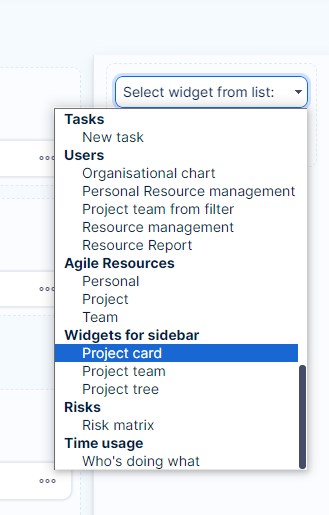
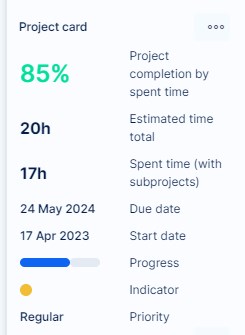
When added, click on the green button "Save page and go back". The project card box then appears in the sidebar of the Project dashboard, as illustrated below.
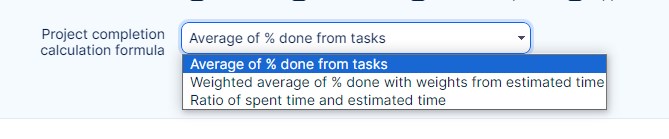
The project completion (% done ratio) can be calculated using 3 different methods as shown below. You can select one of them in Global menu >> Administration >> Settings >> Projects - Project completion calculation formula.