


How to assign a task to more users
If you need multiple users to work on one Task, there are overall three ways to do it.
1) Assignee and co-workers
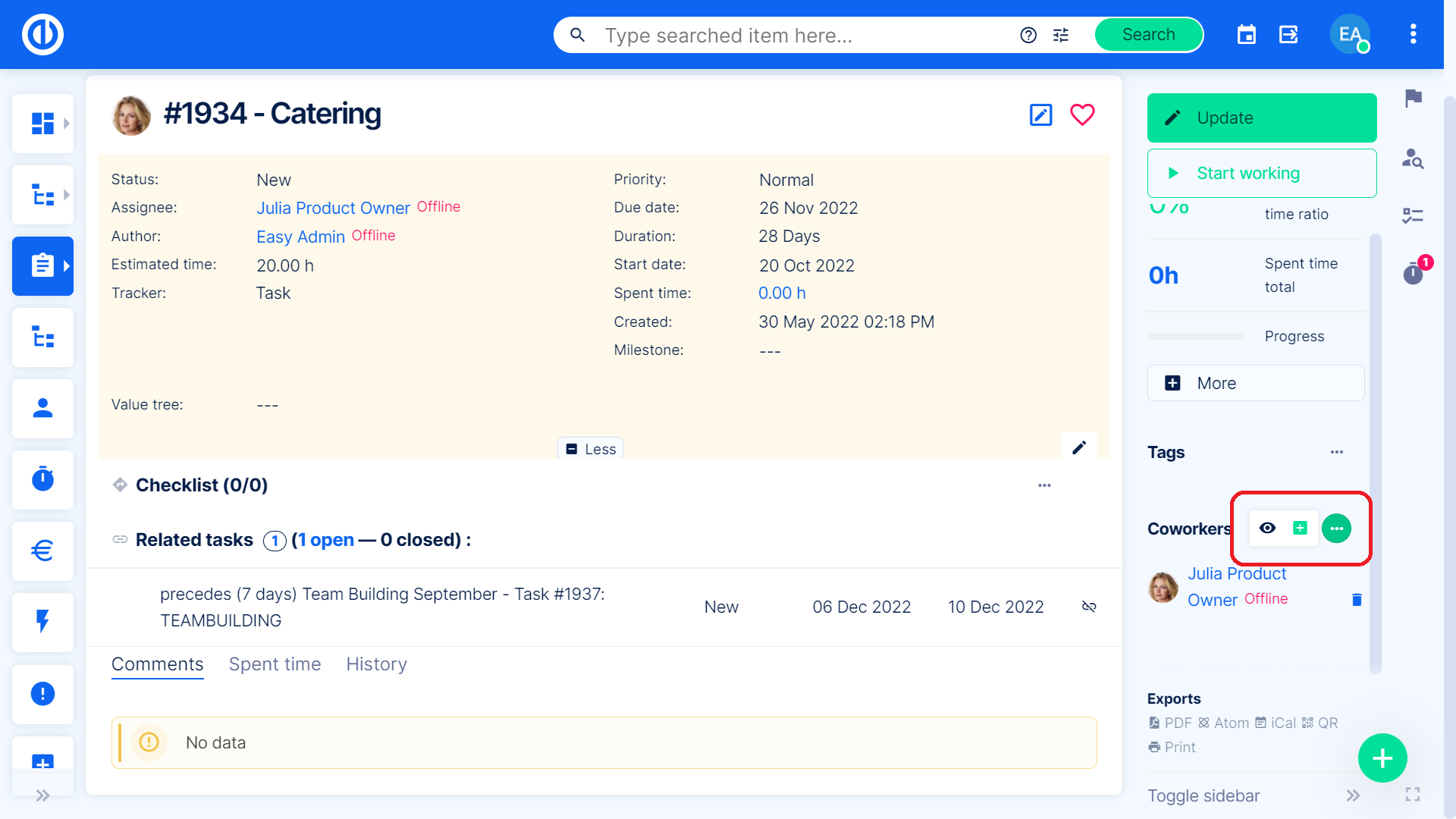
you can set one person as an assignee, and the others as coworkers. Co-workers get notifications and are able to manage the task just like the assignee. There are two ways to add a co-worker:
- You can add him while creating a task.
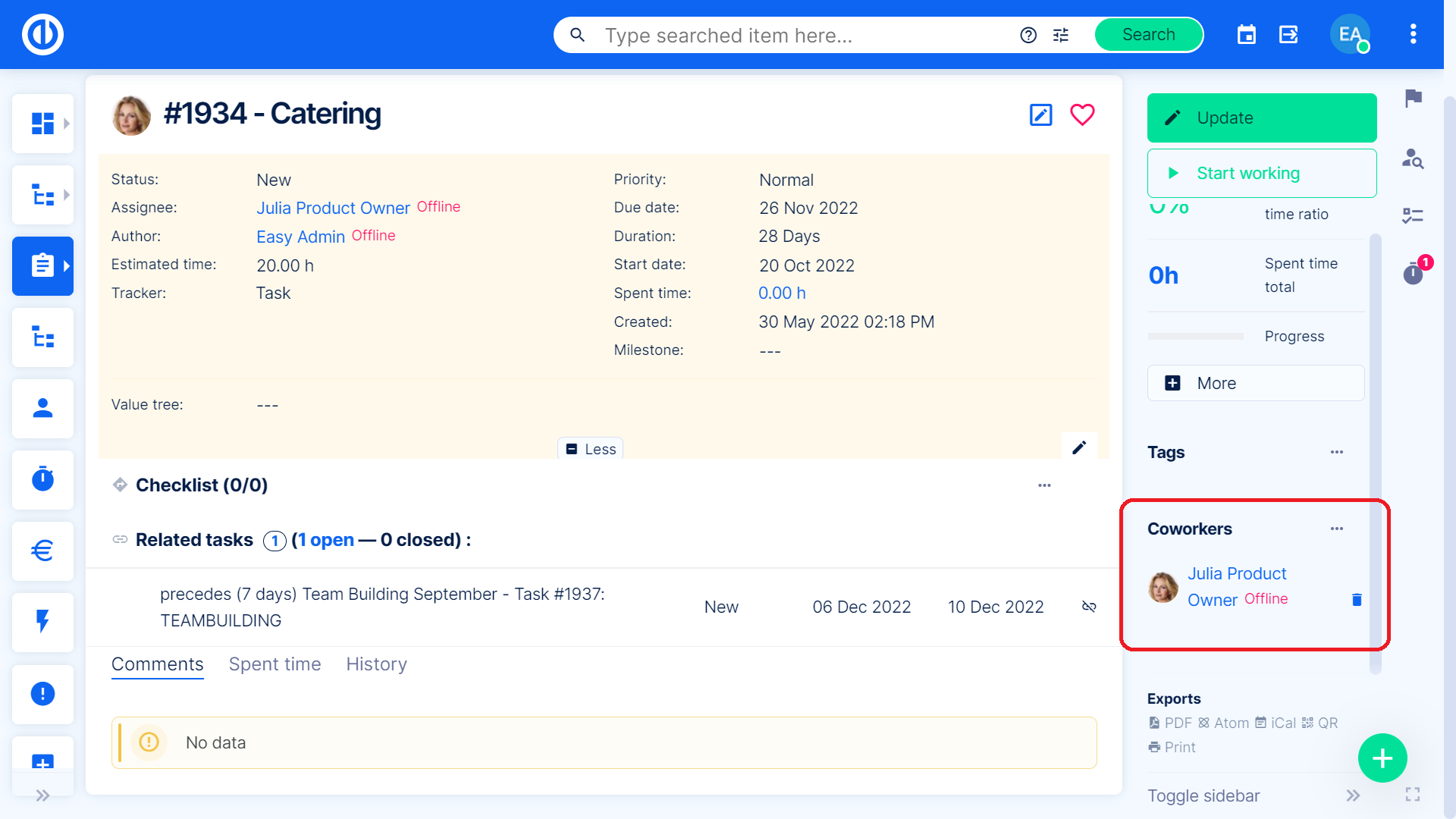
- You can add him to an existing task.
2) Group assignment
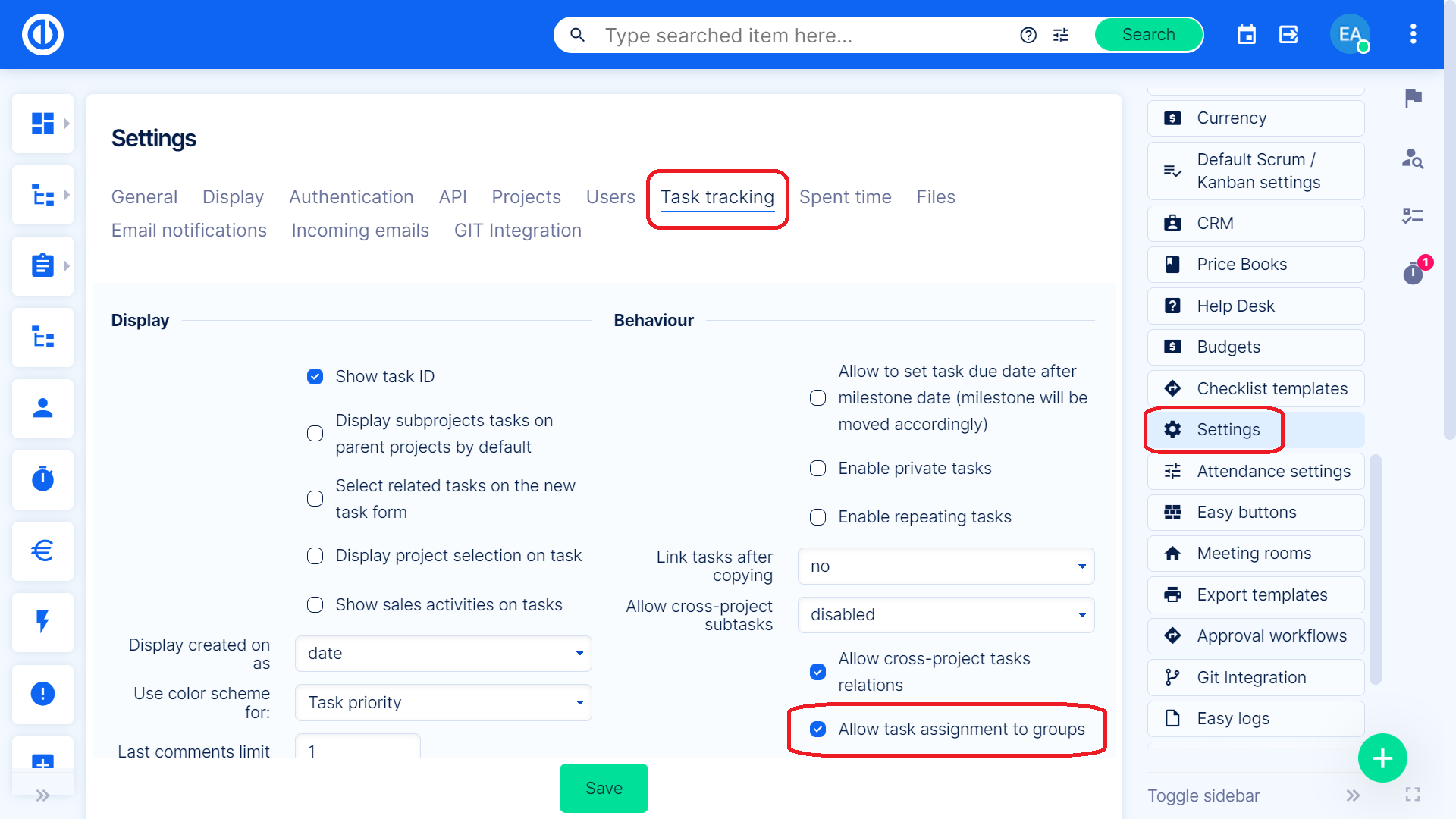
You can assign a task to a group, and the group will receive notifications and can manage the task as one. To be able to assign a task to a group, make sure, you have this option turned on in Administration » Settings » Task tracking. Look for this checkbox on the right side. You will then see a group in the assignee list ( the group has to be a member of the project, just like a regular user).
3) Distributed task
How to use distributed tasks and how to set them up can be found in this knowledge post.
