How to add roles to users
You created roles and added permissions to them. We will now show you how to assign those roles to users.
Assign a role while you are adding members to a project.
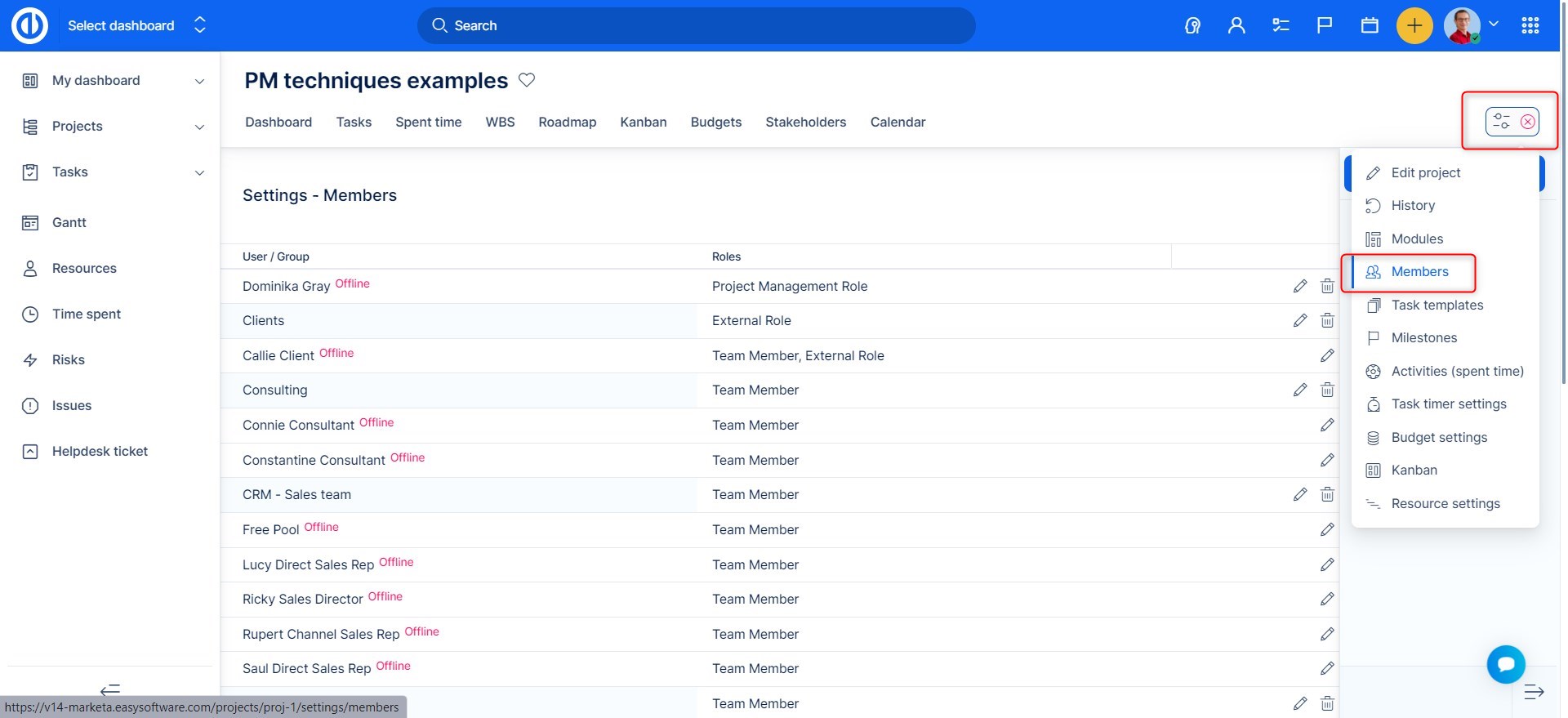
Open selected project >> Project controls >> Members
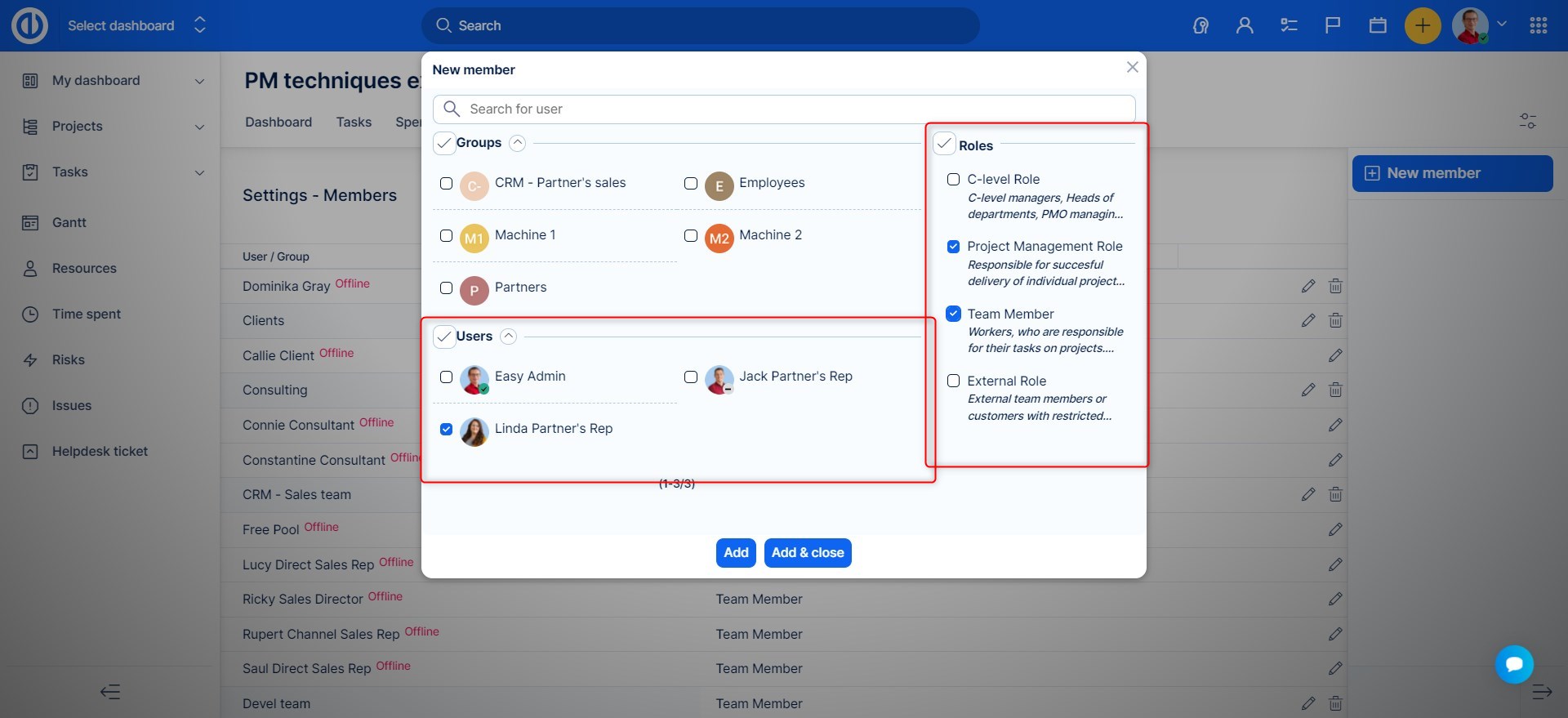
Here, add a new member. You can choose the member, and what role OR roles he will have.
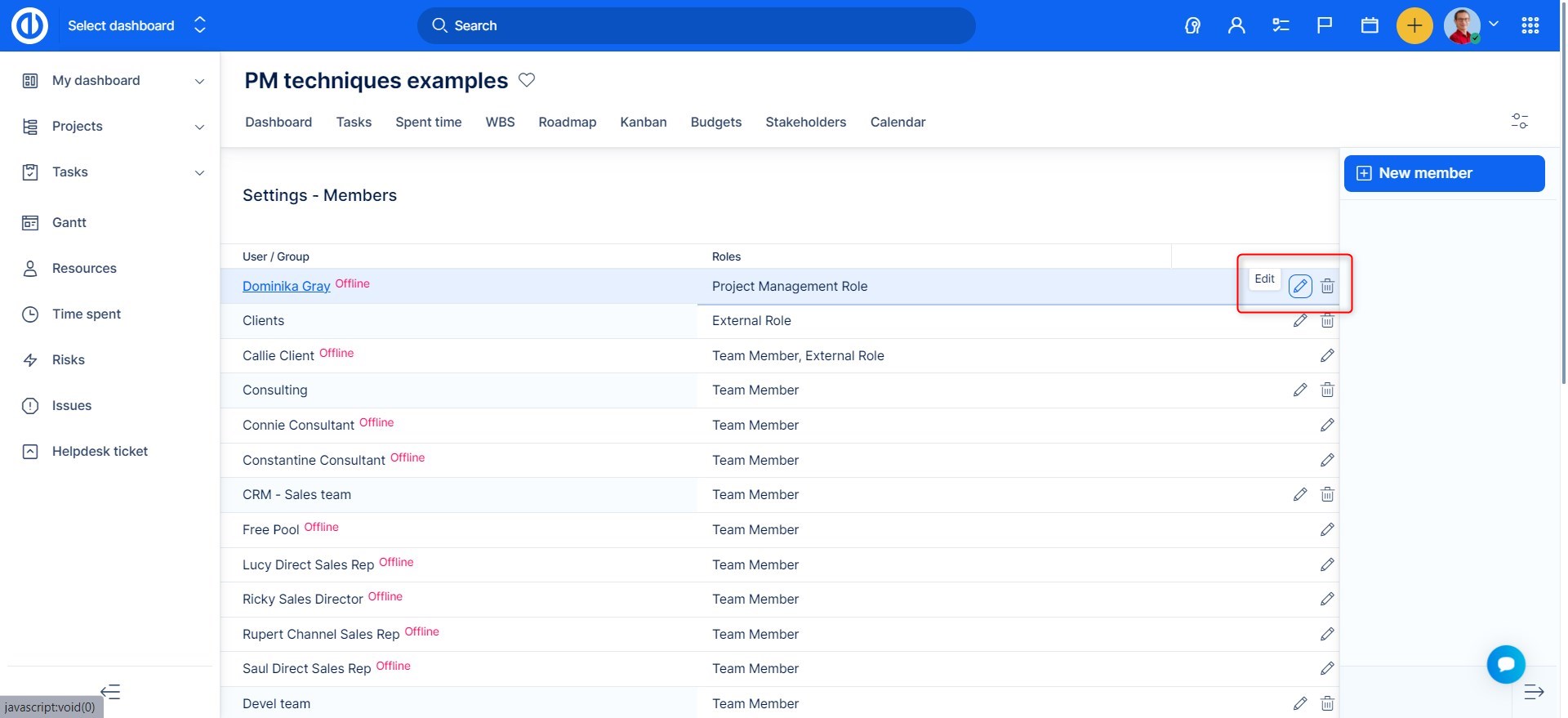
You will also be able to edit roles of existing members, by clicking the edit button:
Assigning role through users profile.
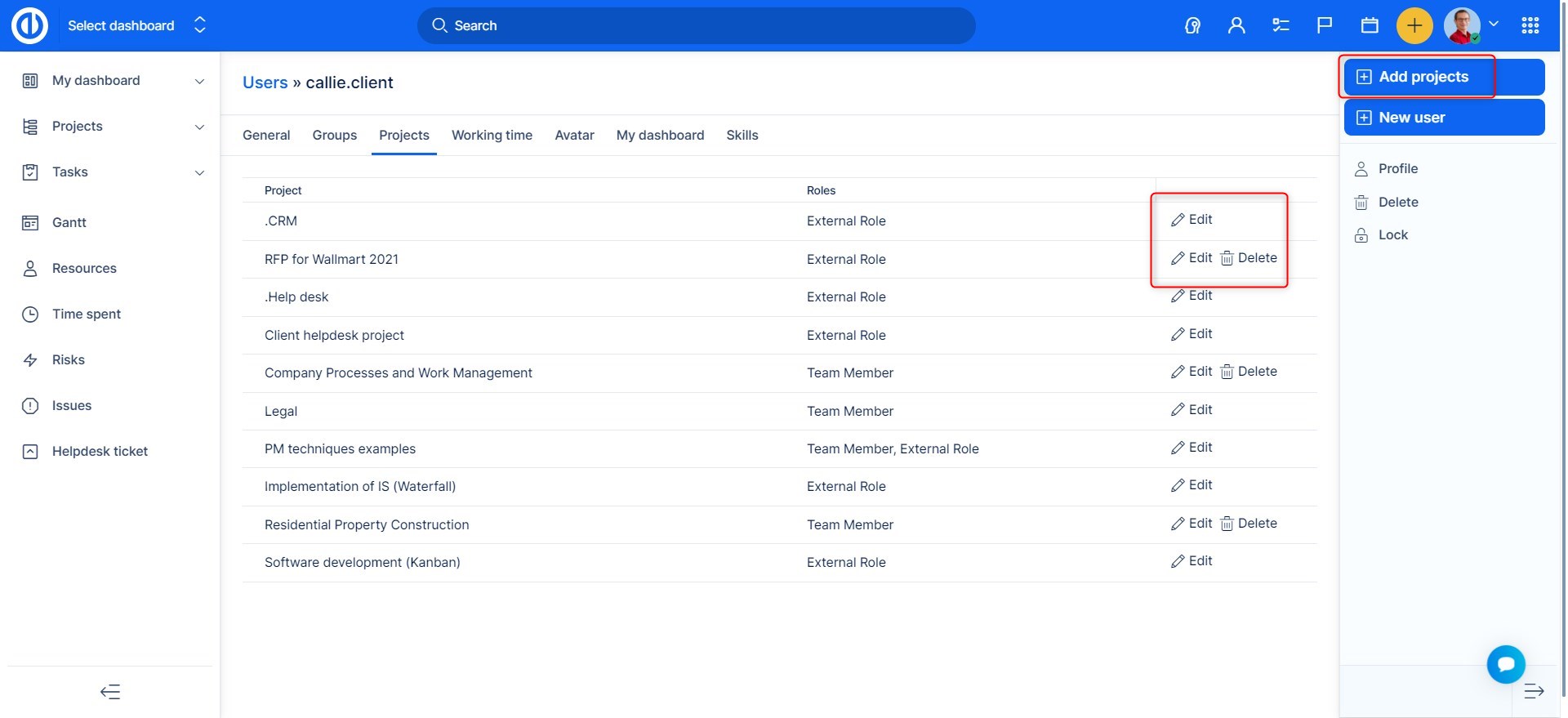
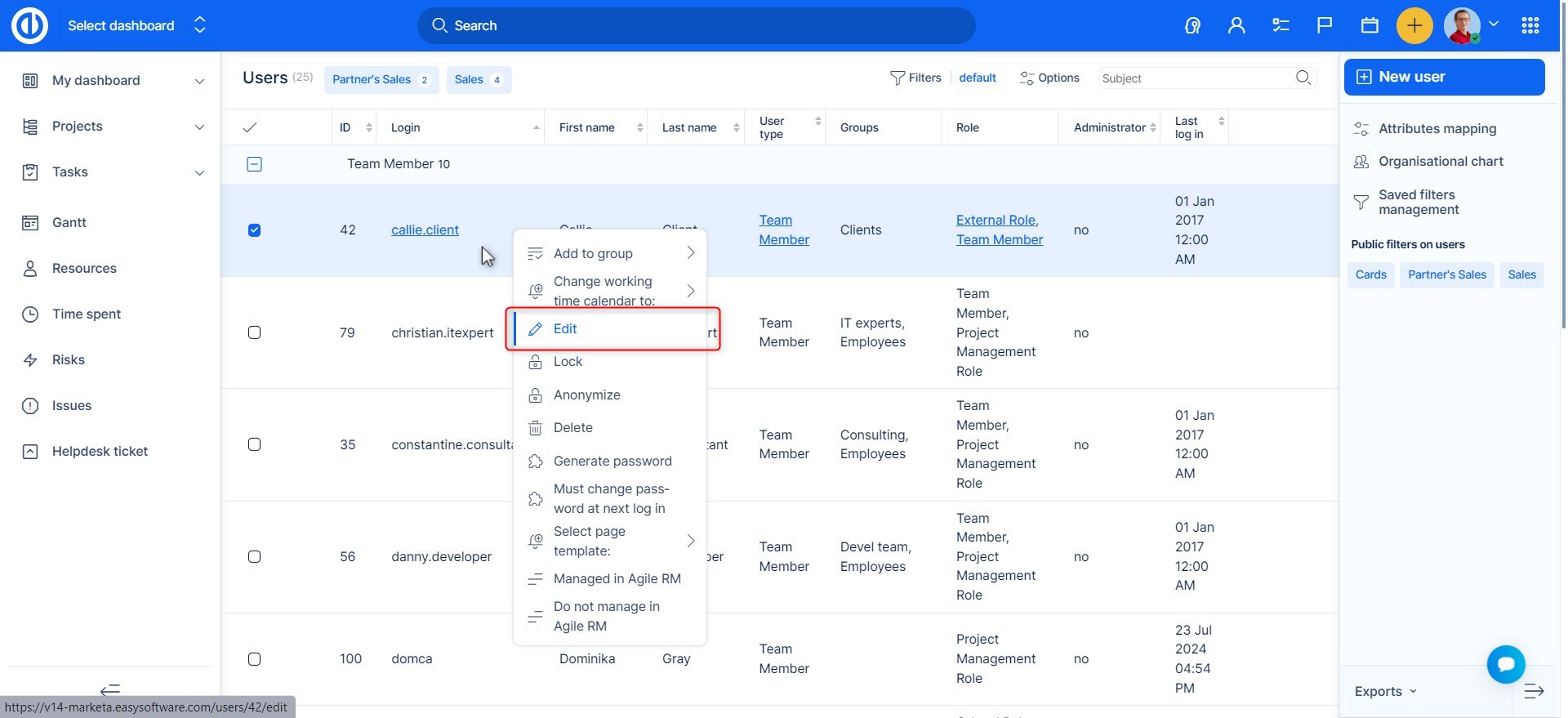
Go to Administration >> Users , or Global menu >> Users . Find the user and click edit.
On the projects tab, you select a project and assign/edit a role this way.