


HelpDesk evaluation of e-mails
This tutorial describes by what criteria and in what order incoming e-mails are sorted into Help Desk projects.
First, the HelpDesk checks the keyword in the e-mail subject.

Second, the HelpDesk checks the mail/domain in the following order:
- FROM - complete email
- TO - complete email
- FROM - look for domain name
- TO - look for domain name
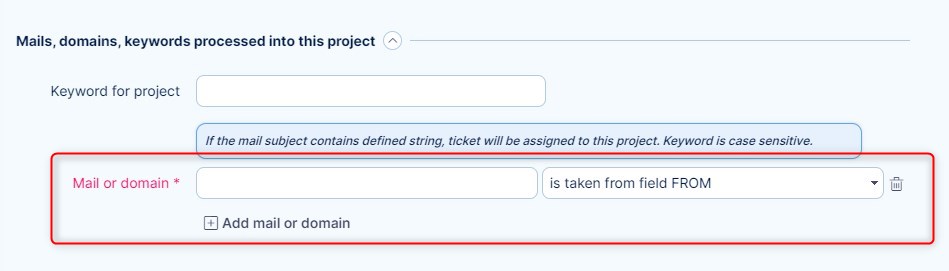
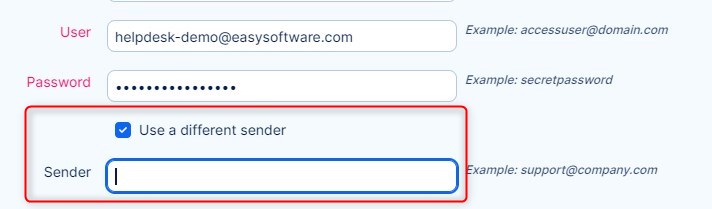
Third, Help Desk checks whether the destination address is not a custom address.
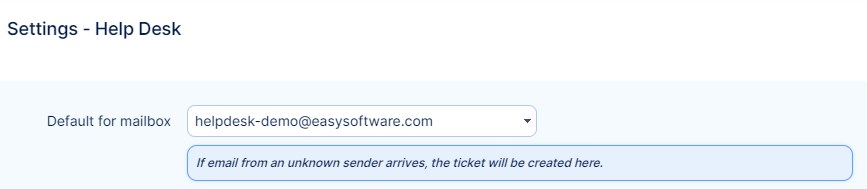
Fourth, Help Desks checks the "Default for mailbox" setting.
Fifth, Help Desk tries to find the target project by keyword "Project:".
If each of these criteria fails to find the Help Desk project, the e-mail will not be processed and will end with the "Unable to determine target project" error message.
