WorkOps in action: AI and automation across your teams
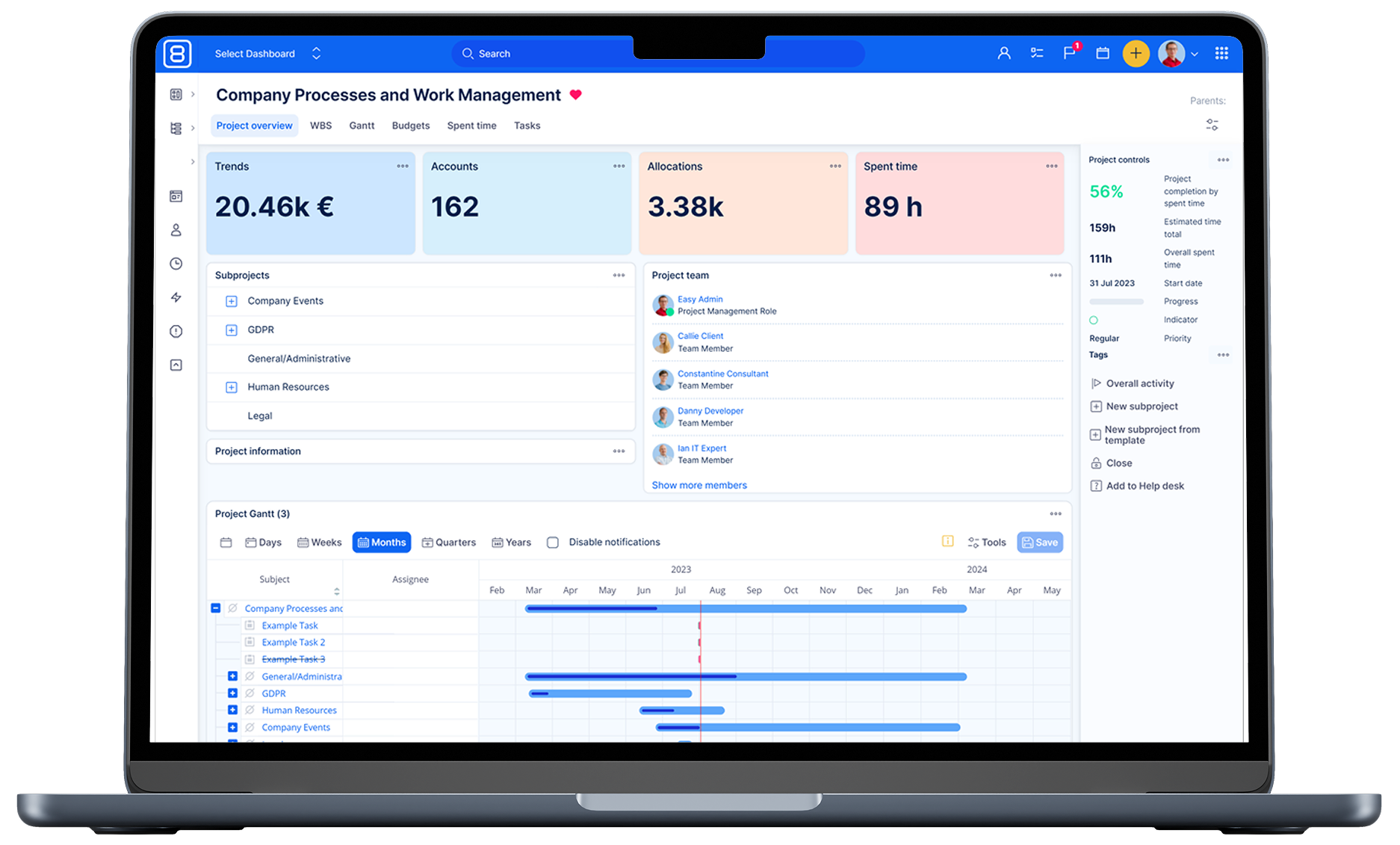
Teams still work in silos, tools stay fragmented and the same questions get answered twice. In our latest webinar, Jan and Martina showed how WorkOps, AI and a few smart automations inside Easy8 fix exactly that.

Table of contents
Why WorkOps matters
Four n8n automations that work
How to start building workflows
Security and data control
Automation inspiration in the Easy8 Workflow Catalogue
TL;DR
WorkOps connects planning, delivery and operations into one loop. With AI agents and n8n workflows inside Easy8, teams turn closed tickets into reusable knowledge, brief sales after every meeting and escalate risks before customers complain.
Why WorkOps matters
Most companies still run on fragmented tools, manual handovers and outdated data. Inspired by DevOps, WorkOps applies the same idea to the whole business:
- report
- plan
- build, test
- release
- operate
- feed insights back
Automation and integrations sit between every phase, with AI working across all of them. The result? One shared view of the work, fewer delays and far less repetitive admin.
Four n8n automations that work
Our experts demoed four practical workflows running on Easy8 and n8n. Each one solves a specific friction point a typical team faces every week:
- Smart HelpDesk: Every night an AI agent reads closed tickets, cleans the chatter and writes one structured comment with symptom, cause and resolution. The customer gets a clean summary, the company gets reusable knowledge.
- Expert colleague assistant: An AI chat connected to product docs, release notes, HelpDesk tickets and source code. Customer Success staff get senior-level answers in a minute without disturbing developers.
- AI notetaker to Easy8: Meeting transcripts from Alexi turn into structured follow-ups on the right task, with participants, summary, next steps and recording link. Sales and Customer Success teams see the outcome in real time.
- Support escalation flow: One button on a ticket gathers recent history, spots patterns (like five rookie questions from the same user) and creates an escalation task for the Account Manager with a suggested action.
How to start building workflows
You do not need a huge programme to begin. A short, focused session with the right people is enough to find the first workflow worth automating.
A simple way to get started:
- Pick one place where work waits, queues or gets handed over badly.
- Map the friction with the involved teams in 20 to 30 minutes.
- Build the workflow in your favourite tool, n8n, Zapier or Make.
- Give all teams one shared view of the data inside Easy8.
- Measure the time and money saved, then repeat the cycle.
Security and data control
For GDPR-sensitive cases you can anonymise collections, use an LLM subscription that does not train on your data, or run an on-premises LLM with Easy8 so nothing leaves your infrastructure.
Automation inspiration in the Easy8 Workflow Catalogue
Still need some more inspiration for automated workflows? Take a look at the Easy8 Workflow Catalogue with ready-to-use automations, expected savings, and configuration tips. Pick one, adapt it to your context (and maybe plug it into your own WorkOps loop).
Want the full story, live demos and Q&As? Watch the complete webinar recording to see every workflow in detail and get inspired for your own setup.

Frequently asked questions
Related articles

WorkOps for regulated industries: Less audit pain, more delivery and compliance automation
Regulations add weight to already complex products. In this Easy8 webinar, Petr and Róbert show how a WorkOps mindset, paired with AI agents and tool orchestration, removes manual audit drudgery in regulated sectors.

How we scaled our customer journey with WorkOps, automation, and AI
Most teams manage work in silos. Information gets lost between handovers, clients repeat themselves, and nobody owns the full picture. Here is how Easy8 used WorkOps to fix that, with real numbers.

WorkOps for product teams: Faster delivery with n8n automations and AI
Discover how integrating AI and automation into your product lifecycle can eliminate manual friction and accelerate value delivery. This session explores "WorkOps"—a framework inspired by DevOps—to unify teams, data, and processes through continuous loops of improvement.