What is Atlassian Data Center platform?
Atlassian Data Center is a self-managed, enterprise-grade deployment platform for Atlassian products designed to meet the mission-critical needs of large organizations. It represents the evolution of Atlassian's self-hosted offerings following the end of Server support, combining advanced technical architecture with comprehensive enterprise capabilities to deliver high availability, scalability, and operational control.
Atlassian Data Center is available for five core product families:
- Jira Software: Issue tracking, agile project management, and workflow automation
- Jira Service Desk: IT service management and customer support ticketing
- Confluence: Enterprise content collaboration and documentation platform
- Bitbucket: Git repository management and source code collaboration
- Crowd: Identity and access management for centralized user authentication
Related content
What is the difference between Atlassian Data Center and Server?
Atlassian Data Center and Server are two distinct self-hosted deployment models for Atlassian products (Jira, Confluence, Bitbucket, and others), each designed for different organizational needs and scales. The fundamental technical difference is that Data Center supports a multi-node cluster architecture while Server operates on a single application server.
While both offer the same core functionality, Data Center is purpose-built for enterprises requiring high availability, performance at scale, and operational flexibility, whereas Server is suited for smaller organizations with more modest deployment requirements.
What are the alternatives after Jira Server end of life?
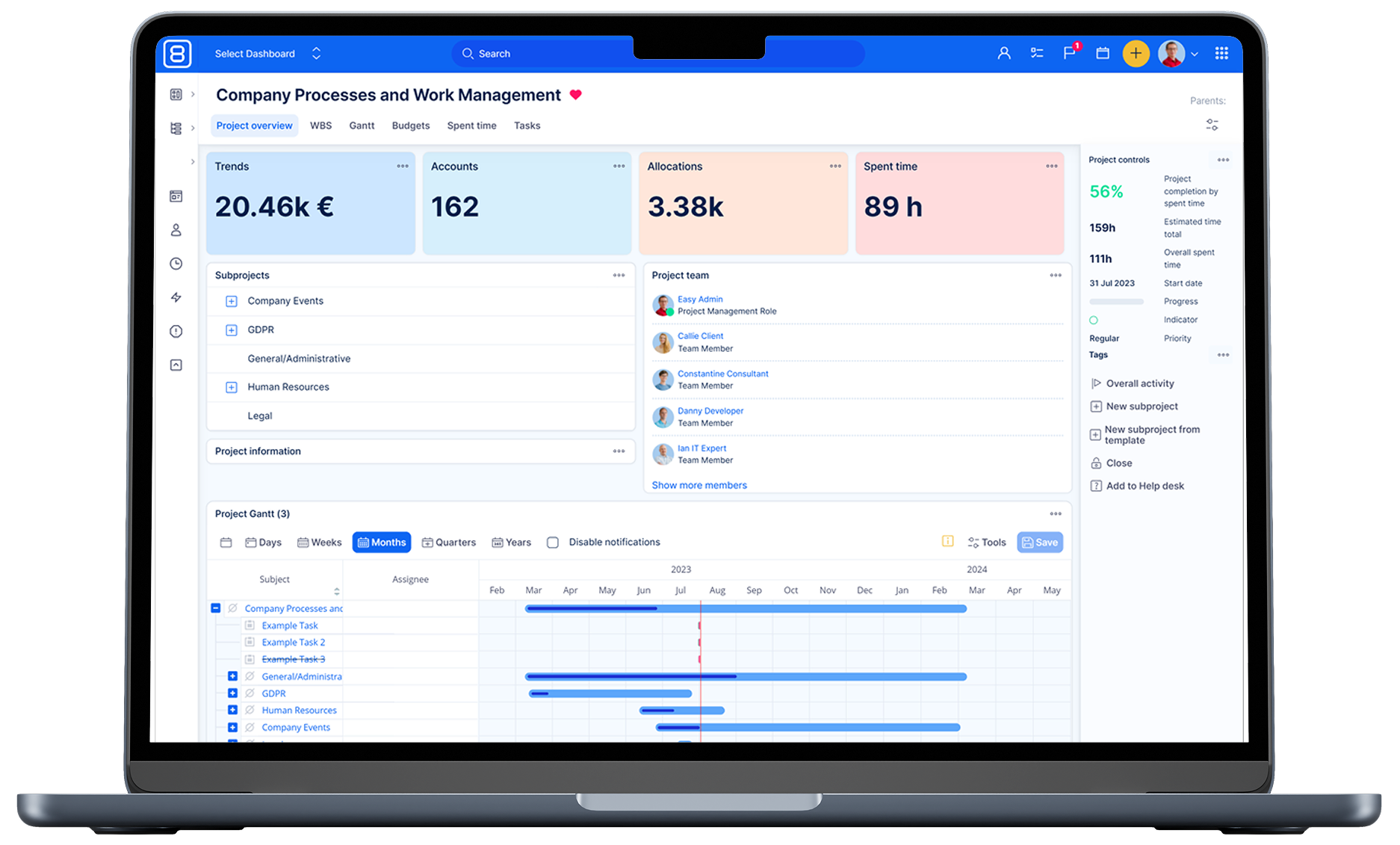
As Jira Server announced its end of life by 2024, project managers should consider alternatives like Easy8, a secure and versatile project management platform.
How to migrate Jira database?
Migrating from Jira to another platform can be a complex process, and it typically involves several key steps:
- Assessment and planning: Before starting the migration, it's crucial to assess the current Jira setup, including the number of projects, custom fields, workflows, and any integrations or add-ons in use. This helps in planning the migration strategy and identifying potential challenges.
- Data export: The next step is to export data from Jira. This can be done using Jira's built-in export tools, such as exporting issues to a CSV file. The export should include all necessary data like issues, attachments, and user information.
- Data mapping and transformation: Once the data is exported, it needs to be mapped to the new platform's data structure. This may involve transforming the data to fit the new system's requirements, such as converting custom fields or workflows to the new format.
- Migration tools: Depending on the target platform, there may be specific migration tools available to facilitate the process. For example, if migrating to a cloud-based system, there might be cloud migration assistants or third-party tools that can help automate parts of the migration.
- Testing: Before performing the final migration, it's important to test the process in a staging environment. This helps identify any issues that might arise during the actual migration and allows for adjustments to be made.
- Execution: After successful testing, the migration can be executed. This involves importing the transformed data into the new platform and ensuring that all data is correctly mapped and accessible.
- Validation and cleanup: Post-migration, it's essential to validate that all data has been migrated correctly and that the new system is functioning as expected. This includes checking for any missing data, broken links, or issues with workflows. Any necessary cleanup should be performed at this stage.
- Training and support: Finally, provide training and support to users to help them transition to the new platform. This ensures that they are comfortable with the new system and can use it effectively.
Each migration is unique, and the specific steps may vary depending on the complexity of the Jira setup and the target platform. It's often recommended to work with experienced professionals or solution partners to ensure a smooth migration process.