


I already have Easy8 installed. How do I check which version it is?
The version of Easy8 can be checked on a special page, which must be entered manually into the navigation bar (/admin/info). Scroll to the very bottom of the page, where you will find the number of your exact version.
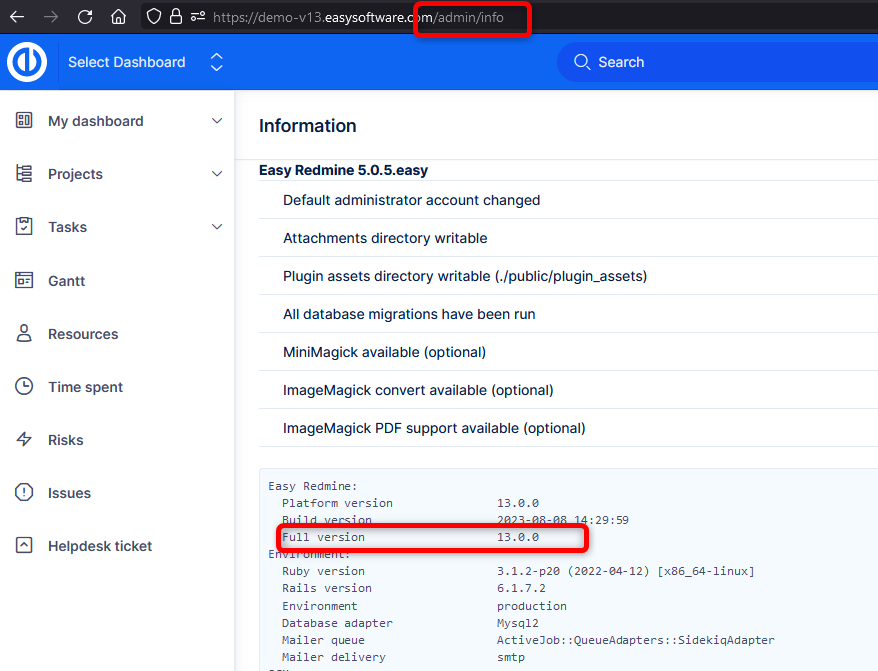
To explain the numbers:
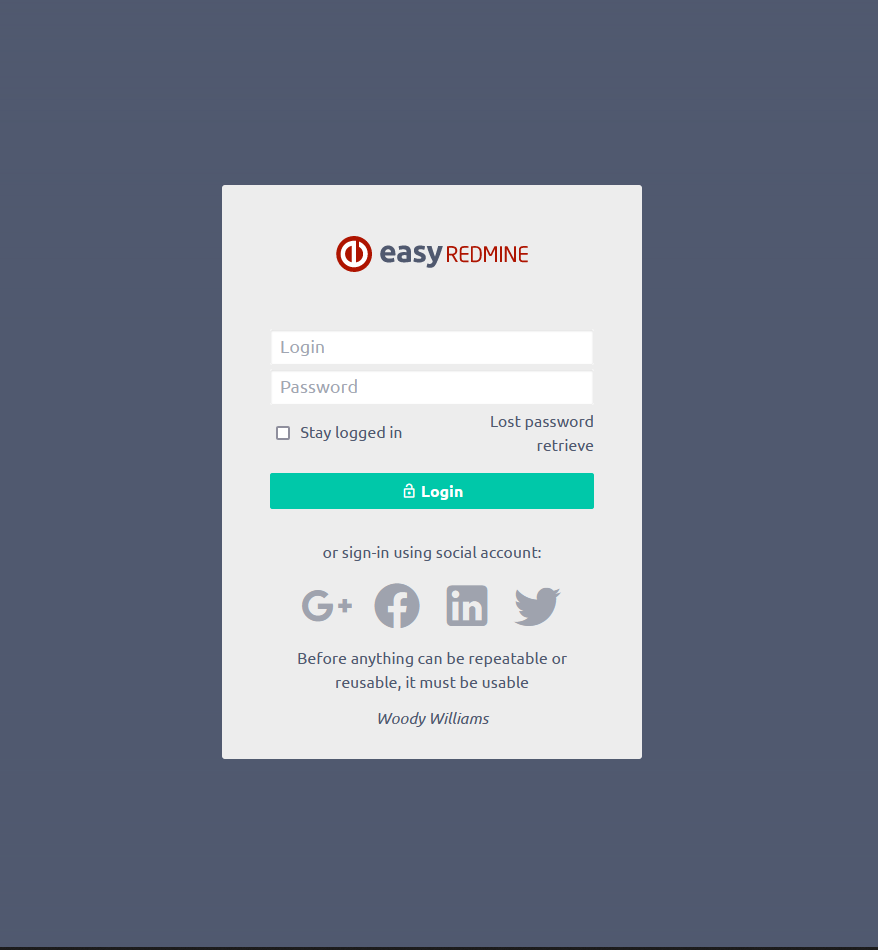
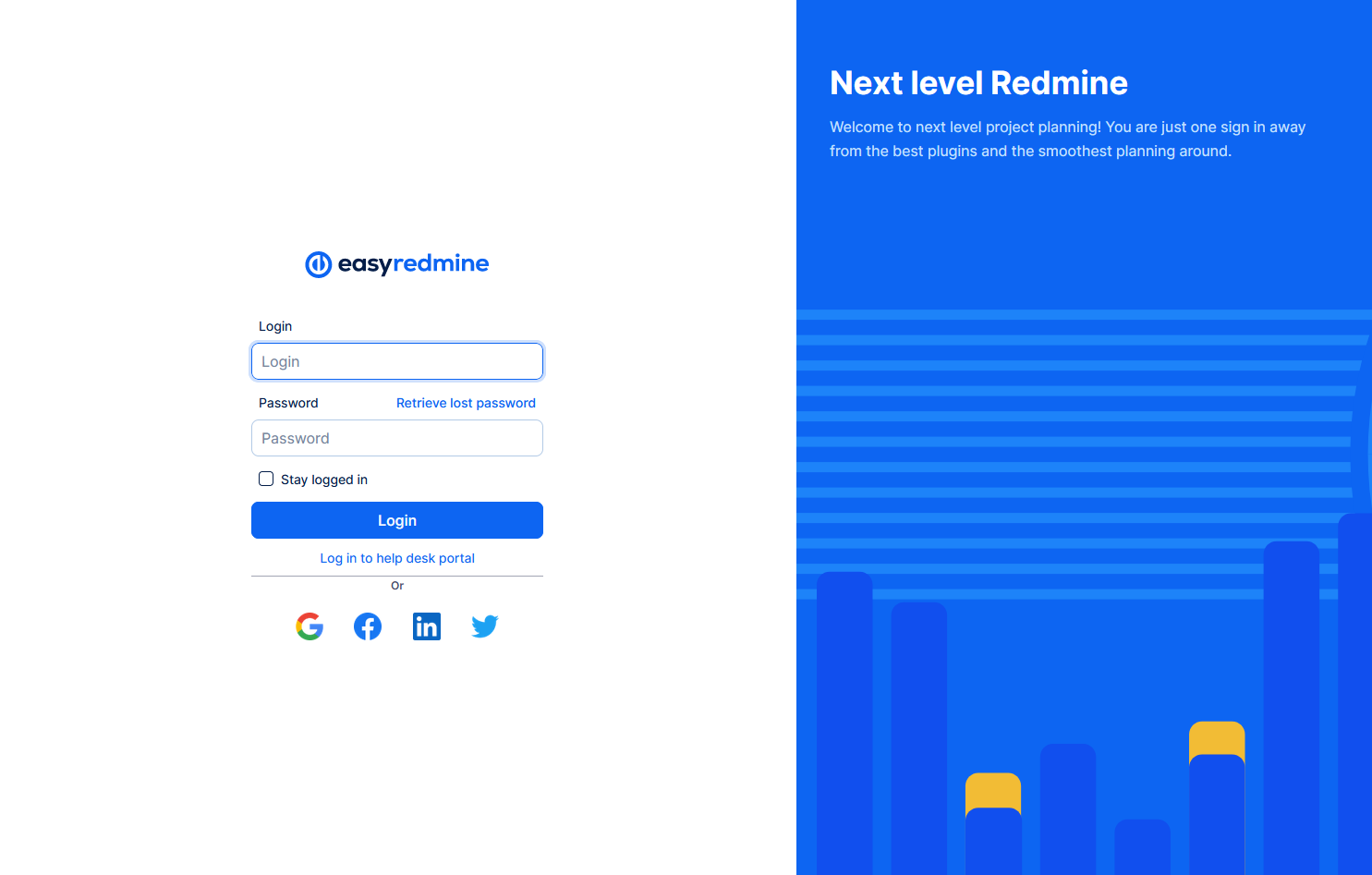
- First number - Generation (major version). By standard, you will notice it by the overall change of the GUI and CSS.
Examples of login pages from different generations:
- Second number - minor version. Contains added features in comparison to the previous version.
- Third number - bug fixing release (patch) within the minor version. It doesn't bring any new features, just fixes or optimizes the existing version.
