What are examples of workflow tools?
Workflow software tools automate and manage business processes like task routing, approvals, and notifications. Popular examples include Jira, monday.com, and Easy8 tailored for project management and IT workflows.
Free workflow tools offer core automation and task management features at no cost, often with limits on users or advanced options. They're ideal for small teams or IT projects like ticket routing and compliance tracking.
Workflow tools are software (or platforms) that help you design, run, automate, and monitor repeatable processes—anything from “how work moves across a team” to “how data moves across systems.
Related content
What is a workflow software?
Workflow software helps teams automate and manage repetitive business processes. It streamlines task assignments, approvals, and handoffs to boost efficiency and reduce errors.
Workflow software creates visual maps of processes, automates task routing based on rules, and tracks progress in real time.
It supports features like deadline monitoring, notifications, and integrations with tools. Common uses include employee onboarding, expense approvals, and project handoffs.
What is the difference between manual and automated workflows?
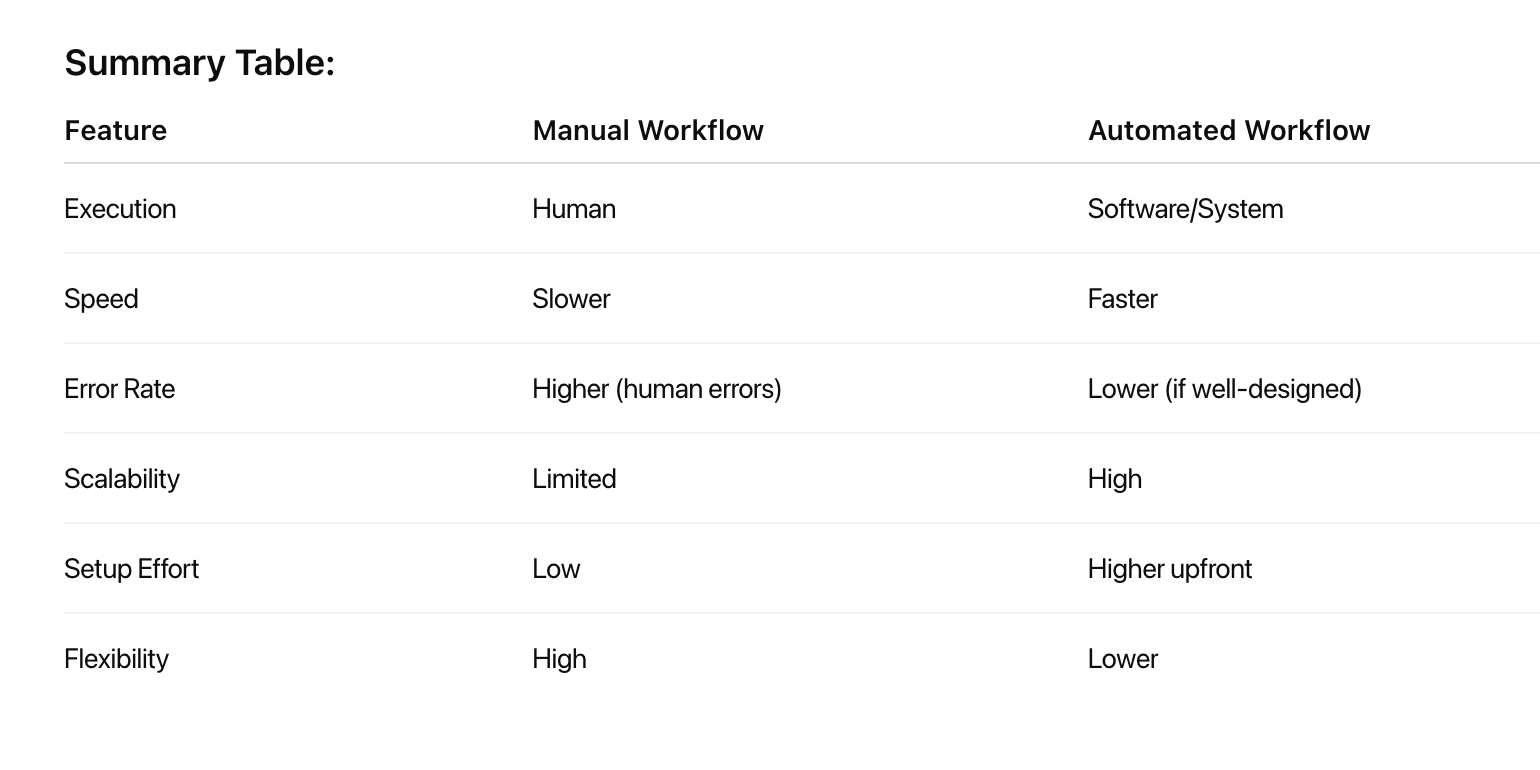
The fundamental distinction between manual and automated workflows lies in how tasks are executed, managed, and completed within business processes. Understanding these differences is crucial for organizations evaluating their operational efficiency and considering automation investments.
- Manual workflows rely on human intervention at every step, where employees perform tasks through direct action, decision-making, and coordination. These processes typically involve paper-based forms, email communications, spreadsheet management, and personal oversight of task progression.
- Automated workflows use technology and software systems to execute predefined tasks with minimal human intervention. These systems follow pre-established rules and triggers to move work forward automatically, handling routine operations without constant manual oversight.
Key differences comparison: