Can I migrate my data from Redmine?
Absolutely! Our support team will assist you in a smooth data migration.
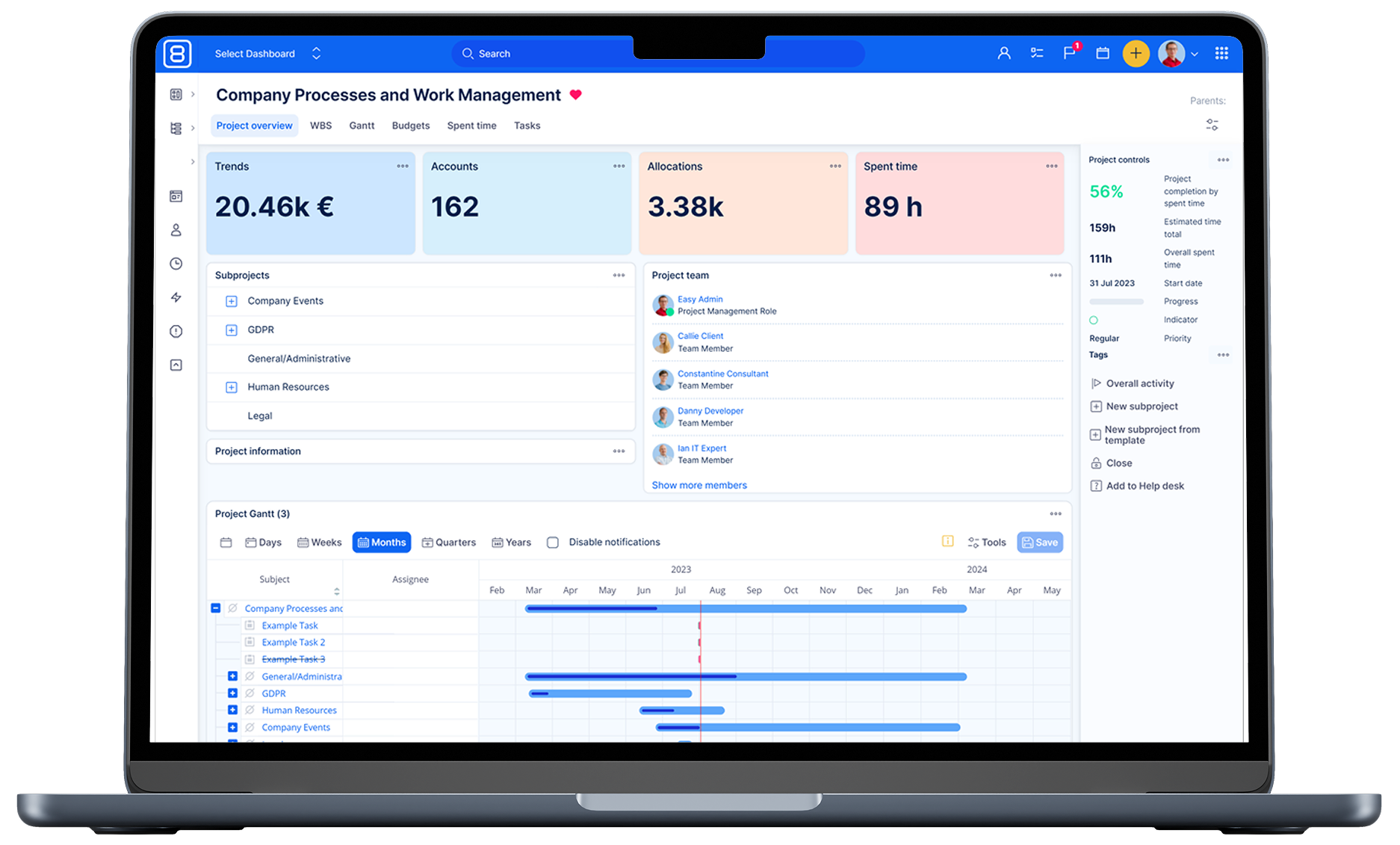
Easy8 is built entirely upon Redmine project management system. When migrating from Redmine to Easy8 Redmine Edition, you can easily transfer your entire existing database containing all project details, tasks, and other resources, and seamlessly import it into our application.
Why migrate from Redmine to Easy8 Redmine Edition:
- Simple migration of the entire database from Redmine to Easy8 Redmine Edition
- Move projects, tasks, and all other entities
- Import will be carried out by our administrators or your server administrators (not regular users)
- We have more than 10 years of experience with Redmine
Related content
Is Redmine still relevant?
Redmine remains a relevant project management solution, especially for teams with technical skills who value flexibility and cost efficiency. It offers key benefits such as being open source, highly customisable, and scalable for various industries, from software development to manufacturing.
Additionally, its rich plugin ecosystem and consistent updates since 2006 make it a reliable choice for organisations managing complex projects.
Read Easy8 reviews on Capterra to see what users think about Easy8 Redmine Edition.
Can I migrate my data from Redmine?
Absolutely! Our support team will assist you in a smooth data migration.
Want to import your Redmine data into the Easy8 Cloud?
Before any migration can take place:
All third-party plugins must be uninstalled AND unmigrated from your Redmine. Just removing the plugin folder and restarting Redmine is insufficient, because the data structure is still modified.
Also, you need to remove all your own modifications from Redmine for the data to be importable. Easy8 requires Redmine to be in standard unmodified form.
Important note : Importing a database dump to Easy8 always completely replaces the previous data on that site, therefore it is not possible to import the data again and keep the "old"/"common" data on the site. In other words, once you imported the data in Easy8, do not use both sites on production simultaneously, if you intend to make another import.
How to prepare data for Easy8 Cloud:
- Check the latest compatible version of Redmine in the latest release notes
- Upgrade to the given redmine
- Export the dump:
- MySQLdump of your Redmine
- Easy8 in cloud supports only MySQL DB
- The whole DB and all fields have to be in the UTF-8 coding page (utf8_general_ci)
- InnoDB engine (MyISAM is not supported)
- Command: $ mysqldump redmine --compact | gzip > redmine_dump.sql.gz
- Files
- We need to get folder files and their data
- $ tar -czf redmine_files.tar.gz [redmine_root]/files
If you need assistance, please feel free to contact support, and we will provide you with a pricing estimate for the necessary action from our server administrators.