Release notes for version: 15.7.0
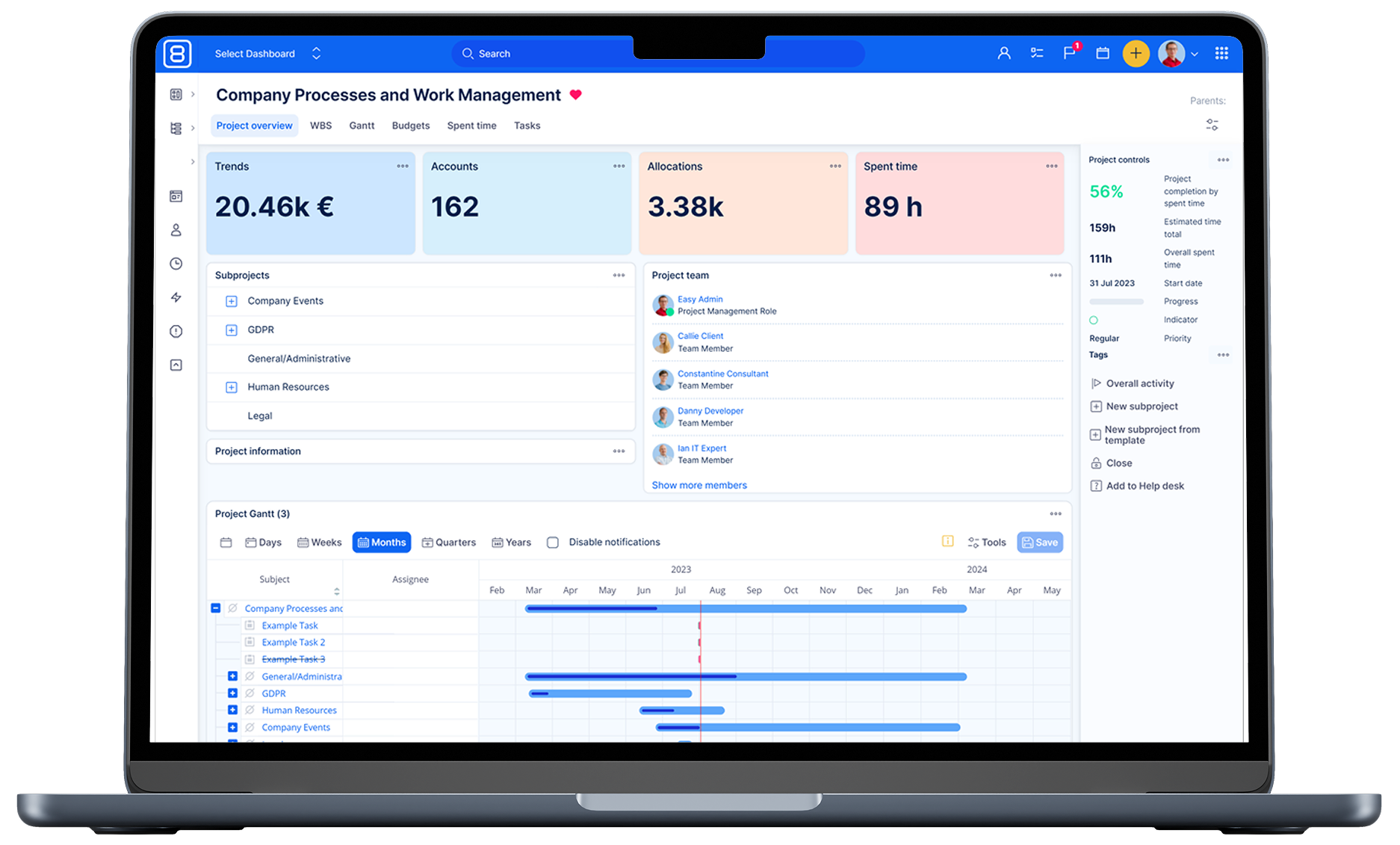
Logo, favicon, login page rebrand
Updated some application elements in cohesion with the new brand.
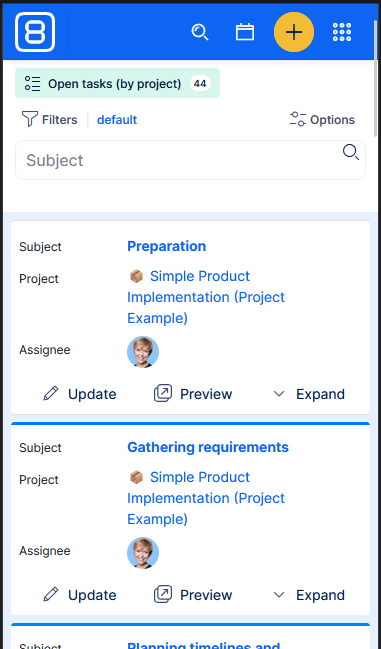
Task list - native mobile view
Introduced a native task list view for mobile.
When closing a project, option to close all remaining open tasks
Closing a project now includes a confirmation that can also close all open tasks and set their closed status. This saves time and ensures cleaner project closure, including in bulk.
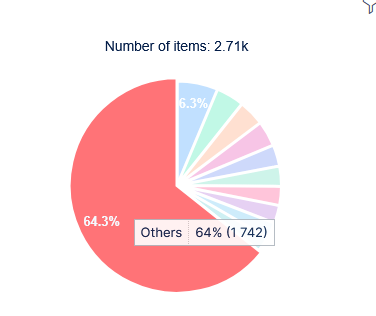
Pie chart slice limit
You can now set a pie chart slice limit in chart settings to control how many categories appear; any additional values are automatically grouped into an Others category for clearer charts and faster loading.
Custom kanban > Done column > add option "show only tasks closed last N days"
You can now limit the Done column on Custom Kanban boards to only show tasks closed in the last N days, keeping boards focused and manageable. Configure this in the board settings.
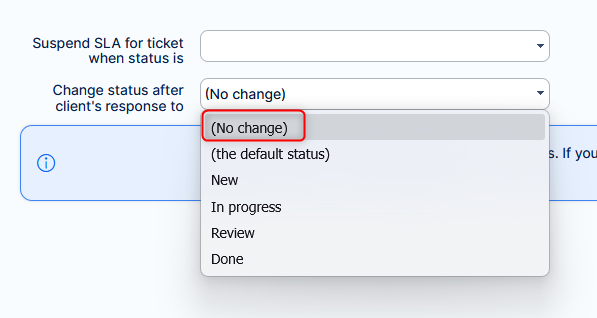
Help desk - Keep ticket status after email response
You can now choose a “No change” option in Help Desk settings to keep a ticket’s status unchanged when a client replies. This prevents automatic reopenings and resolves inconsistent status changes some customers experienced.
Filtering for "project" in project dashboard
Corrected behaviour on project dashboards.
Previously
Application acted as if you could set a filter for Project in query widgets. User was mislead that they could show tasks from Project B on dashboard of Project A. This was never possible, and after saving the widget the filter was lost, and the project context was applied automatically.
Also, adding global filter on project dashboard for Project would act similarily - as if it was possible to use the filter Project
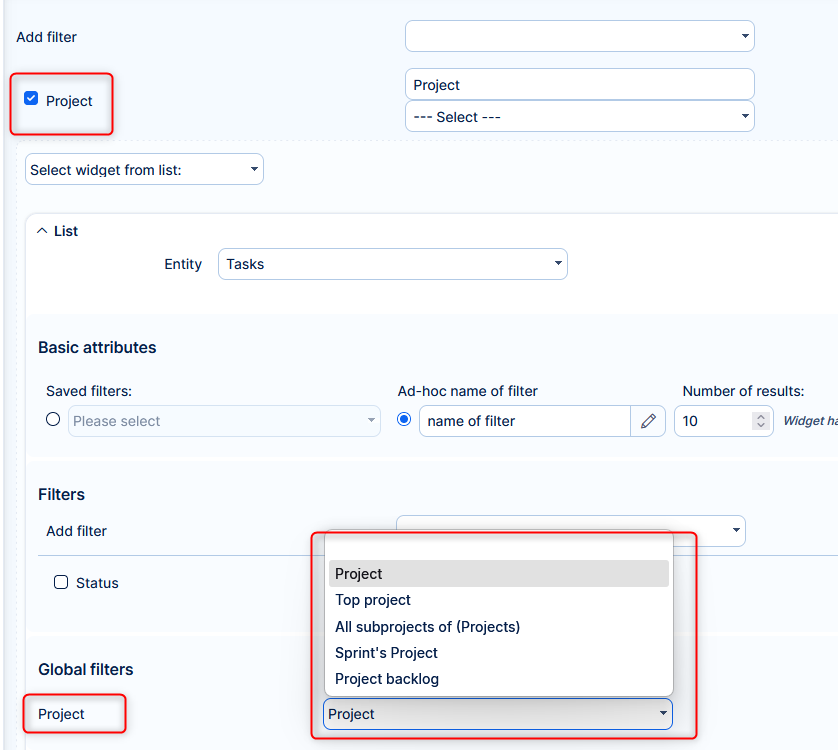
Now
When adding widget to project dashboard you no longer see filter Project.
When adding global filter on project dashboard, the widget filters are limited to only relevant filters, such as Subprojects.
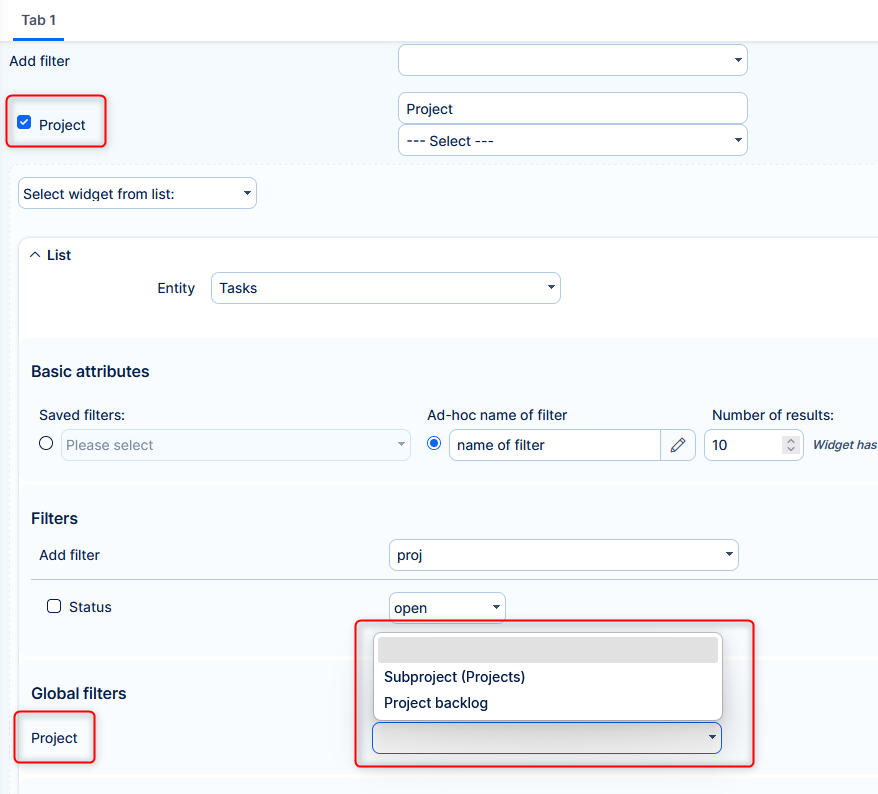
Required fields more discreet
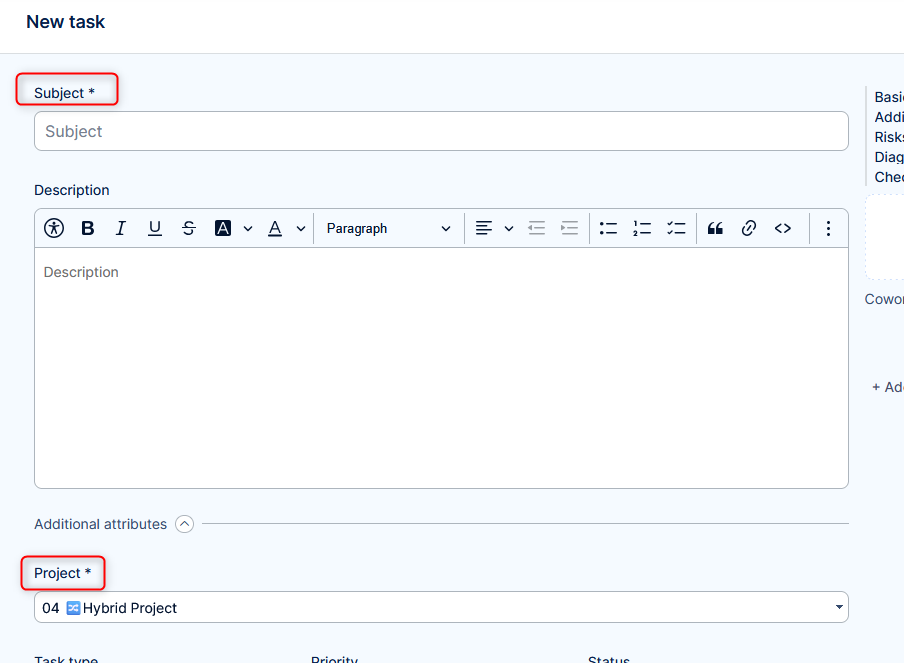
In forms, the required field are in standard text color, as the other fields. Red is the color of error, which is not relevant for an unsubmitted form.
⚠️Technological stack
This section is important for Server solution, although with Docker, these requirements are updated automatically. Cloud users need not worry about any of this.
- OS: Debian 12 on amd64 architecture
- Redmine: upgradable from version 6.0.8
- Ruby: 4.0.1
- Bundler: 2.7.1+
- Rubygems: 3.7.x
- Database: Percona/MySQL 8.4
Database adapter switched to trilogy - redis-server: 8
- NodeJS: 24.13
- Docker engine: 29.1.5
- Docker compose: 5.0.1
⚠️ Ruby and NodeJS are strictly mandatory, without these versions you will not be able to run Easy8.
⚠️ Percona MySQL is strongly recommended, due to optimization and testing with only this version.
⚠️ Trilogy DB adapter
Previously: mysql2
Now: trilogy
In non-docker deployments you need to switch it manually:
- Open your configuration.yml
- Replace the adapter value from mysql2 to trinity.
- Save the file.
- Restart the application/services.
If mysql2 remains in the configuration, the application may fail to connect to the database after upgrade.
Known issue: MySQL 8 authentication (caching_sha2_password)
There is a known issue with caching_sha2_password (default authentication plugin in MySQL 8.0+).When using caching_sha2_password, trinity requires either:
- a TLS connection, or
- a Unix socket connection.
Without one of these, authentication can fail.
Temporary workaround (not preferred): Switch the database user to mysql_native_password for compatibility. This is not recommended as a long-term solution.
✅ Or, forget about the management of technological stack and use Docker deployment. It combines the security of on-premises solution with nearly the comfort of cloud solution.
Before every application upgrade, please carefully refer to all release notes between your existing version and the new version - there may be critical technical or functional changes explained.
To avoid sifting through too many release notes in the future, we recommend updating your application regularly. With Docker updating is very simple, and brings you advantages:
- Latest security fixes
- Latest bug fixes
- Fewer changes at a time - better digestible for your users