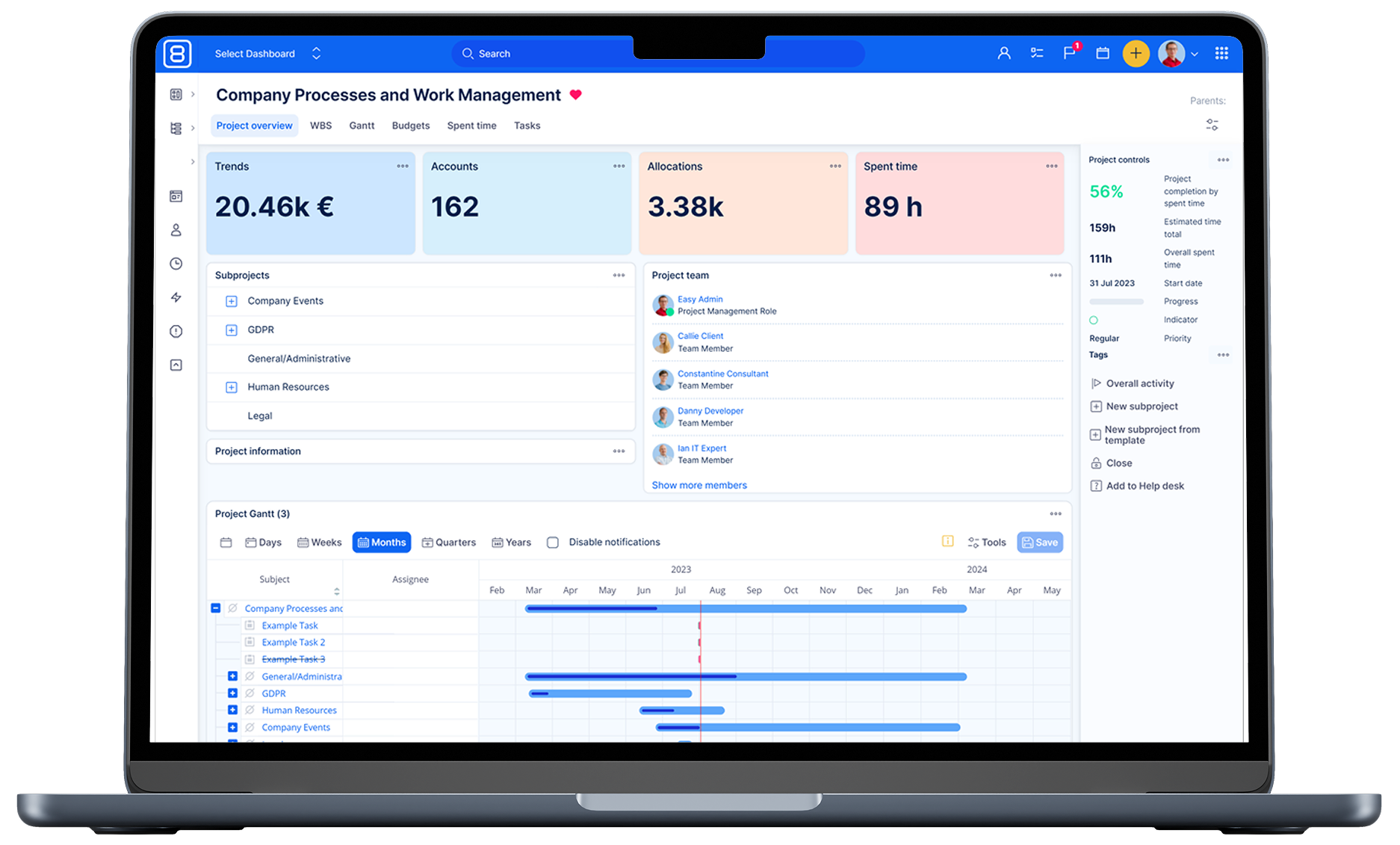
Grasp tighter control over your DevOps
Centralise GitLab data for comprehensive DevOps insights and improved team alignment.

Company-wide information flow
Instant automated information flow from development to the entire company.

Lossless team handovers
Smoothed handovers between production teams and front-office.

Increase value delivery
Minimise developer distractions to increase delivered value to customers.

Deconstruct complex processes
Use integrated diagrams to organise and monitor complex agendas.
Trusted by the best


Key features & capabilities

GitLab integration
Work with your GitLab repositories, commits, merge requests, and tests in fully filterable datasets without leaving your project management tool.

Scrum Boards
Based on insights from 200 Scrum teams worldwide, we have built the all-new Scrum boards designed to foster seamless real-time collaboration and accelerate the product value delivery.
Scrum Boards are visual tools used in Agile software development to track and manage tasks and user stories.

HelpDesk
Easy8 offers an integrated Help Desk solution for customer support, as well as internal technical support and information assistance.
DevOps and the Help Desk share a growing link as DevOps streamlines software operations and necessitates tighter integration with Help Desk support to address user needs promptly, improving overall service quality and user satisfaction.

Dashboards
Collect, sort, and visualize data from every relevant department, transforming it into valuable information.
This process provides real-time insights for your DevOps and software development, paving the way for optimising your value-adding chain.

Diagrams
Create diagrams of any complexity level directly within your tasks, dashboards, knowledge base, requirements, or test scenarios using the natively integrated Draw.io tool.
Diagrams provide DevOps teams with visual clarity over complex processes, helping to improve communication and facilitate data-driven decision-making.

Test cases
Test cases are valuable tools that help streamline repetitive processes and facilitate testing scenarios, offering compatibility with various testing methodologies.
Test cases are especially advantageous for IT teams seeking to enhance the rigor and systematic nature of their testing, as well as for industrial companies.
Read more about DevOps & Software development

DevOps for Easy8 – A New Perspective to Software Development for All Redminers
Looking to get the most out of your DevOps environment in a simple and effective way? Then take one more step to try out Easy8 2019 including the new DevOps bundle. The integration of Development and Operations along with top-notch project management brings a new perspective to software development for all Redminers.

Webinar Recording: Easy8 DevOps Plugins
Looking to get the most out of your DevOps environment in a simple and effective way? Learn more about Easy8 DevOps plugins in this webinar recording (below). The integration of Development and Operations along with top-notch project management brings a new perspective to software development for all Redminers.

When and why Scrum might not work
Scrum is undoubtedly one of the most popular Agile frameworks in product management, particularly in software development. At its core, Scrum promotes adaptive planning, evolutionary development, early delivery, and continuous improvement. Despite its efficiency and flexibility, there are instances where this methodology might not be as effective. Read the scenarios where Scrum may fall short and offer guidance on navigating these challenges.