en
Language
  • en
  • cs
  • hu
  • de
  • fr
  • es
  • br
  • ru
  • kr
  • jp
AI translation
  • it
  • pl
  • tr

GitLab integration with Easy8

Enhance your DevOps workflow with Easy8's GitLab integration. This robust tool consolidates critical GitLab data within Easy8, streamlining your development activities. It enhances reporting, evaluation, and visualization, empowering stakeholders to make informed decisions in software development projects. 

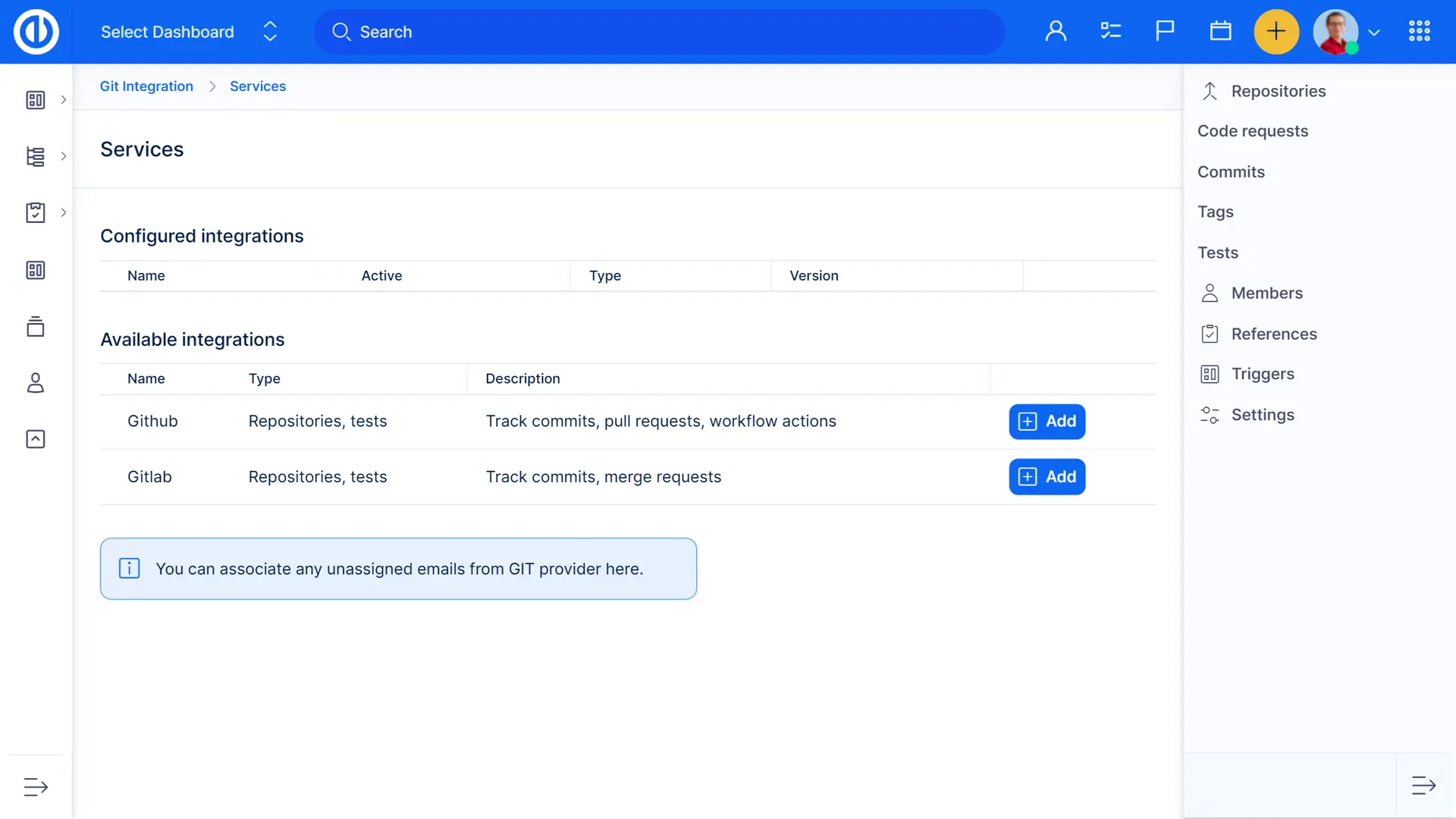
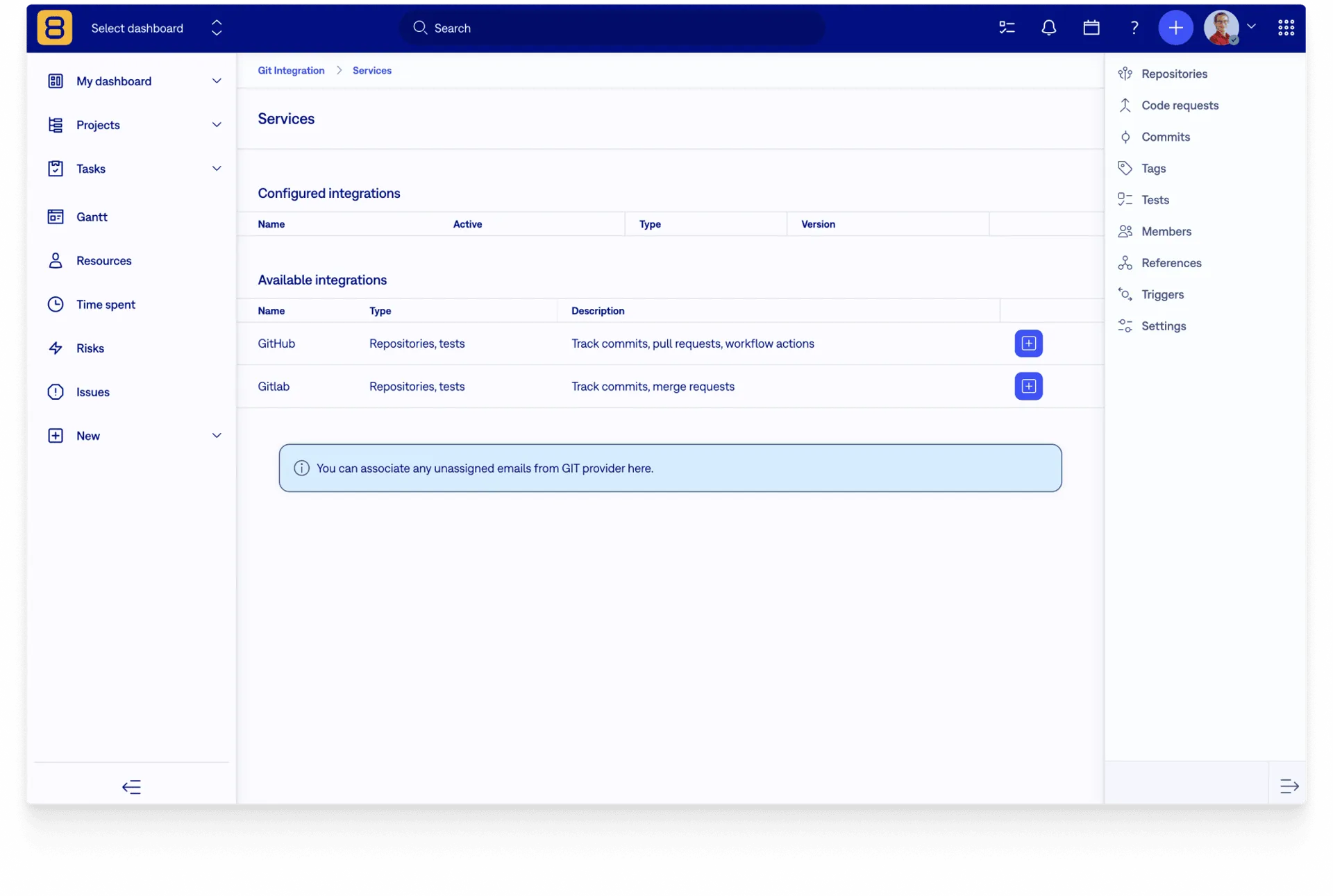
Integrate your GitLab repository with Easy8 issue tracking and make your devel process even smoother. Synchronization runs automatically every 24 hours (or manually anytime). Also, the setup is fast and easy – just 3 steps (name it, insert URL & token) and you are ready to work with your own repository.

Tailored to fit the DevOps lifecycle, this integration is designed to improve productivity, simplify workflows, and support data-driven decision-making, giving customers a powerful tool for managing their software projects more effectively.

Try Easy8 for free

Key features of GitLab integration with Easy8:

  • See the status of your commits from the repository right on Easy8's task detail
  • The association works through the unique ID of each task
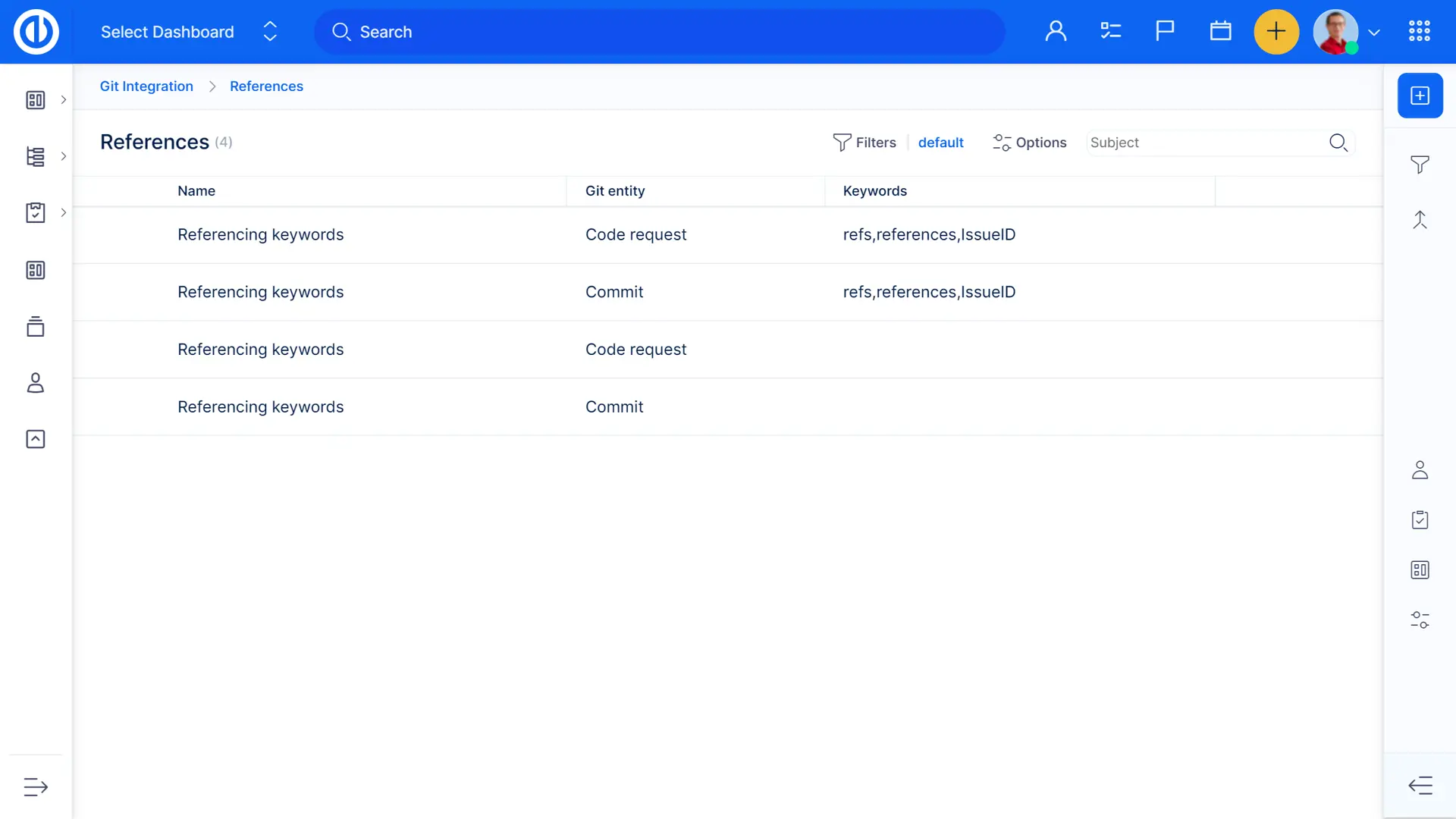
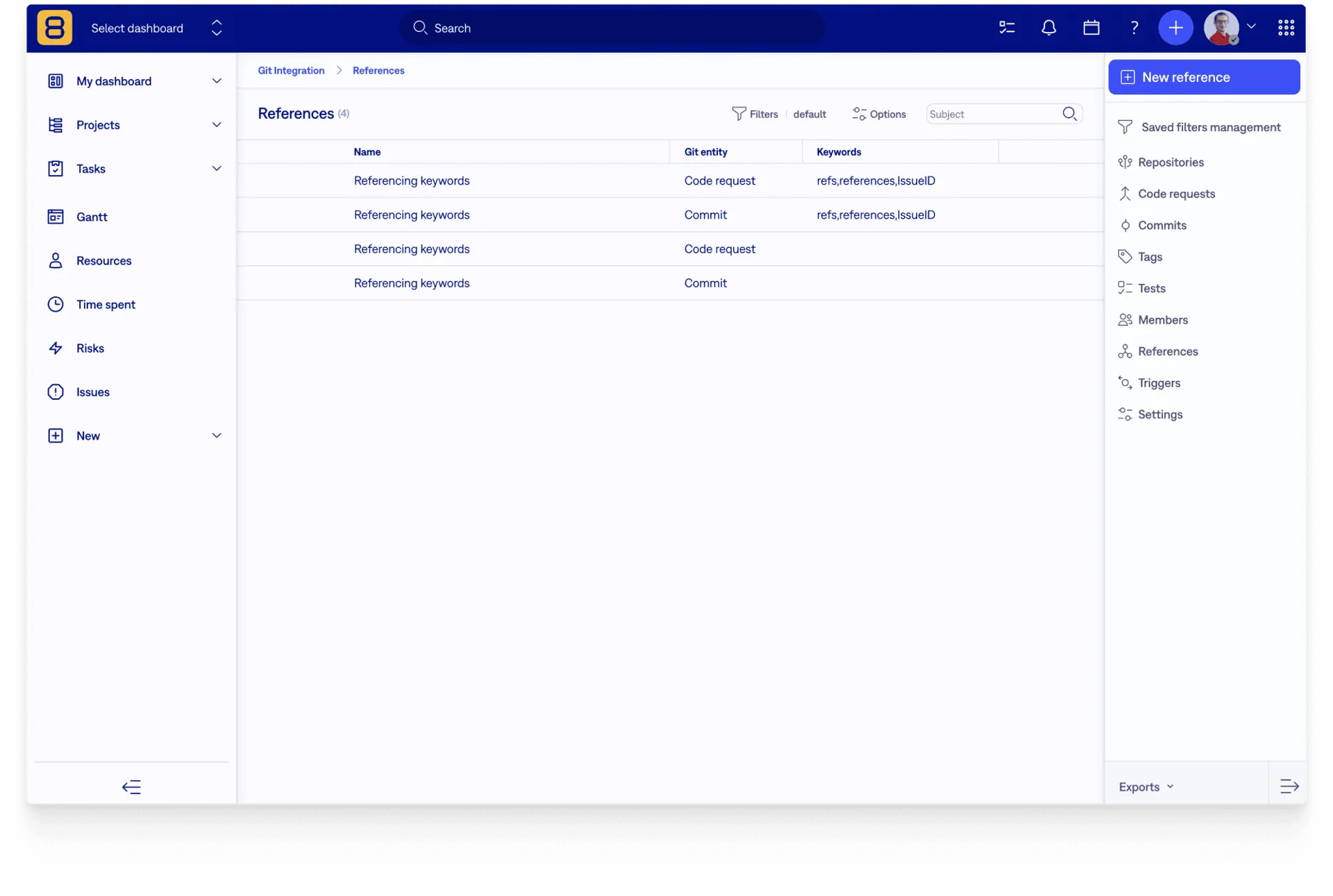
  • Pre-defined keywords help you make your work even faster (+ you can define your keywords)
  • Log time on tasks directly in GitLab

Boost Your DevOps with Easy8's GitLab integration

Optimize your software development with the GitLab integration for Easy8, combining advanced project management with GitLab's dynamic capabilities for streamlined processes, better visibility, and faster decision-making.

GitLab API integration

Eliminates the need for repository clones, ensuring the highest level of security. Easy8's GitLab API integration is designed to be straightforward and user-friendly.

Effortless setup

Setup for Easy8's GitLab integration is effortless due to its simple configuration process. The integration can be established quickly using just a URL and token6. This straightforward approach applies to both self-managed (server) and SaaS (cloud) versions of GitLab.

Comprehensive data presentation

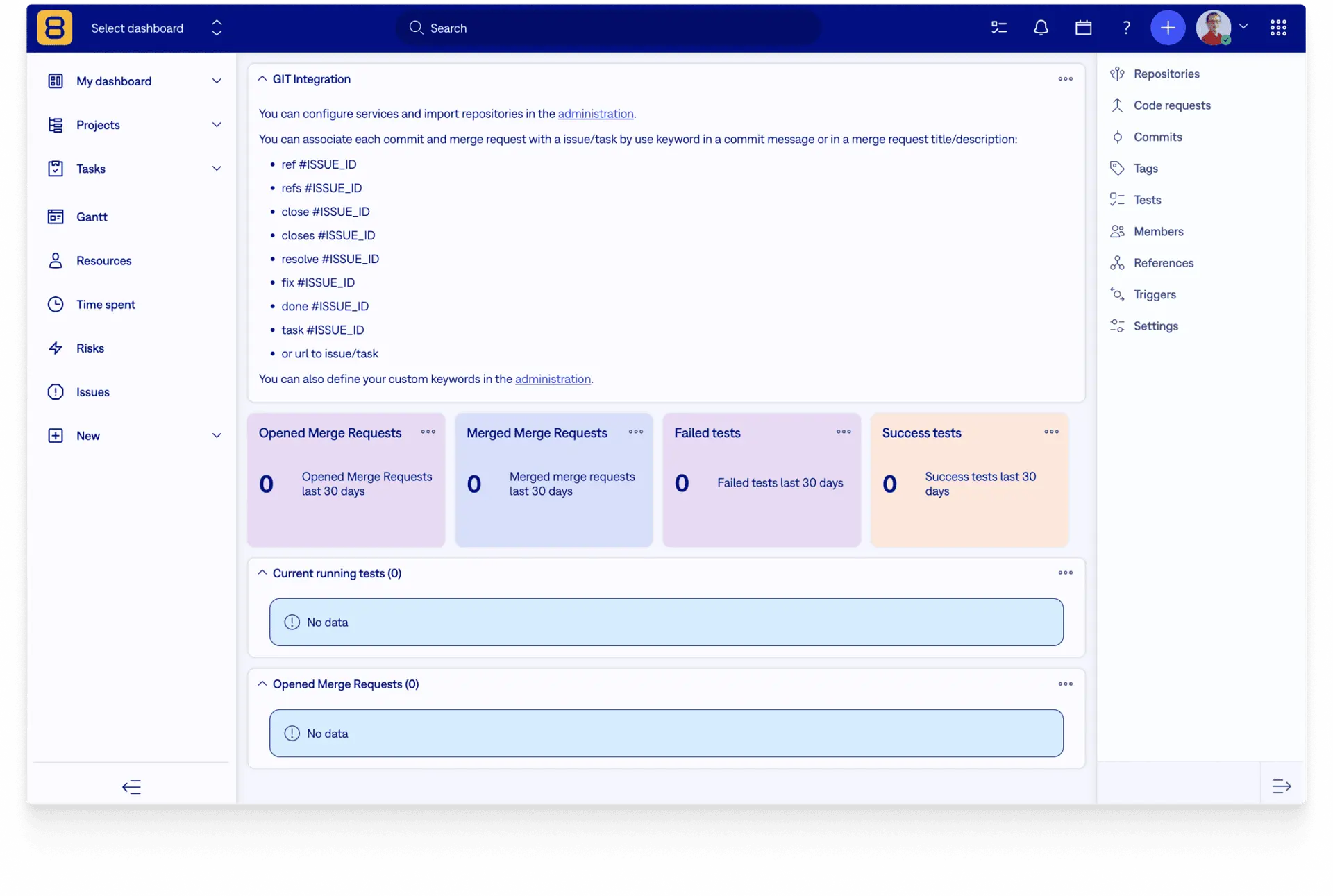
Displays key GitLab entities such as Repositories, Merge Requests, Commits, Deployments, Tests, Releases, and more in customizable, filterable lists within Easy8.

And more key features related to Easy8 GitLab integration

Explore additional features of Easy8's GitLab integration, enhancing project management and DevOps, and learn how simple setup and clear data visualization can streamline your development tasks​​.

Dynamic dashboards

Enables the creation of dashboards to monitor various development-related KPIs across projects, versions, departments, and the company.

Task-level insights

Offers a holistic view of the status of GitLab & GitHub entities related to a specific task, aiding QA, release, and delivery managers in tracking technical progress.

Milestone tracking

Enables users to view the status of all tasks associated with a specific development milestone, providing a real-time snapshot of progress.

Granular interconnection

Allows linking of specific commits or merge requests to individual tasks and even log time without needing to access Easy8 facilitated by referencing keywords.

User mapping

Connects all user attributes on GitLab & GitHub-related entities in Easy8 and logs time spent via referencing keywords to actual users.

Task management

Enables changes to Easy8 task status and other attributes directly in GitLab & GitHub using referencing keywords.

Macro actions in tasks

Automatic updates to assignee or task status based on changes in merge request state.

Presets

Assigns tasks to developers along with predefined branch and merge request statuses to standardize developer onboarding.

Version-specific filtering

Parses files named "version" or "platform_version" by default, allowing the creation of dashboards based on this file's content.

Compare GitLab vs GitHub integration
Explore the pivotal differences

This comparison provides insights into each platform's unique capabilities, from code management to CI/CD practices.


Repositories

GitLab

GitHub

Added manually
   
Webhooks registration automat
   
Added automatically (Private instance)    
Added automatically (Public instance)    

Commits

GitLab

GitHub

Synchronization
   
Reference with task
   
Can log time    
Update journal    

Merge / Pull Requests

GitLab

GitHub

Synchronization
   
Reference with task
   
Can log time    

Synchronization

GitLab

GitHub

Pipeline
   
Branches    
Tags    
Members    
Deployments    
Environments    
Releases    
Deployments    

Triggers

GitLab

GitHub

Change task status/assignee when
merge/pull request changed
   
Change task status/assignee when
tests passed or failed
   

Task widget

GitLab

GitHub

Create a branch from the pattern    
Create from task (no commit)
   
Create from task (commit exist)    

Additional Feautures

GitLab

GitHub

Automatically disabling integration if error occured    
New branch pattern
   
New merge/pull request pattern    
Remote file version    
Limit membership    
Autoreference tags & milestones    
Project restriction for references    

Frequently asked questions

What is GitLab and why is it used?

GitLab is a comprehensive DevSecOps platform that provides a centralized solution for managing the entire software development lifecycle. It is a web-based Git repository manager that offers a wide range of features to streamline the development process, from project planning to deployment and monitoring. 


What is the use of GitLab API?

The GitLab API allows developers to automate tasks, integrate GitLab with other tools, and extend its functionality. It provides programmatic access to projects, repositories, issues, CI/CD pipelines, and user data. GitLab offers REST, GraphQL, and SCIM APIs for different use cases, such as project management, workflow automation, reporting, and security enforcement. This improves efficiency, integration, and scalability in DevOps workflows.

What is the difference between GitHub and GitLab?

GitHub and GitLab are both Git repository management platforms, but they differ in focus and features. GitHub emphasizes social coding, collaboration, and marketplace integrations, while GitLab provides a full DevOps platform with built-in CI/CD, project management, and enhanced security. GitLab supports self-hosting, whereas GitHub is primarily cloud-based. GitHub offers flexible third-party integrations, while GitLab provides a more all-in-one experience.

In conclusion, while both platforms share many similarities, the choice between GitHub and GitLab often depends on specific project needs, team size, and desired workflow. GitHub excels in community-driven development and flexibility, while GitLab offers a more comprehensive, integrated DevOps solution.

Try Easy8 in 30 days free trial

  • Access all features
  • SSL protected
  • No credit card required